Share article:


Paramount Plus Error Code 3304 Troubleshooting: Causes & Fixes

Updated: 2026-09-01
Related to: Paramount Plus Downloader
244 Views
Summary: Paramount Plus error code 3304 is a playback and connection error that occurs when the web player or streaming client cannot establish a secure connection to the video or advertising servers. This guide provides a complete diagnostic checklist, root cause analysis, device-specific solutions for PC, Mac, smart TVs, and mobile devices, as well as an offline download solution using the Moyea Paramount Plus Downloader to completely bypass error 3304.
1. What Is Paramount Plus Error Code 3304?
If you searched for “Paramount Plus error code 3304”, the short answer is: it indicates a playback error with Paramount+. However, I wouldn’t call it a specific technical fault.
1.1 What Does Error Code 3304 Mean?
Paramount+’s publicly available support information currently does not indicate that every 3304 error has the same cause. Current troubleshooting advice also recommends treating the error as a playback issue and testing various components of the streaming configuration, rather than assuming that Paramount+’s servers are always the culprit.
This distinction is important because the same error can occur under different circumstances. For example, one user might encounter it due to a browser extension, while another might have a network or device-specific problem.
1.2 What Does Paramount Plus Error 3304 Look Like?
The error manifests itself primarily in three ways:
- Endless loading screen: The video buffers continuously before a black screen appears with the error message “Critical Error: Error Code 3304”.
- Ad blocking: The main content plays smoothly until an ad break occurs. The ad fails to render, causing the player to freeze on a black screen and preventing it from returning to the program.
- Playback blocking: Clicking “Watch Now” immediately results in an error message stating that the stream cannot be completed. This prevents access to live TV streams and on-demand content.
2. Quick Troubleshooting Checklist
Before changing advanced settings, I recommend using this quick diagnostic table.
| What You Notice | Most Likely Cause | What to Try |
|---|---|---|
| Paramount+ won’t play anything | Network/Service | Check network connection and service status |
| Only one browser has the error | Browser | Clear cache/Change browser |
| Works in Incognito Mode | Extension/Cookie | Disable extensions/Clear site data |
| Works after disabling VPN | VPN/Proxy | Disable VPN/Turn off Proxy |
| Works on phone but not TV | Device/App | Update/Reinstall the App |
| App works after reinstall | Corrupted app data | Reinstall Paramount+ |
| Nothing works on any device | Account/Service/Network | Test another network/Contact support |
3. What Causes Paramount Plus Error Code 3304?
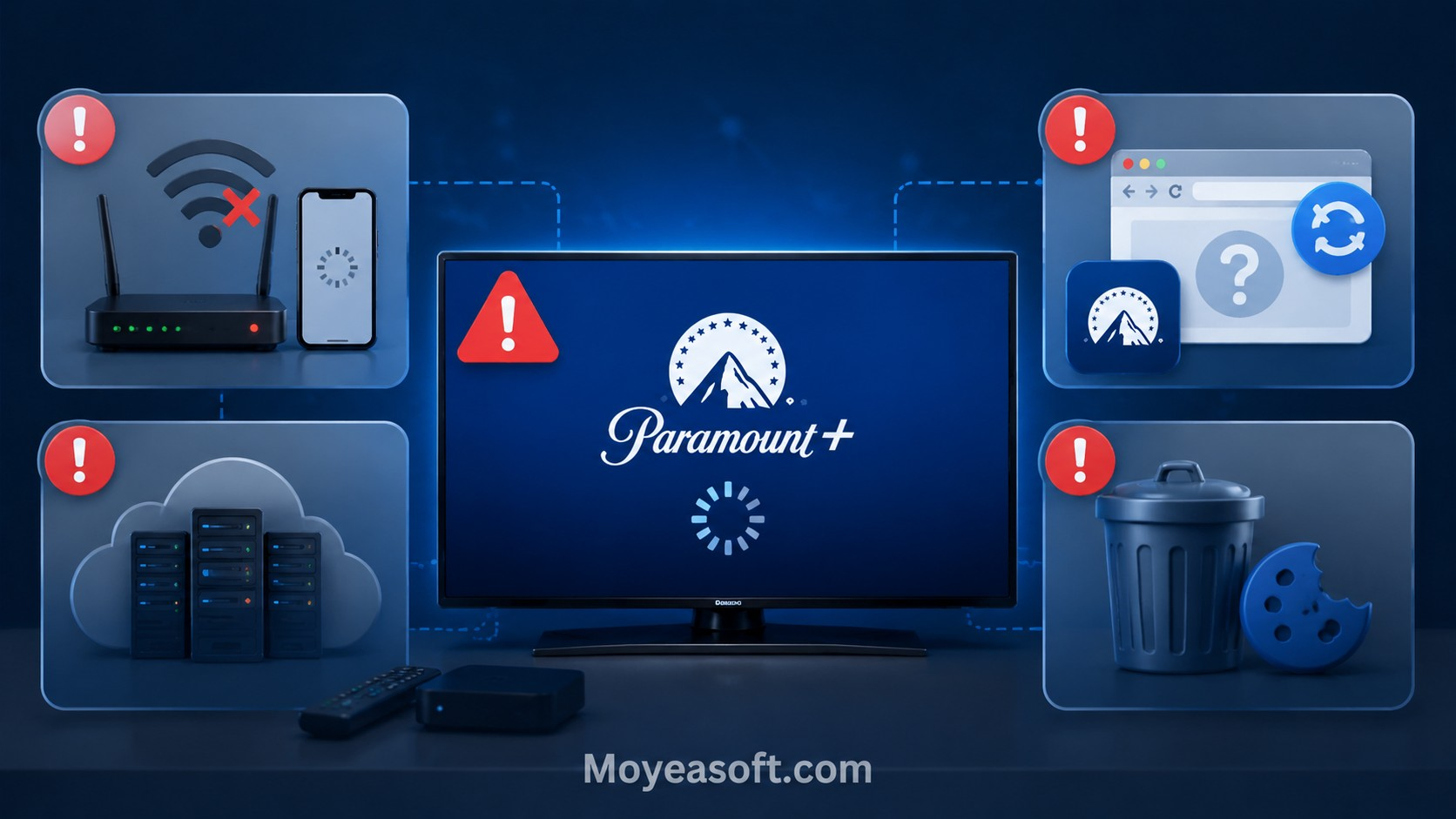
There is no single cause that explains every occurrence of error 3304. The following are the most important possibilities worth investigating.
3.1 Unstable Internet Connection
A stable connection between your device and Paramount+ is required for streaming.
Temporary connection problems can be caused by:
- Weak Wi-Fi signal
- Router issues
- Network congestion
- DNS problems
- Unstable internet connection
If other streaming services are also experiencing problems, you should first check your network.
3.2 Temporary Paramount Plus Service Issues
Sometimes the problem isn’t with your computer or TV at all.
A temporary server issue can affect playback even if:
- Your internet connection is working normally
- Other websites can be loaded
- Your Paramount+ account is working
- The app itself opens correctly
Therefore, it can save time to check service availability before changing browser settings.
3.3 Outdated Browser or Paramount+ App
Streaming platforms regularly update their websites and applications. An outdated browser or app can cause compatibility issues. If you haven’t updated your software recently, check for available updates before considering more complex solutions.
3.4 Browser Cache and Cookies
Corrupted or outdated cache data can affect website functionality. If Paramount+ works in private/incognito mode but not in your normal browsing session, you should check the following: cache files, cookies, and saved website data. You can try clearing the Paramount+ website data and logging in again instead of immediately clearing all browser data.
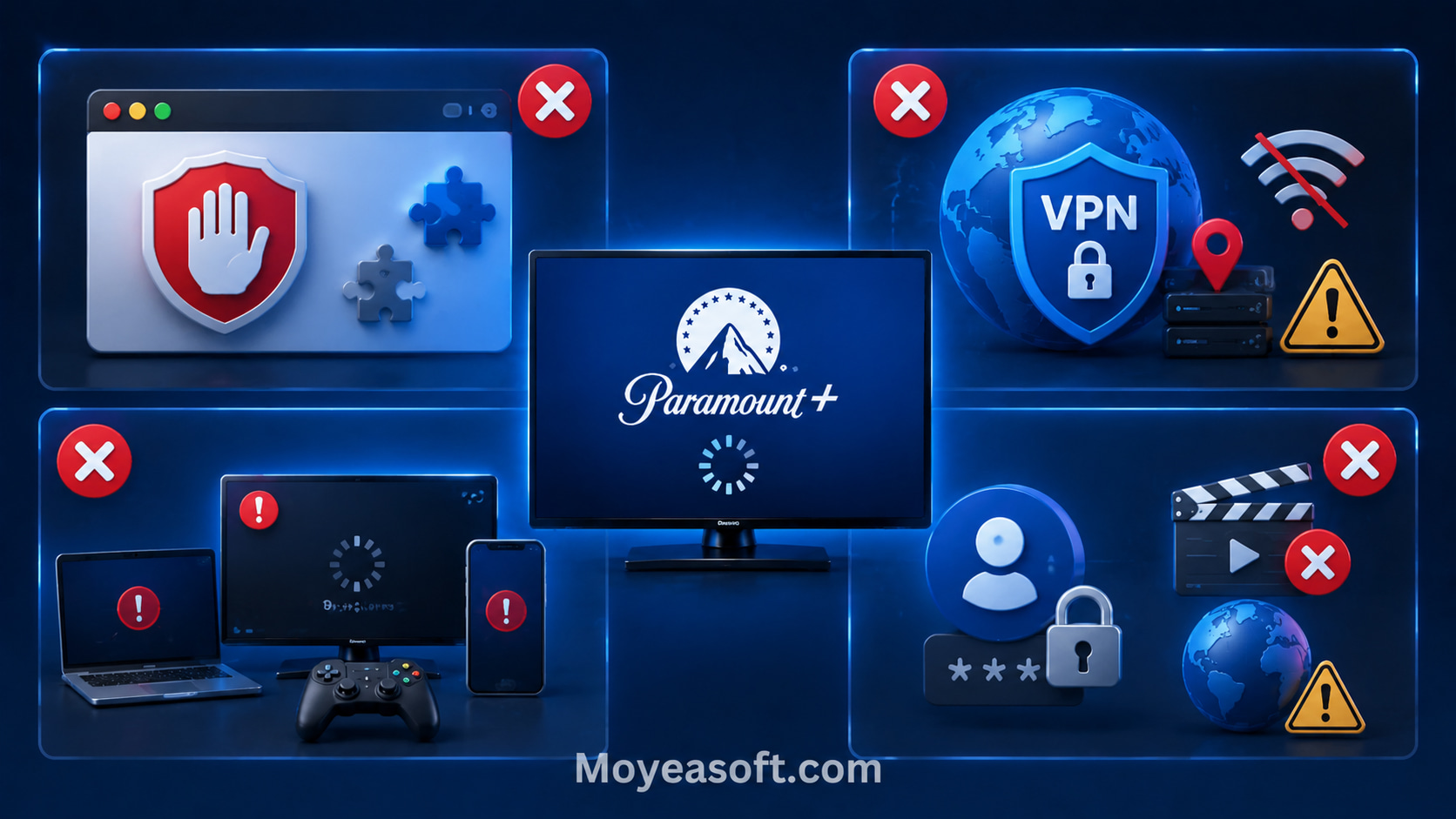
3.5 Ad Blockers and Browser Extensions
This is one of the most important areas to investigate when encountering error 3304. Paramount+ explicitly recommends disabling ad blockers in its troubleshooting documentation to resolve error 3304. Third-party extensions can modify page scripts or network requests. If Paramount+ expects certain playback or advertising components to load, and an extension is blocking them, playback may fail.
Test: Temporarily disable ad blockers and privacy-related extensions for Paramount+ and reload the page.
If playback works afterward, you have identified a likely cause of the error.
3.6 VPN, Proxy, or DNS Issues
VPNs and proxy services can affect how your connection reaches a streaming platform. Custom DNS configurations can also interfere with the connection.
If you encounter error 3304 after changing the following settings:
- VPN settings
- Proxy settings
- DNS settings
- Network filtering
You can temporarily revert these changes and test Paramount+ again. Some users have reported resolving playback issues with Paramount+ by changing their DNS settings. However, this is more of a community finding than a universally applicable solution.
3.7 Device or App-Specific Playback Problems
If Paramount+ works on your smartphone but not on your TV, that’s an important clue.
The account itself might be fine, while the problem is limited to:
- TV app
- Streaming device
- Device software
- Local network configuration
A recently published community report describes a similar playback issue with Paramount+ that was resolved by changing VPN/location permissions and router settings to block ads. This illustrates why device and network configurations can play a role. This is an anecdotal report and not an official diagnosis from Paramount+.
3.8 Account, Content or Regional Restrictions
If only one specific title won’t play while other Paramount+ content works normally, don’t immediately assume your entire Paramount+ account is broken. Content availability can vary depending on your region, subscription, licensing agreements, and service configuration. Paramount+ itself is available through various regional services, so availability isn’t necessarily the same everywhere. Try a different title to determine if the problem is content-specific or platform-wide.
4. How to Fix Paramount Plus Error Code 3304
Go through these solutions one by one. Starting with the simplest options will make it easier to identify the root cause.
Fix 1: Check Your Internet Connection
Start with the simplest solution.
Try the following:
- Open a different website
- Try a different streaming service
- Restart your router
- Reconnect your device to Wi-Fi
- If possible, try a wired connection
- Try a different network, such as a mobile hotspot
If Paramount+ works on a different network, your original network is an important clue.
Fix 2: Check Paramount Plus Service Status
If error 3304 suddenly occurs on multiple devices, check if Paramount+ is affected by a larger outage or service issue. If it is an outage, local browser changes are unlikely to help. Wait until the service is restored and then test again.
Fix 3: Update Paramount Plus and Browser
Update:
- Your web browser
- Paramount+ app
- If applicable, your device’s operating system
Then close the software completely and reopen it. Updating the playback environment eliminates a common cause of compatibility issues.
Fix 4: Clear Browser Cache and Cookies
If you are using Paramount+ in your browser:
- Open your browser’s privacy/website data settings
- Find the Paramount+ website data
- Clear the corresponding cache and cookies
- Restart your browser
- Log in again
- Try playing the video
To determine if cached data is the cause before deleting anything, first test the same video in a private/incognito window.
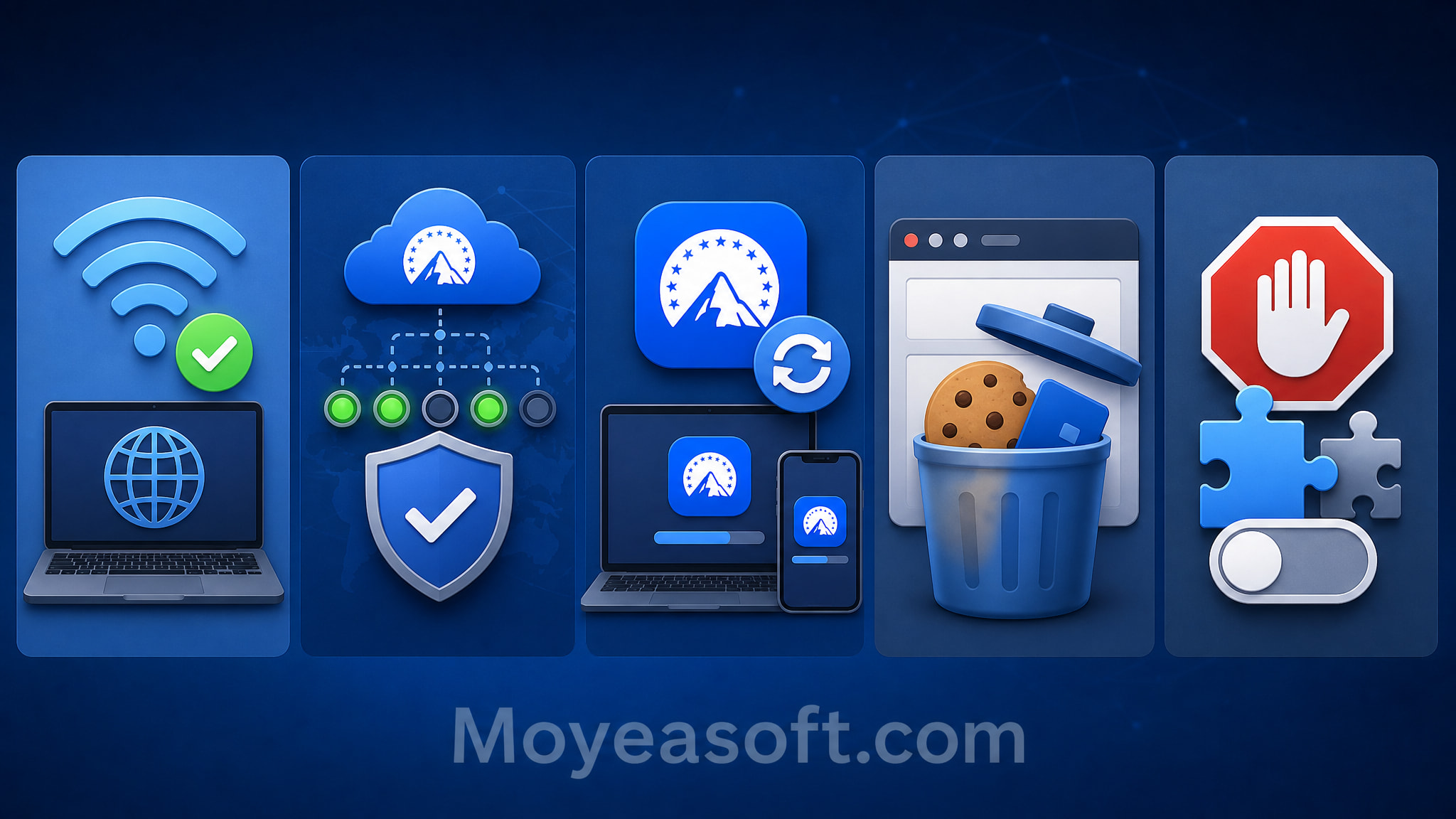
Fix 5: Disable Ad Blocker and Browser Extension
Paramount+ explicitly states that ad blockers can interfere with video playback.
Temporarily disable:
- Ad blockers
- Privacy extensions
- Script blockers
- Video-related extensions
- Then reinstall Paramount+
You don’t necessarily need to uninstall the extension. If disabling it resolves the playback issue, add Paramount+ to the extension’s exception list instead.
Fix 6: Disable VPN or Proxy Temporarily
If you are using a VPN or proxy, temporarily disable it and test Paramount+ with your regular internet connection.
If the problem disappears, the VPN or proxy configuration might be interfering with the connection or content delivery. Don’t assume that changing your region will resolve the issue; instead, use the test to determine if the network configuration is the cause.
Fix 7: Restart Your Device or Try Another
A restart can resolve temporary software or playback issues.
If the problem persists, try playing the same title on:
- Ad blockers
- A different browser
- A different computer
- A mobile device
- A compatible TV/streaming device
This simple comparison will help you determine if the issue affects your entire account or is limited to a specific playback environment.
Fix 8: Restart Your DNS/Network Settings
If the error occurs in multiple browsers or on multiple devices on the same network, you can try the following:
- A different network
- Your ISP’s DNS server
- A different trusted DNS provider
According to community reports, some users were able to resolve error 3304 by changing their DNS settings, while others were unsuccessful.
Fix 9: Contact Paramount+ Support
If error 3304 persists across browsers and devices after basic troubleshooting, please contact Paramount+ Support. Before contacting support, please note the following information:
- Error code: 3304
- Device model
- Operating system
- Browser or app version
- Do other titles work
- Do other devices work
- Is a VPN/proxy enabled
This information will greatly assist support in troubleshooting.
Fix 10: Use Moyea Paramount Plus Downloader for Offline Viewing
If the troubleshooting steps mentioned above haven’t helped and Paramount+ error code 3304 continues to interrupt playback, you can reduce your reliance on the Paramount+ real-time streaming player by preparing authorized content for offline playback in advance.
Moyea Paramount Plus Downloader is designed to download supported online videos for offline viewing. For users who frequently experience playback issues, the main benefit is that the downloaded video can be watched locally, rather than relying on a live Paramount+ playback session each time.
Moyea Paramount Plus Downloader
- Save Paramount+ videos in up to 1080P quality.
- Download videos as MP4 or MKV files.
- Download audio tracks and subtitles.
- Download episodes, seasons in batch.
Secure Download
Trustpilot Rating 4.7
How Can Moyea Help with Error 3304?
Moyea does not fix the root cause of error 3304. Instead, it offers an alternative playback workflow that can reduce the frequency of this error. Once the content has been properly downloaded and successfully verified, subsequent playback of the local file is no longer dependent on the same real-time Paramount+ Player session.
When Is This Workaround Most Useful?
I would consider this option if:
- Playback errors with Paramount+ occur repeatedly.
- My internet connection isn’t consistently reliable.
- I want to watch content while traveling or offline.
- I don’t want a temporary streaming issue to interrupt an important viewing session.
- I prefer to prepare content before watching, rather than dealing with last-minute playback problems.
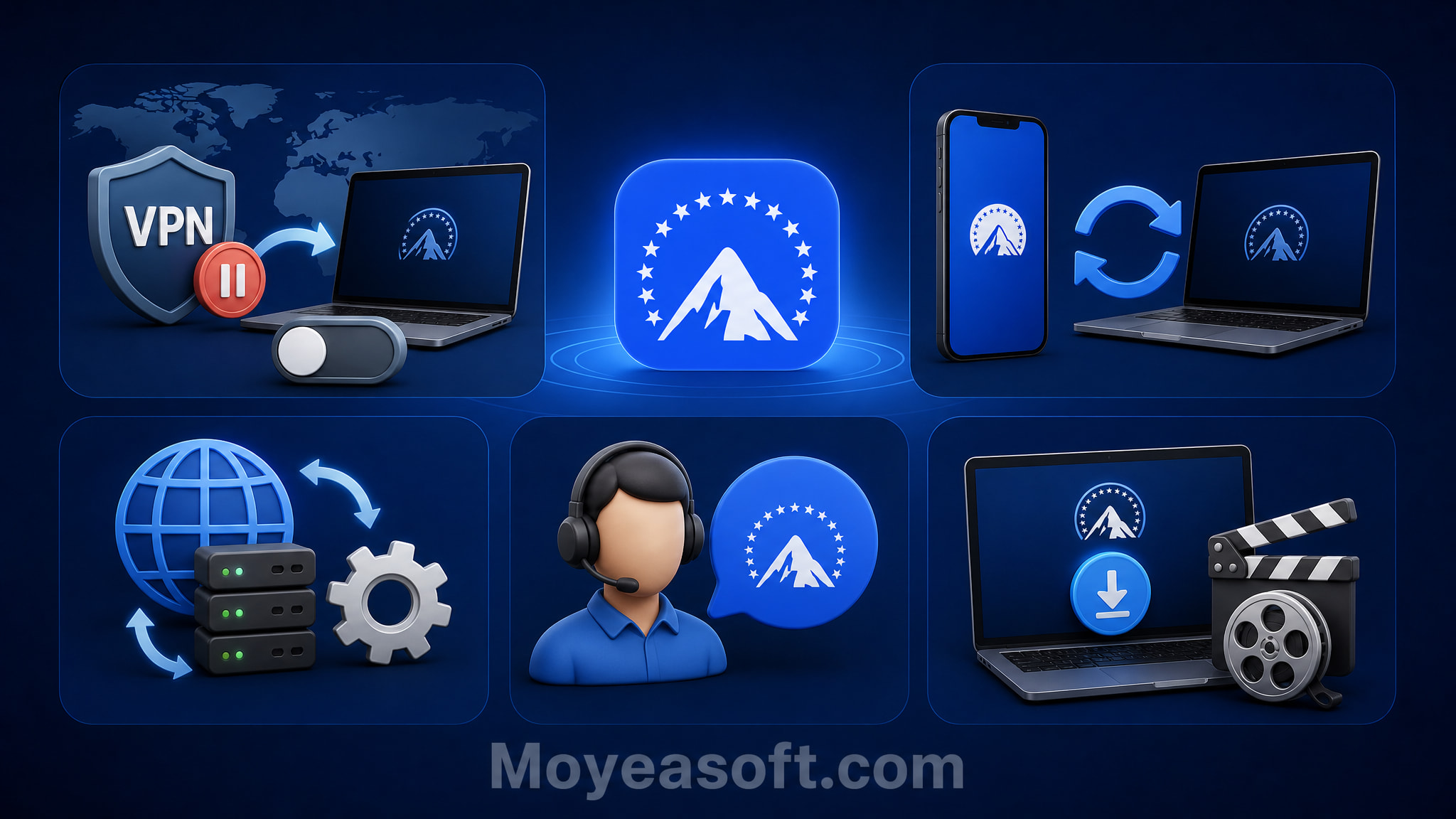
5. Paramount Plus Error Code 3304 Fixes by Device
5.1 Error Code 3304 on PC
If you are using Paramount+ on Windows, try the following:
- Update your browser
- Disable ad blockers
- Disable privacy/script extensions
- Clear Paramount+ cookies and cache
- Try in Incognito mode
- Try a different supported browser.
- Temporarily disable your VPN/proxy
- Restart your PC
For Chrome-based browsers, some third-party troubleshooting guides also recommend testing hardware acceleration. This is an optional diagnostic step and not a confirmed cause of error 3304.
5.2 Error Code 3304 on Mac
On your Mac, you should first test your browser:
- Update your browser
- Disable extensions
- Clear the data of the Paramount+ website
- Test private browsing mode
- Temporarily disable your VPN/proxy
- Try a different browser
If the problem only occurs in one browser, there’s no need to immediately reinstall your entire system or replace your router.
5.3 Error Code 3304 on Smart TV
Try the following:
- Close Paramount+
- Restart your TV
- Restart your router
- Update Paramount+
- Update your TV’s firmware
- Log out and back in
- Reinstall Paramount+ if necessary
If another streaming service also doesn’t work, check your TV’s network connection, not just Paramount+.
5.4 Error Code 3304 on Roku/Fire TV
For streaming devices:
- Restart the device
- Check your network connection
- Update your device software
- Update Paramount+
- Reinstall the app if necessary
Also, try a different title before assuming the entire app is broken.
5.5 Error Code 3304 on iPhone/Android
On mobile devices:
- Quit Paramount+
- Restart your phone
- Update Paramount+
- Check for operating system updates
- Try a different network
- Reinstall the app if necessary
On Android, you may be able to clear the app cache via the system settings. On iPhone, reinstalling the app is the easiest way to update the local installation data.
6. FAQs
-
Does Paramount Plus Error Code 3304 affect live sports streams?
Yes. Live sports broadcasts (such as NFL games or UEFA Champions League games) use dynamic, server-side advertising. If an ad-blocking extension, DNS filter, or network firewall blocks these dynamic ad servers during the broadcast, the live video stream will immediately stop and error 3304 will be returned.
-
Is Paramount Plus Error Code 3304 related to HDCP or monitor issues?
While error 3304 primarily indicates an ad blocker and network connection error, the use of non-HDCP-compatible external displays, outdated HDMI cables, or active screen recording programs can occasionally disrupt the web player’s DRM handshake, thus triggering playback error codes of the 3300 series.
-
Why does Paramount Plus show Error 3304 only during ads?
Paramount+ hosts the main program and the commercials on separate servers. If your browser configuration or ad blocker allows the connection to the main content server but blocks the ad server, the stream will be interrupted as soon as the video player attempts to switch to a commercial break.
-
Why does Paramount Plus work in Incognito Mode but not normally?
Incognito/private mode disables most third-party browser extensions (including ad blockers) and uses an uncorrupted temporary cache. If Paramount+ works in incognito mode, an active browser extension or a corrupted cookie file in your main browser profile is causing error 3304.
-
Will clearing my browser cache and cookies log me out of my Paramount+ account?
Yes. Deleting cookies will remove the active session tokens stored on your device. After clearing your browser data, you will need to log in again with your Paramount+ email address and password.
7. Final Verdict
Paramount Plus error code 3304 indicates a playback issue, but it doesn’t have a single cause or a universal solution. First, determine if the error occurs only with a specific browser, device, network, or title.
Browser users should first disable ad blockers/extensions, test hardware acceleration settings, update their browser, clear the Paramount+ website data, and restart their computer. These steps are especially important because Paramount+ explicitly recommends disabling ad blockers and Chrome hardware acceleration, as well as restarting the computer, in its documented troubleshooting guidelines when encountering error 3304. If the problem occurs on only one device, focus on that device and its associated Paramount+ app. If it occurs everywhere, check the network and Paramount+ service status before making any further changes.
Users who repeatedly experience online playback issues and wish to save specific content can use offline playback as another practical solution. Where supported and permitted, Moyea can be used to prepare content for local playback instead of using a live stream each time.
- This guide is for informational and troubleshooting purposes only; solutions may vary depending on your device, region, and software version.
- All product names, logos, and trademarks mentioned in this article belong to their respective owners.
- Users are solely responsible for complying with the Paramount Plus Terms of Service and applicable local copyright laws. Content may only be downloaded with proper authorization.
 Terms of Use: Moyea is intended solely for personal, educational, and non-commercial archival purposes use. It allows users to save a local copy of videos that they have legally subscribed or purchased. Any commercial utilization, unauthorized redistribution, or online sharing is prohibited. Users assume full responsibility for complying with copyright laws.
Paramount Plus Downloader

 Try for Free
 Try for Free
 Download videos from Paramount+.
Download episodes, seasons in batch.
Save Paramount+ videos in up to 1080P quality.
Download videos as MP4 or MKV files.
Download audio tracks and subtitles.
Automatically remove ads from videos.




 English
 日本語
日本語