Share article:


How to Contact Amazon Prime Video Customer Service for Help/Support?

Updated: 2026-02-25
Related to: Amazon Downloader
15 Views
Summary:
Here’s how to get Amazon Prime onto your Chromecast without hassle. Follow each move carefully, then address common issues that may arise along the way. See it play smoothly on your big screen in no time.
Flicking through films or series on a tiny phone display just does not pull you in like a large monitor can – think living room television or cinema hall. For me personally, bringing Prime Video favorites straight to the television has been a long-standing wish. A bit of digging later, one tool stands out clearly: Chromecast works beautifully. You may ask yourself whether sending Amazon Prime content to your TV via that device is possible. Yes, it absolutely is. Here’s how to stream Amazon Prime using a Chromecast. Stick around to see what you’ll need, clear steps for various gadgets, fixes for common hiccups, plus replies to regular queries.
OutlineCLOSE
- Is Amazon Prime Video Customer Service 24 Hours?
- How to Contact Amazon Prime Video Customer Service?
- How to Get a Prime Video Customer Service Refund?
- Other Ways to Contact Amazon Prime Video Customer Service
- How to Download Movies and TV Shows from Amazon Prime Video for Offline Viewing?
- Conclusion
1. Is Amazon Prime Video Customer Service 24 Hours?
Yes, it’s available 24/7. Usually, Amazon’s general support channels, including phone and online chat, are available 24 hours a day, seven days a week. This is really great when you suddenly have trouble with your Prime Video account, payment, playback, or anything else. You can contact customer support immediately around the clock through those options.
2. How to Contact Amazon Prime Video Customer Service?
Below are different ways to contact Amazon Prime Video customer service.
Use the Amazon Help & Contact Page
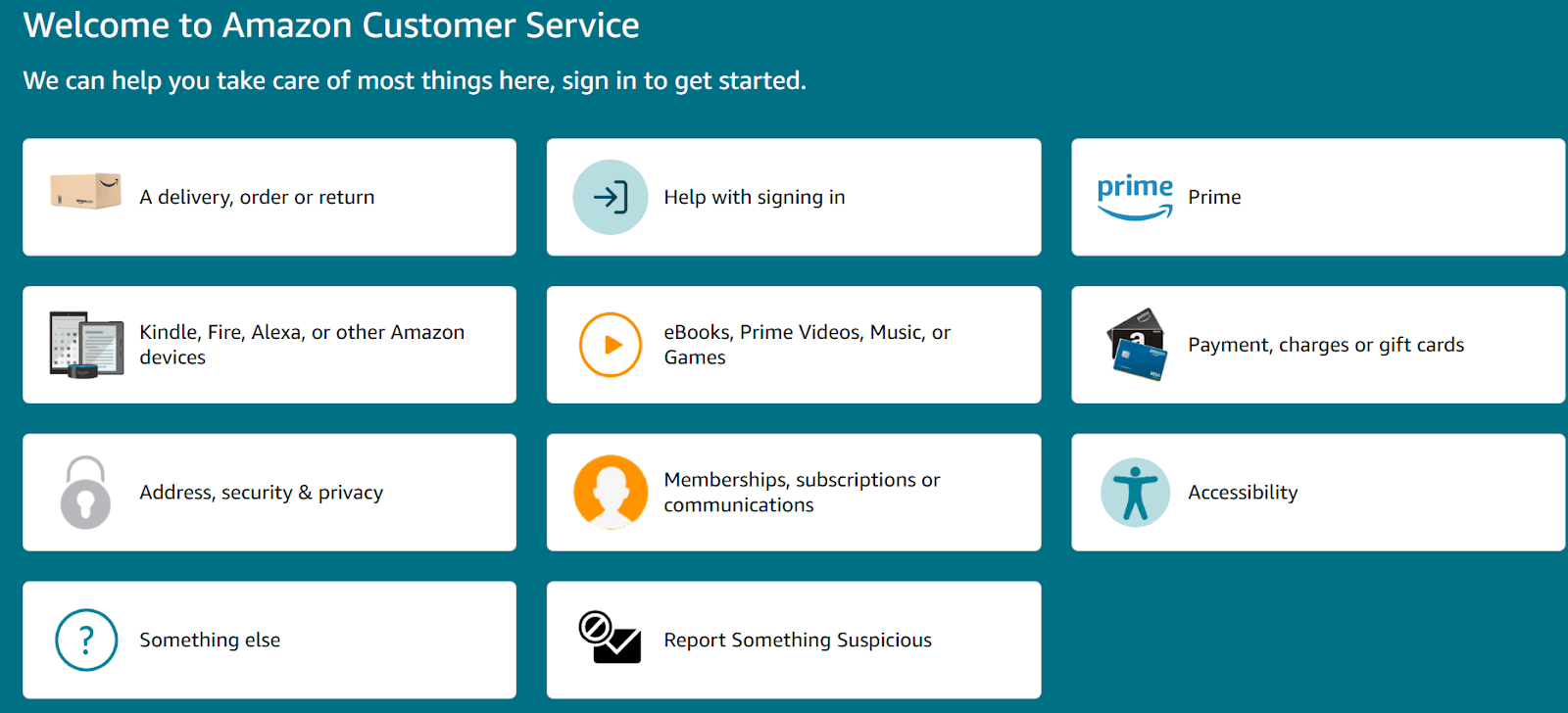
The first way to contact is just go to Amazon’s official customer service page. Next, you need to sign in with your account. After signing in, you need to choose the issue you’re facing. Step by step, Amazon will guide you toward the best support option. You will have all options, whether that’s phone, live chat, email, or self-help articles.
Live Chat With A Support Agent
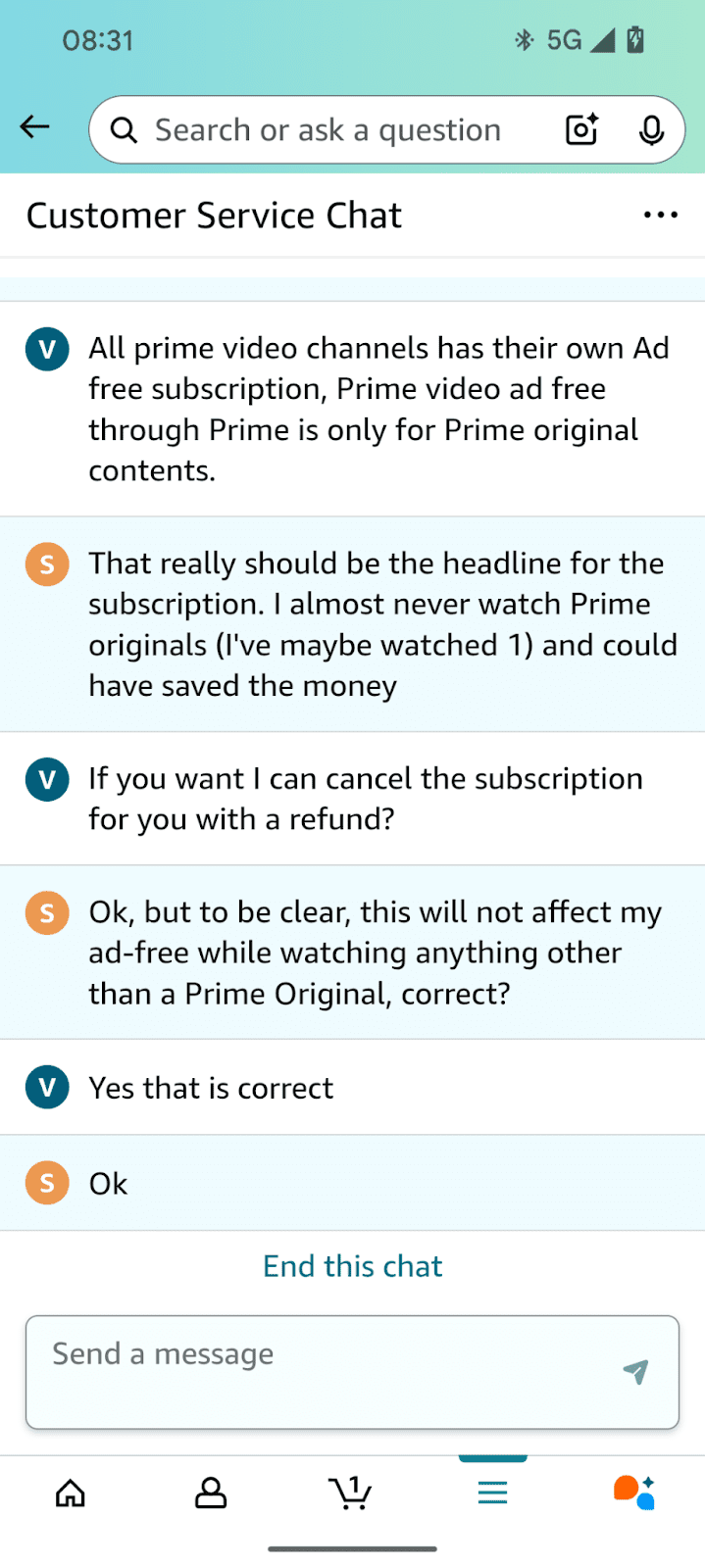
On the main interface, you can also choose the live chat option. To get assistance, you need to type a quick description of your problem. After you enter, it will take a little time, and then it will connect you with a customer service representative in real time. Honestly, for most users, this is the fastest way to get specific answers without having to call.
Call Customer Service
If you prefer talking on the phone, you can call Amazon’s customer service number (for the US that’s 1-888-280-4331). From there, you can get routed to support your Prime Video issue.
Email Support
Last but not least, there is an email support option available too. Many users choose to contact support by email. What you need to do is just explain your issue in detail and wait for a reply. We recommend this option for non-urgent questions as the customer service will take some time to respond.
Browse the Prime Video Help Library
Another thing you can do to get help before contacting support is check the Prime Video help section. Most of the time, for your issue, you will get detailed troubleshooting steps and detailed guides that solve common problems without needing to talk to anyone.
3. How to Get a Prime Video Customer Service Refund?
Moving on, in case you accidentally bought or rented something on Prime Video,? but you don’t want to continue with that, then don’t worry. Prime Video gives you the option to cancel your order. Here is how you can do it.
- Step 1: Sign in to your account first, and then go to Your Orders on Amazon.
- Step 2: Here, you need to look for the accidental video purchase you want to remove, then select Cancel Your Order next to it.
- Step 3: Next, you need to pick a reason for your cancellation from a small drop-down list. Once you choose the reason, just click Cancel This Purchase to confirm. That’s all.
And once your cancellation is completed, you will get your refund through the payment method you originally used. Also, the features of that order will be removed from your Video Library, so you won’t be charged for content you didn’t intend to keep.
4. Other Ways to Contact Amazon Prime Video Customer Service
Other than the above methods, there are some additional ways to contact Amazon Prime Video customer service.
Social Media Support
Amazon Prime Video has an official account on social media sites like Facebook and Twitter. You can send a message there by mentioning your issue. They’ll usually reply with guidance or ask you to continue the conversation in a private thread.
Amazon Support on Alexa
If you use Alexa on your phone or a smart speaker, you can ask “Alexa, contact Amazon customer service” or “Alexa, help with Prime Video.” Alaxa will help you connect with support using voice commands. It’s not ideal for complex issues, but it can get you started.
Community Forums
Also, Amazon has community forums. And on these forums, many users share solutions to common problems. In case you are facing an issue that is common and people run into, you might find a fix there without needing to talk to someone directly. It’s not official support, but it’s kind of a straightforward and fast way to fix the issue.
5. How to Download Movies and TV Shows from Amazon Prime Video for Offline Viewing?
Now, if you are someone who loves to watch shows in offline mode, then the good news is you can download your favorite shows. You can use the official download button on Amazon Prime video also, or you can use a third-party downloader. Just remember, officially, if you download, you will only play the show until you have an active subscription. With a third-party downloader you can keep your shows on your device forever, without the need of a monthly subscription. One of the reliable third-party tools you can use is CleverGet Amazon Downloader.

-
Batch download Amazon Prime Video movies and full or selected seasons of shows at up to 1080p resolution with preferred subtitles and audio tracks. Save Amazon Prime videos as MP4 or MKV file for offline viewing without expiration, and remove ads for offline ad-free watching.
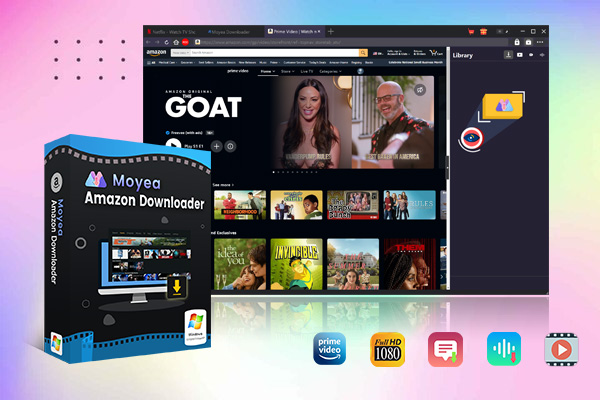
With CleverGet Amazon Downloader, you can download Prime Video movies, TV shows, and original series directly to your Windows or Mac. The shows will be downloaded in MP4 or MKV format. Also, you can choose your preferred audio tracks and subtitles, and download videos in up to 1080P quality. In case you want to download multiple episodes or multiple movies at once, the tool has a batch downloading feature. You can save multiple episodes at once instead of doing them one by one. Once the videos are downloaded, you can watch them anytime without running into streaming issues.
6. Conclusion
It’s easy to get help from Amazon Prime Video customer service. You just need to know all your options and the right way. The interface of Amazon customer service is very straightforward, and it guides you step by step to solve the most common issues. You can check the troubleshooting guides for common issues. For more complicated issues, you have the option to call. Live chat is also a very handy feature. And if you prefer watching content offline, you can use a third-party downloader like CleverGet Amazon Downloader to download all your favorite shows at once. Offline mode offers next-level flexibility, and CleverGet Amazon Downloader just provides you with that. So all options are yours. Happy streaming, Folks.
 Terms of Use: Moyea is intended solely for personal, educational, and non-commercial archival purposes use. It allows users to save a local copy of videos that they have legally subscribed or purchased. Any commercial utilization, unauthorized redistribution, or online sharing is prohibited. Users assume full responsibility for complying with copyright laws.
Amazon Downloader

 Try for Free
 Try for Free
 Download Amazon Prime videos to 1080P MP4/MKV files.
Support batch Amazon Prime video downloads
Save subtitles and audio tracks.
Pack subtitles to video or save as SRT/SUP file.
Remove ads during Amazon Prime video downloads.
Related
Fix Guide: Prime Video Download Not Working
Best Amazon Prime Video Recorders: Record with the Best
How to Download Amazon Prime Videos to iPhone/iPad
Where Are Prime Video Downloads Stored on PC/Mobile?
Quick Guide: How Long Do Prime Video Downloads Last?

Easy Guide: How to Burn Amazon Videos to DVDs?


 English
 日本語
日本語