Share article:


5 Hulu Family Sharing Tips for Smooth Viewing

Updated: 2026-03-30
Related to: Hulu Downloader
4 Views
What This Guide Covers:
- Once you set it up correctly, Hulu family sharing can be of great convenience. In this guide, I’ll walk you through practical tips to avoid Hulu family sharing limits, conflicts, and save cash in sharing your Hulu account smoothly.
"Can you share Hulu account without issues?" The answer is Yes, but with some important rules and limitations. Many people have been looking for answers for this question, since most of them would think account sharing will save money. Actually, more and more mainstreaming services have provided account sharing access, like Hulu and Netflix. As to Hulu family sharing, it works best only when you understand its restrictions upon Hulu plans, devices and locations. Otherwise, you will come across various issues like playback errors, blocked access, extra cost, etc. In this post, I would like to share some essential tips to make Hulu account sharing seamless and stress-free.
Quick AccessCLOSE
Tip 1. Choose the Right Hulu Plan for Family Sharing
The very first thing you need to pay attention to is the Hulu subscription plan you are in, since different Hulu plans provide different Hulu sharing policies.
1.1 Hulu (No Ads) vs Hulu + Live TV
The Hulu subscription plan will directly influence the answer to the question "can you share Hulu account", with details showed below.

Hulu (No Ads) / Basic Plans
- Allows multiple profiles (up to 7 per account: 1 primary and 6 additional).
- Limited simultaneous streams (usually on up to 2 screens).
- More flexible for casual sharing, no matter you are at or away from home.
Hulu + Live TV Plan
- Designed for Hulu household sharing (If you are away from home, then Hulu account sharing is not allowed).
- Tied to a primary home network.
- Stricter location tracking.
1.2 When You Actually Need Unlimited Screens
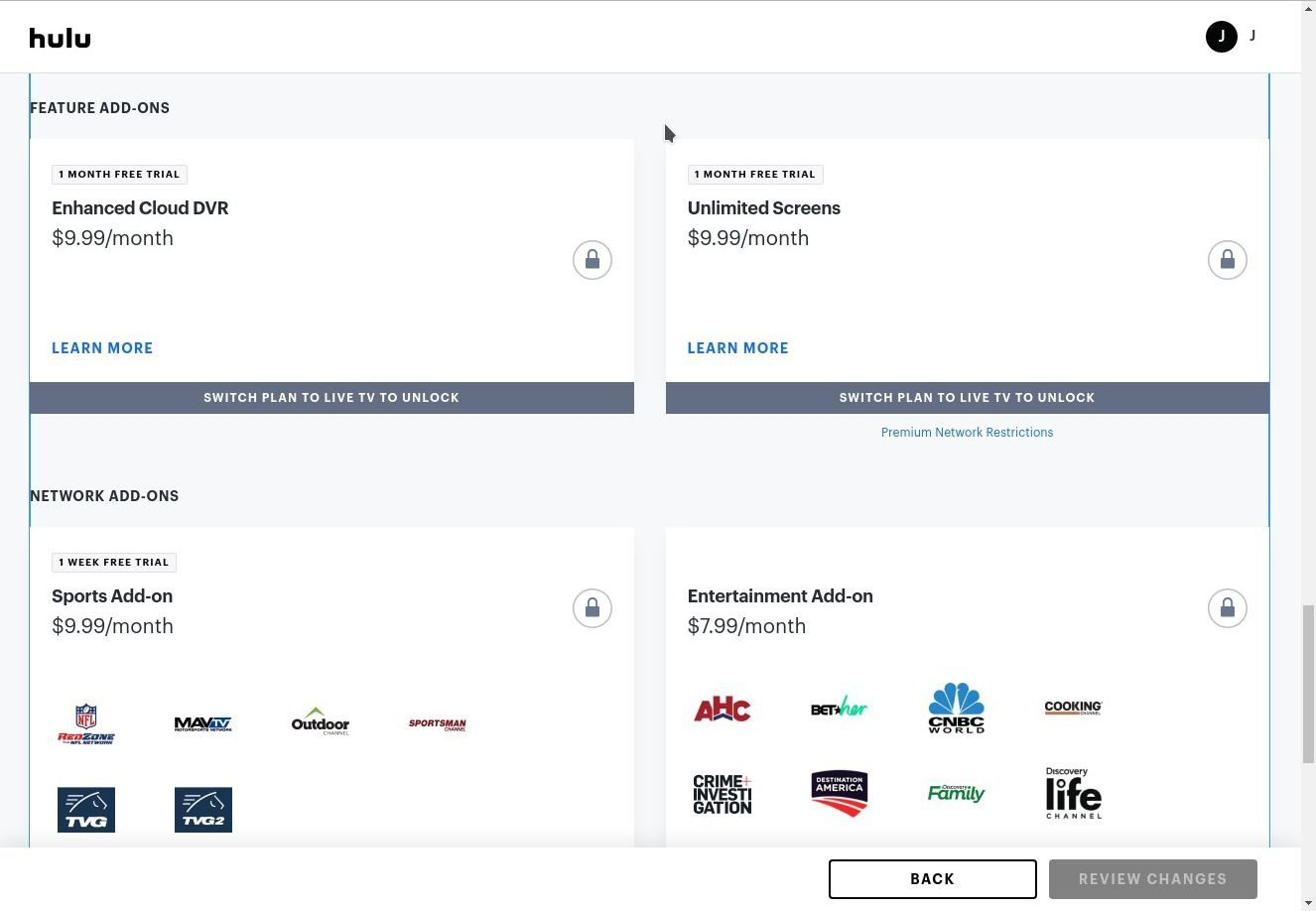
Once you want to stream Hulu contents on unlimited screens, you could turn to the Hulu Unlimited Screens add-on, supposing you are already a Hulu + Live TV plan subscriber. However, you need to make clear of the below things:
- The Hulu Unlimited Screens add-on costs an extra $9.99 per month.
- It is available for Hulu + Live TV subscribers only.
- It allows unlimited devices that connect to your "Home Network" to stream simultaneously.
- If you are away from home, it allows you to stream on up to 3 supported devices simultaneously.
Tip 2. Match Hulu Setup to Your Living Situation
Hulu family sharing also has location limitation, which means it applies different restrictions upon whether or not multiple simultaneous streaming devices are connected to the same "Household" network.
2.1 Single Household Families
If everyone lives in the same house, which means all devices you are going to stream Hulu contents are connected to the same network, Hulu household sharing is really simple. You only need to:
- Connect all devices to the same home network.
- Set the primary location correctly.
- Avoid frequent location changes.
This setup works best and avoids most restrictions.
2.2 Users in Different Locations
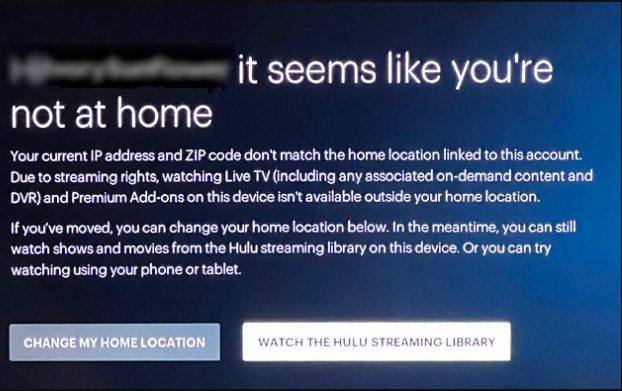
If all devices to be streaming simultaneously are not connected to the same Household network and are in different locations, things could be a little bit complicated. Your Hulu password sharing across towns, cities or even states could be detected as unusual activity, therefore you might get notified by Hulu. Live TV users could even be blocked from streaming. A re-verification of your home location might be required. So, if you want to know whether or not can you share Hulu Live TV with others, the honest answer is yes but only within the same household.
Tip 3. Optimize Profiles & Devices for Smooth Sharing
To improve Hulu account sharing experience, there are quite a few tips. One of the easiest is to organize profiles and devices properly. In my own experience, I have done the below things to arrange each profile and device for smooth Hulu account sharing and streaming.
- Create multiple profiles for all of my devices.
- Every device is assigned to a specific profile to avoid sharing the same profile.
- Limit the number of devices that have my Hulu account logged in at the same time.
- Customize recommendations for each profile.
By doing these, I successfully avoided content mix-ups, playback corruptions, and device limitations.
Tip 4. Avoid Conflicts: Streams, Locations & Limits
Once you know how to share Hulu account for simultaneous streaming, it doesn’t mean you can stream Hulu contents on multiple devices simultaneously, since there are conflicts and system limitations for you to follow.
4.1 Hulu Simultaneous Stream Limits

No matter which Hulu plan you are in, there is a device limit for simultaneous streaming:
Hulu plans
- Hulu (Ad-Supported) & Hulu (No Ads): Up to 2 devices for simultaneous streaming.
- Hulu + Live TV (Base): Up to 2 devices for simultaneous streaming.
- Hulu + Live TV (with Unlimited Screens Add-on): Unlimited devices for simultaneous streaming within your household network, and up to 3 mobile devices for simultaneous streaming outside the household network.
- Premium Add-ons: With the Unlimited Screens Add-on, premium networks (like Max, STARZ) are restricted to up to 5 devices for simultaneous streaming.
Therefore, remember to stream Hulu contents on devices according to your Hulu subscription plan. Otherwise, once you exceed the device quantity limit for simultaneous streaming, someone will be kicked out and playback would stop unexpectedly. This is one of the most common problems in Hulu family sharing.
4.2 Location Restrictions
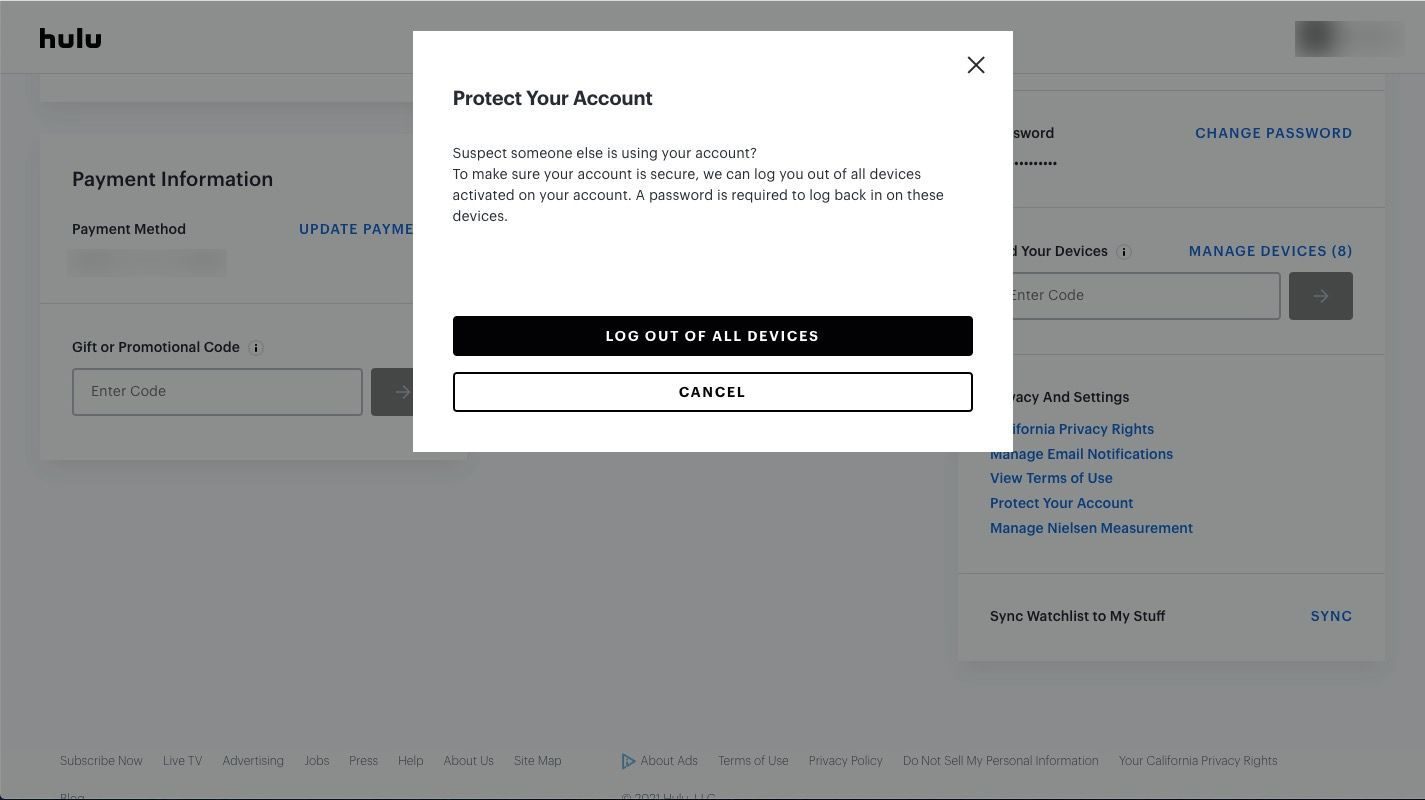
As mentioned above, when you log into your Hulu account or stream Hulu contents outside of your household, in a new town, city or even state, you might get Hulu notification that shows you are not logged in within the regular location you are in. This happens due to Hulu’s location monitor. Hulu could detect:
- IP addresses.
- Device locations.
- Network consistency.
Therefore, once you are not detected at the same IP or network, you might get login verification and even access restrictions, especially for Hulu + Live TV subscribers.
4.3 Daily Habits That Trigger Issues
From my own experience and others’ feedback online, these behaviors often cause problems:
- Log in from multiple locations daily.
- Switch devices too frequently.
- Share accounts across too many users.
- Travel often without updating location.
Tip 5. Smart Workarounds for Flexible Viewing
Even though you have set all things up correctly and are within the proper Hulu plan, you might still get errors in simultaneous Hulu streaming, not even to say the limited devices for outdoor and high cost of add-on. A smart and practical workaround for flexible Hulu video viewing without any limit is to download Hulu videos for offline viewing, since offline viewing gets no limit.
I tried the Hulu download feature provided by the Hulu (No Ads) and Hulu (No Ads) + Live TV plans, but still got multiple limitations upon Hulu video downloads. Therefore I turned to a 3rd-party Hulu video downloader, namely Moyea Hulu Downloader.

-
- Download Hulu shows and movies to MP4/MKV videos.
- Support to download Hulu episodes of all/certain seasons in batches.
- Pack subtitles into output video file, or save captions as independent SRT/SUP files.
- user-friendly and muitilingual settings.
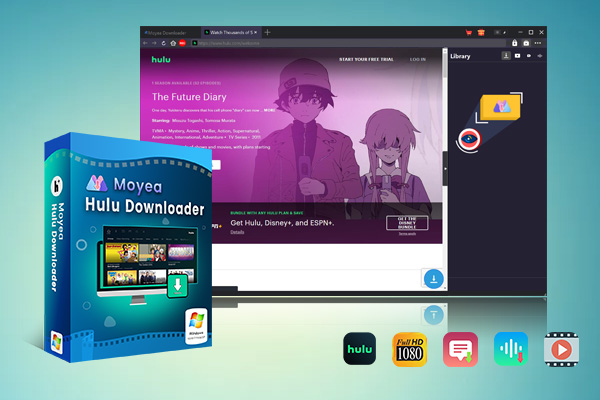
With this Hulu video downloader, I easily downloaded Hulu videos to save as offline files, which could be then played back on various media players without any device, location and subscription plan limits. It is especially helpful when I plan to travel, share Hulu contents with friends across locations, watch Hulu videos without internet connection, etc. The pity thing is that it could only download on-demand videos from Hulu website. It can’t download Live TV contents from Hulu.
Cost vs Convenience: Is It Worth Paying?
As for Hulu family sharing, things we might always want to know might include: is sharing Hulu account really saving money? Would it more flexible than creating a separate account? From the convenience, cost and limitations, you might get your own decision:
| Feature | Hulu account sharing | Separate Hulu account |
|---|---|---|
| Cost | Lower. Or extra $9.99 per month for Unlimited Screens Add-on. | Starting from $11.99 per month per account as extra cost. |
| Convenience | With multiple limitations. | Fully independent. |
| Limitations | Device, plan and location limitations applied. | No limit. |
Extra member add-ons might save your cash, but without doubt it is not as convenient as separate Hulu account. If you get sufficient budget, creating a separate Hulu account might be better.
Conclusion
So, the answer to the question "can you share Hulu account effectively" is quite obvious: yes, but with limitations. You need to choose the right Hulu subscription plan, keep users in the same household, manage profiles and devices properly, and make use of Hulu Unlimited Screens add-on if needed to avoid streaming conflicts and errors. While Hulu account sharing could be money saving, it also comes with trade-offs. You could also try to create a separate Hulu account or make use of 3rd-party Hulu video downloader to watch Hulu videos without limit.
 Terms of Use: Moyea is intended solely for personal, educational, and non-commercial archival purposes use. It allows users to save a local copy of videos that they have legally subscribed or purchased. Any commercial utilization, unauthorized redistribution, or online sharing is prohibited. Users assume full responsibility for complying with copyright laws.
Hulu Downloader

 Try for Free
 Try for Free
 Download Hulu videos in up to 1080P resolution
Save Hulu videos as MP4 or MKV files
Download Hulu movies, TV shows, and exclusive originals
Batch download full seasons and multiple episodes at once
Keep original audio tracks and subtitle options available
Related







 English
 日本語
日本語