Share article:


SaveFrom.net Still Banned in the US: What Are the Alternatives?

Updated: 2026-05-22
Related to: Video Downloader
240 Views
Summary:
In this guide, we’ll help you confirm whether if SaveFrom.net is back in the US and show you four powerful alternatives in case SaveFrom still not working for you.
Have you ever used SaveFrom? If you’re a longtime SaveFrom user like me, you probably know that SaveFrom has been shut down in the U.S. since 2020. And if you are in the US and wondering if SaveFrom is back, then this is for you. We’ll let you know if SaveFrom.net is working in the US now, and show you a few alternatives to SaveFrom.net that can totally fill its shoes. Just keep Reading.
OutlineCLOSE
1. Is SaveFrom Working in the US Now?
SaveFrom.net (including domains such as en.SaveFrom.net and en1.SaveFrom.net) has faced ongoing challenges in the United States. Due to copyright enforcement issues on platforms such as YouTube, many American users were unable to use the platform or experienced severe restrictions around 2020.
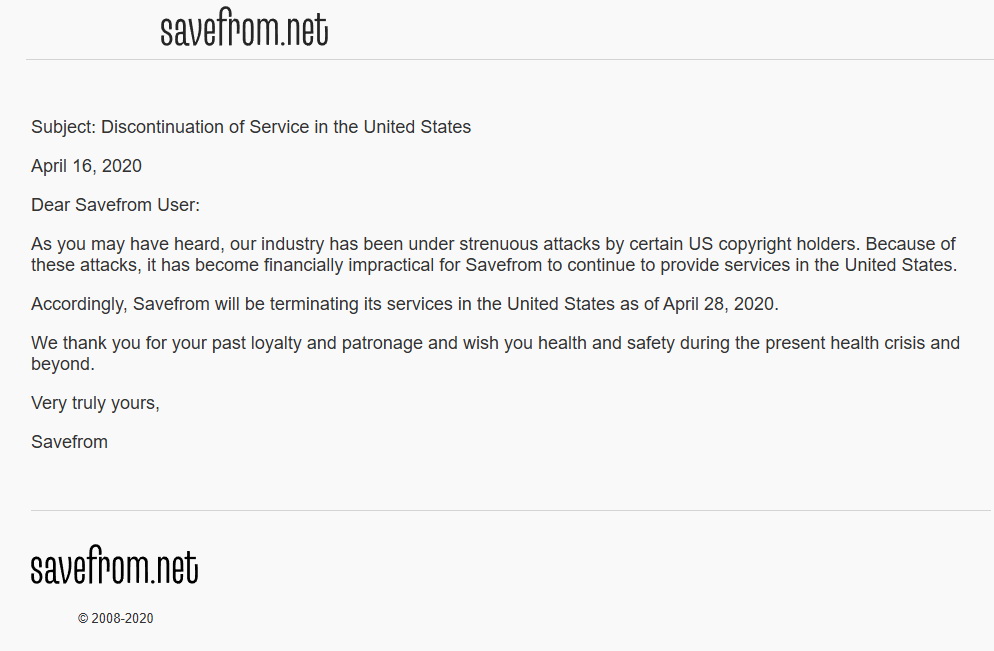
However, if you use a VPN that provides virtual IP addresses for other countries, you can continue to use SaveFrom.net. It is a great free online video download tool. Otherwise, you can use the SaveFrom.net alternative solution directly.
If you are using SaveFrom.net without a US server and are having trouble downloading videos with the extension tool, the following section may help.
2. Alternatives to SaveFrom.net You Should Consider
Best SaveFrom.net Alternative Overall – Moyea Video Downloader
So, I’d like to introduce Moyea Video Downloader, the best alternative to SaveFrom.net. It’s a versatile desktop video downloader. The reason I don’t primarily recommend online tools is that they inevitably have drawbacks, and you can find plenty of them in Google’s search results.

-
– Download videos from 1000+ websites.
– Support to download videos in batches at up to 8K resolution without ads.
– Pack captions into output video file, or save captions as independent SRT/SUP files.
– Record any online video as high-quality 1080P MP4 or MKV files.
– user-friendly and multilingual settings.
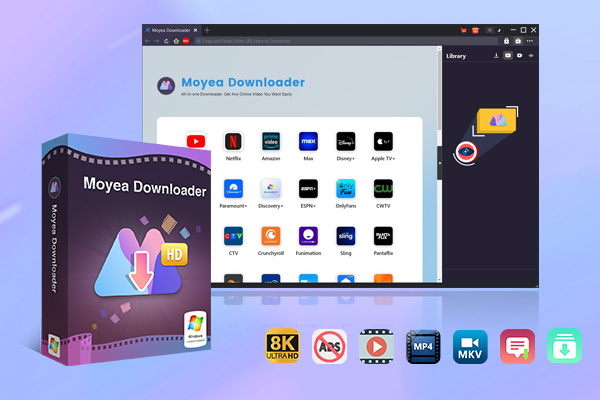
Compared to online tools, Moyea Video Downloader is more stable, faster, and safer. The main interface is clean, with no ads or pop-ups. You can download online videos by copying and pasting the video link—the process is the same as on SaveFrom.net. However, Moyea performs more reliably and isn’t affected by other unknown factors or restrictions. This powerful software also supports fast batch downloads. It’s extremely flexible.
Other Free Online Downloaders Alternatives You May Consider
If you’d still prefer a SaveFrom alternative that’s an online video downloader you can use right away without downloading anything, my advice is to stick with well-known ones. Below, we’ve listed three of the most popular online video downloaders for your reference:
Y2Mate
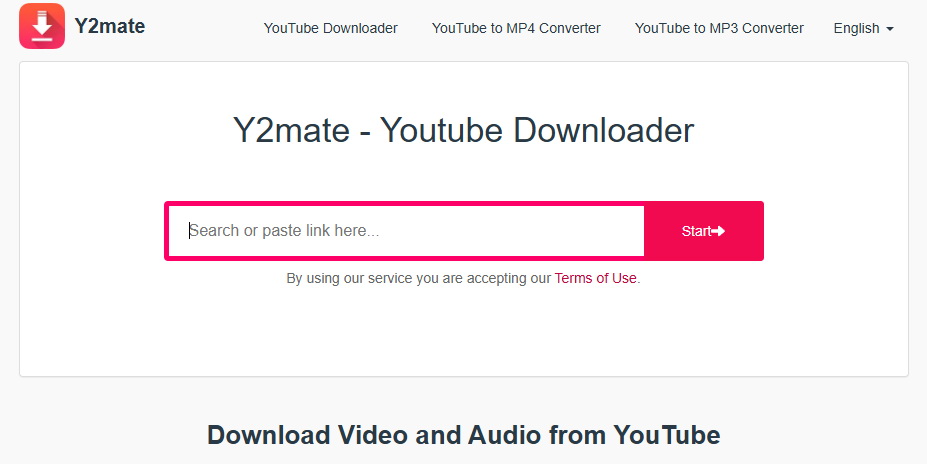
Y2Mate is a well-known online video downloader that, like SaveFrom.net, allows users to save videos from multiple platforms by pasting video links. It supports multiple formats and resolutions.
SaveTheVideo:
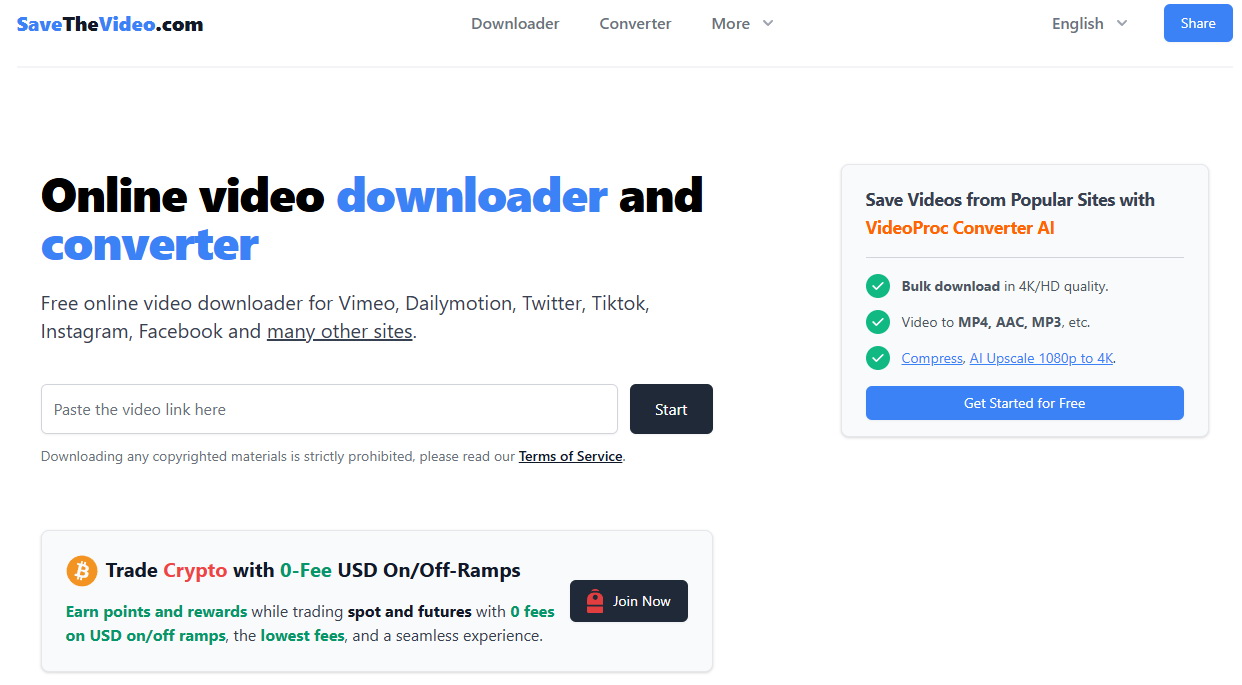
Supports many platforms with a simple interface, decent speeds, and options up to 1080p or higher. It emphasizes fewer interruptions than some competitors. If you want a more detailed SaveTheVideo review, you can go to this page.
KeepVid:
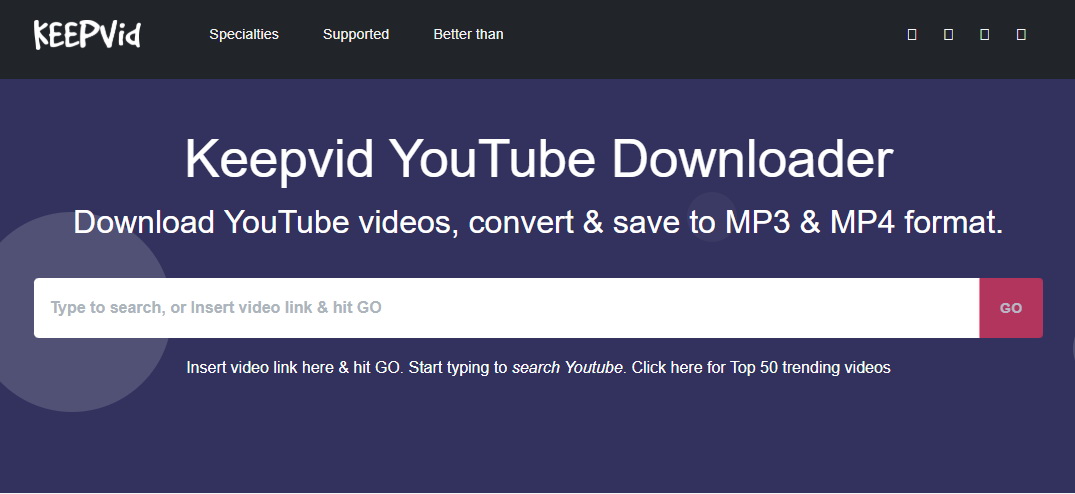
Another web-based tool like SaveFrom for quick downloads from various sites. Like the other two online video downloads we mentioned. It also allows audio extraction. Perfect for those who need to download YouTube playlist.
These free online tools are just as easy to use as SaveFrom, but like SaveFrom, they share some common drawbacks, such as excessive ads and potential instability when platforms update their anti-download measures. If you’d like a clearer understanding of the differences between online video downloaders and Moyea Video Downloader, we’ve provided a comparison table below.
Comparison Table: Moyea Video Downloader vs. Other Online Video Downloaders
|
Feature |
Moyea Video Downloader |
SaveFrom.net / Y2Mate / SaveTheVideo / KeepVid |
|
Type |
Desktop software (Windows/Mac) |
Web-based (browser only) |
|
Supported Sites |
1,000+ |
40–100+ (mainly public sites) |
|
Max Quality |
Up to 8K |
Up to 4K (varies, often lower) |
|
Batch/Playlist |
Yes, |
No |
|
Ads/Pop-ups |
Minimal (software interface, no pop-up) |
High (aggressive redirects common) |
|
Safety/Reliability |
High |
Variable; malware risk from ads |
|
Cost |
Trial + paid license for full use |
Free |
|
Best For |
Heavy users, streaming services, high quality |
Quick, one-off public video downloads |
3. Conclusion
SaveFrom.net’s service in the United States has not yet been restored, and although it can be used through VPN, it is still not a long-term solution. Switching to specialized tools like Moyee Video Downloader can provide a smoother, safer, and more powerful experience for regular video downloads. For occasional download needs, you can use our listed online video downloaders instead.
Part 4. FAQs
Is there a way to use SaveFrom in the US?
Yes, often by using a reputable VPN to connect through a non-US server. Results vary by platform updates and your ISP. Consider dedicated software for more consistent access.
Is SaveFrom.net Safe to Use?
The core service isn’t typically malware, and it has Norton Safe Web verification. However, its aggressive advertising, pop-ups, and redirects pose real risks of scams or unwanted programs. Use with a strong ad blocker, avoid suspicious buttons, and never enter personal info. Desktop alternatives are generally safer.
What’s SaveFrom.net Helper?
It is the official browser extension (available for Chrome, Firefox, Opera, etc.) that adds a one-click download button directly on supported video pages like YouTube. It simplifies the process without always visiting the main site.
 Terms of Use: Moyea is intended solely for personal, educational, and non-commercial archival purposes use. It allows users to save a local copy of videos that they have legally subscribed or purchased. Any commercial utilization, unauthorized redistribution, or online sharing is prohibited. Users assume full responsibility for complying with copyright laws.
Video Downloader

 Try for Free
 Try for Free
 Download videos from 1000+ websites.
Download live streams streaming sites.
Download videos in up to 8K resolution.
Save videos as MP4, MKV, WEBM files.
Batch download videos from playlists and channels.
Download audio tracks and subtitles.
Automatically remove ads during downloads.
Related






 English
 日本語
日本語