Share article:


Best Video Downloader Chrome Extensions in 2026: 8 Tools Compared

Updated: 2026-10-29
Related to: Video Downloader
578 Views
Summary: Video downloader browser extensions offer a simple, quick way to download videos. We compared the following popular browser extensions:
| Extension | Best For | Key Feature | Main Limitation |
|---|---|---|---|
| CleverGet Video Downloader | Users looking for video and audio download options | Advertises multiple video and audio output formats | Website compatibility and actual performance need testing |
| Video DownloadHelper | General webpage media detection | Detects media from thousands of websites | Some websites and features have restrictions |
| CocoCut | HLS/M3U8 video downloads | Detects supported streams and combines video segments | Not all streams can be processed |
| Video Downloader Plus | Users who want a straightforward download workflow | Detects supported video streams and offers download options | Free-plan limits apply |
| FetchV | Supported HLS/M3U8 media | Supports stream detection and recording mode | Encrypted or otherwise protected media may not be downloadable |
| Video Downloader Professional | Basic video detection and saving | Saves supported webpage videos and offers resolution choices where available | Available resolutions depend on the source |
| Free Download Manager | Browser-assisted downloading | Integrates browser downloads with a desktop download manager | Requires the desktop application |
| Ant Download Manager | Advanced download management | Browser integration and download-management features | Some functions require paid desktop software |
Video downloader Chrome extensions provide a convenient way to detect and save videos from supported websites. In this guide, we compare 8 video downloader extensions and browser-integrated download managers based on features, browser compatibility, output options, pricing, and limitations, and introduce three desktop alternatives for users who need more advanced features.
Part 1. What to Look for in a Video Downloader Chrome Extension
Before choosing a video downloader extension, consider whether it supports your target websites, how it handles media streams, what output options it offers, and whether its free features meet your needs.
1. Supported Websites and Media Detection
Website compatibility is one of the most important factors when choosing a video downloader. Some extensions can detect directly downloadable MP4 or WebM files, while others can also identify media delivered through streaming protocols.
2. Output Video and Audio Formats
Different extensions offer different output options. Some simply save the original media file, while others provide additional format conversion or audio extraction features.
3. HLS/M3U8 Support
Some websites deliver videos through HTTP Live Streaming (HLS). Instead of providing one complete video file, the streaming system may divide the content into smaller media segments and use an M3U8 playlist to identify them. An extension with HLS/M3U8 support may be able to detect the playlist, retrieve compatible segments, and combine them into a playable file.
4. Pricing and Ease of Use
If you only save occasional videos, a free extension may be sufficient. If you regularly download supported media, need batch processing, or want more control over downloads, a paid tool or desktop application may be worth considering.
Part 2. Overview: Compare 8 Video Downloader Chrome Extensions
The following table compares the 8 tools by browser support, media detection, output options, streaming support, pricing, and limitations.
| Extension | Output Video Format Options | Output Audio Format Options | HLS/M3U8 Support | Pricing Mode | Main Limitation |
|---|---|---|---|---|---|
| CleverGet Video Downloader | MP4, MKV | MP3, M4A | Yes; supports HLS/M3U8 | Free trial and paid subscription | Newly released extension with no user ratings yet |
| Video DownloadHelper | MP4, MKV, WebM | MP3 extraction from video | Yes; supports HLS, DASH, and MPD | Free with paid premium licensing | Chrome version does not support YouTube downloads |
| CocoCut | MP4 | MP3, AAC, WAV, FLAC, OGG, M4A | Yes; detects M3U8 and merges supported HLS segments into MP4 | Listed as free to use; offers a Pro/VIP tier | Some media may require recording mode |
| Video Downloader Plus (vidow.io) | MP4 | MP3, AAC, FLAC, MKV | Yes; supports HLS and DASH detection | Free tier and premium plans | Does not support YouTube; HLS/DASH downloads |
| FetchV | MP4, WebM | MP3 | Yes; supports HLS/M3U8 and compatible live streams | Totally Free | Does not support encrypted videos or every non-standard streaming implementation |
| Video Downloader Professional | MP4, MOV, MKV, OGG | MP3, M4A, Opus, WAV, FLAC | Yes, detects HLS/m3u8 playlists | Free to use; offers a Professional Plan | Limited by the media types and resolutions exposed by the source website |
| Free Download Manager | MP4 | / | Not a dedicated HLS/M3U8 extraction tool | Free to use | Not supporting direct downloading of audio |
| Ant Download Manager | MP4 | MP3 | Yes; supports HLS/M3U8 | Free to use; offers a Pro Plan | The free tier restricts high-resolution video downloads |
Part 3. Detailed Reviews of 8 Video Downloader Chrome Extensions
1. CleverGet Video Downloader for Browser
Supported Browsers: Chrome and Microsoft Edge.
Pricing: $49.95 per year / $71.95 lifetime
CleverGet Video Downloader for Browser is a newer browser extension designed to simplify the process of detecting and saving supported online videos. Its features include one-click downloading, video quality selection, and the detection of video, subtitle, and audio-track information.
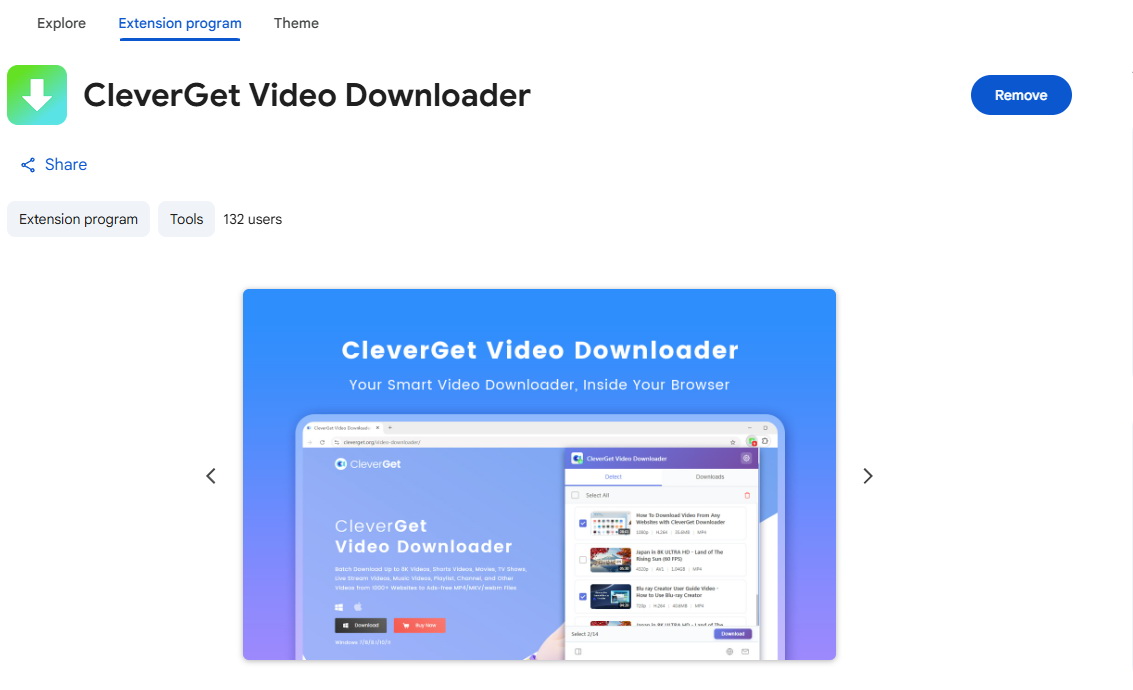
- Several video and audio output options.
- Offers a straightforward browser-based workflow.
- Supports downloading videos with subtitles.
- Has a relatively limited public review history compared with established extensions.
- Compatibility and performance need hands-on verification.
2. Video DownloadHelper
Supported Browsers: Chrome, Firefox, and Microsoft Edge.
Pricing: $19 per year / $39 lifetime
Video DownloadHelper is a well-established browser extension that detects and downloads media from webpages. It supports more than 1,000 websites and offers features for handling different media types, including HLS, DASH, and MPD streams. One important limitation is that the Chrome extension doesn’t support YouTube downloads.
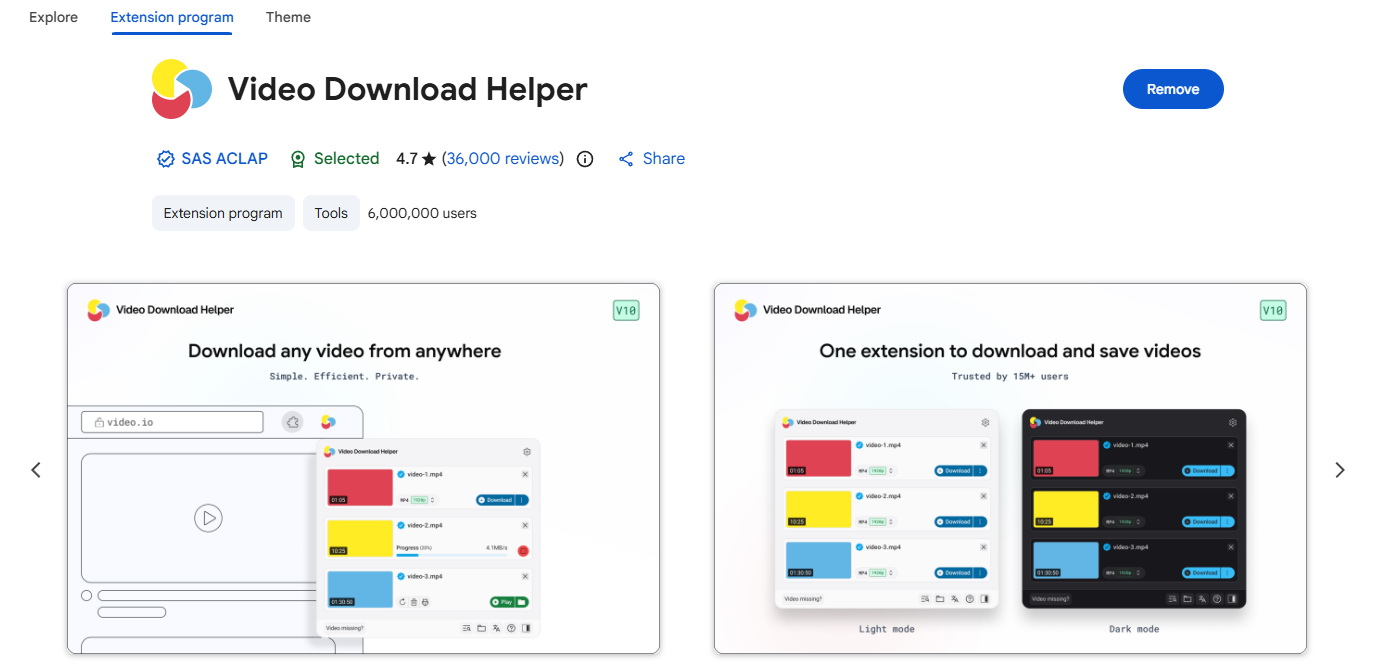
- Established product with a large user base.
- Supports a broad range of media resources.
- Available for Chrome, Firefox, and Edge.
- Provides a free version.
- Does not support YouTube downloads through its Chrome extension.
- Some advanced features require a premium license.
- Compatibility depends on the website and media implementation.
3. CocoCut
Supported Browsers: Chrome, Edge, Firefox
Pricing: Free Tier / VIP Tier Cost varies by region
CocoCut is a video downloader extension that advertises support for downloading videos and audio from supported websites. One of its main selling points is its handling of HLS streaming media. It also combines a recording mode that can help you record video that can be tricky to download.
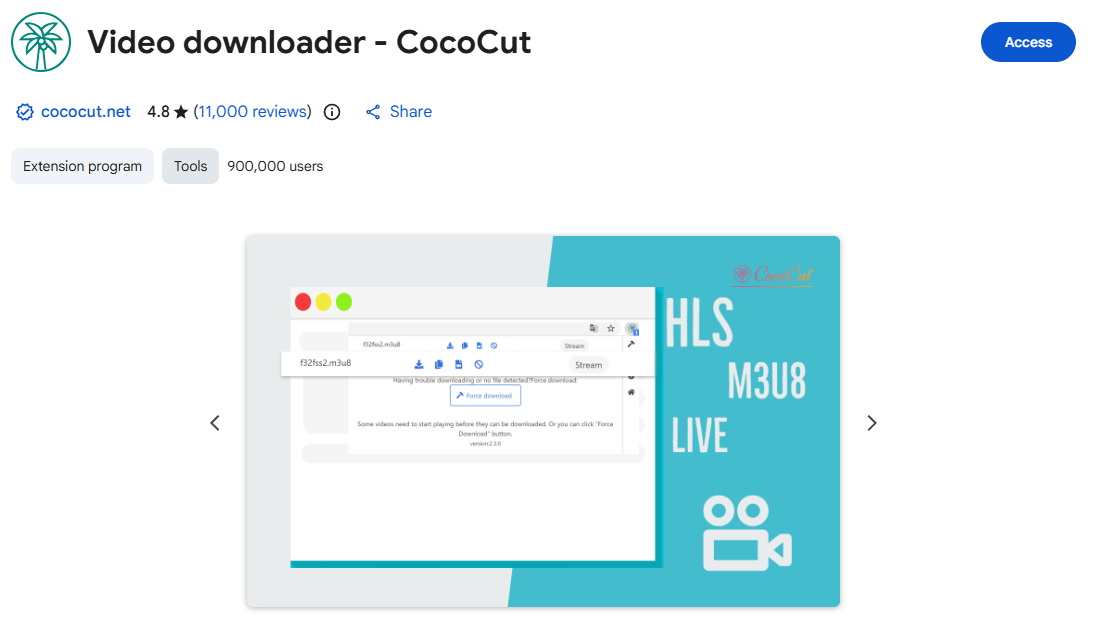
- Useful for supported HLS/M3U8 streams.
- Can combine compatible video segments into a single file.
- Records stubborn or live-stream videos that cannot be downloaded.
- Some streams may not be detected or processed successfully.
- Encrypted or otherwise restricted media may be inaccessible.
- Output options depend on the source and current extension capabilities.
4. Video Downloader Plus
Supported Browsers: Chrome, Edge, and Brave
Pricing: $19.99 per year / $69.99 lifetime
Video Downloader Plus is a browser-based video downloader that detects supported media while users browse. It supports more than 1,000 sites and media detection involving HLS, DASH, MP4, and WebM. It also offers additional browser-based tools for working with video and audio, although the availability of individual features depends on the plan.
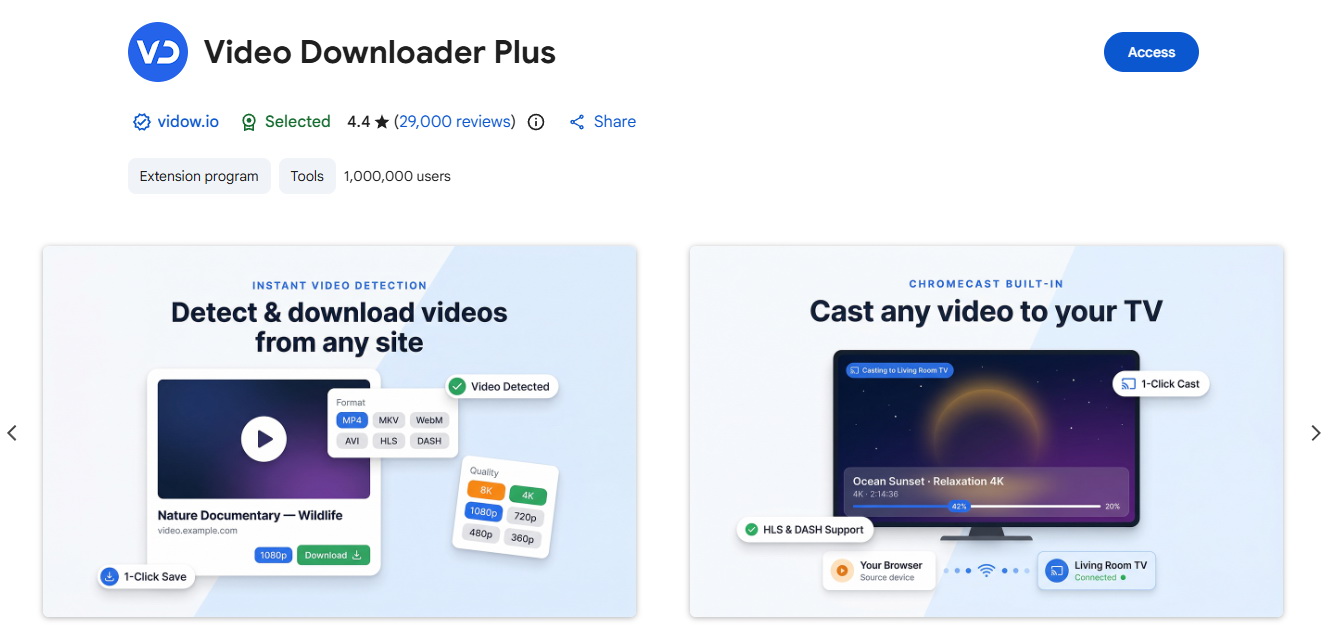
- Offers a free plan for occasional downloads.
- Provides additional video and audio tools.
- Advertises support for multiple stream types.
- Offers annual and lifetime payment options.
- The free plan limits downloads to three per day.
- Advanced features require a paid plan.
- Actual performance depends on the source website and media stream.
5. FetchV
Supported Browsers: Chrome, Edge, and other Chromium-based browsers
Pricing: Free
FetchV is a browser extension focused on downloading supported online videos, including certain HLS/M3U8 streams and live streams. It has a recording mode for compatible media that cannot be retrieved through ordinary media detection.
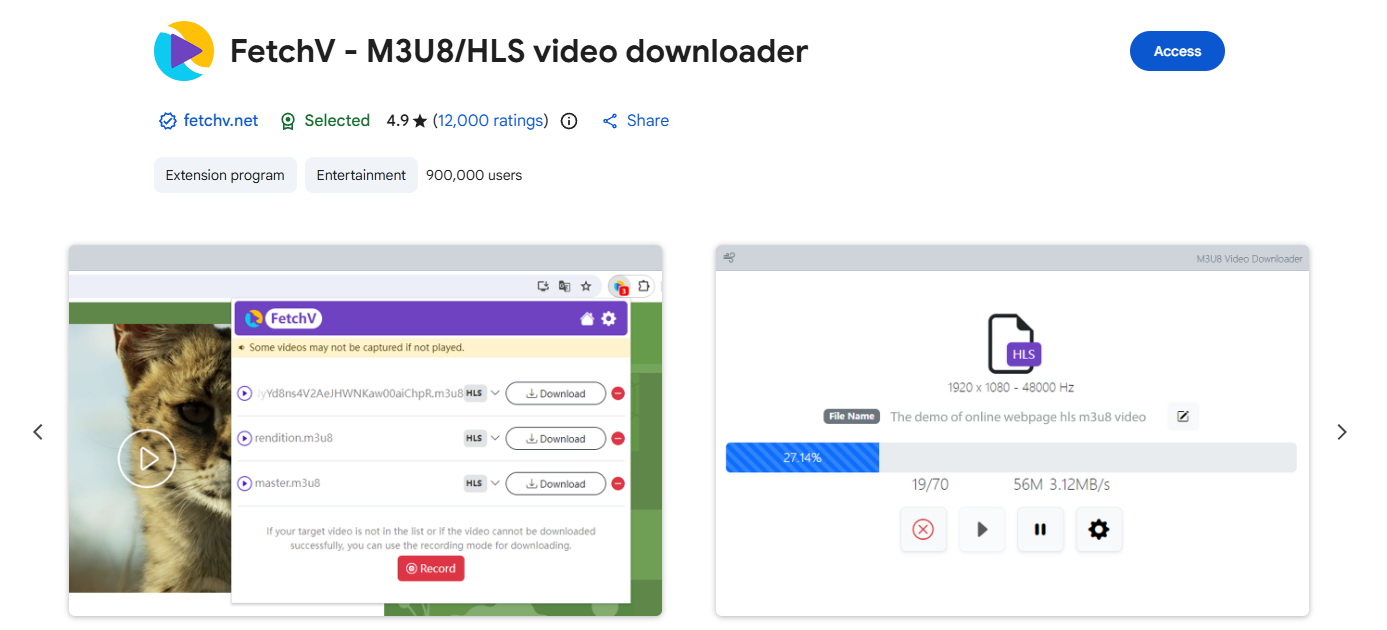
- Supports common video formats.
- Offers HLS/M3U8 handling.
- Includes a recording mode for some compatible media.
- Works with Chrome, Edge, and other Chromium-based browsers.
- Protected or inaccessible media may not be downloadable.
- Recording mode does not guarantee success with every video.
6. Video Downloader Professional
Supported Browsers: Chrome and Edge
Pricing: $19.99 per year / $69.99 lifetime
Video Downloader Professional is a Chrome extension developed by Link64 GmbH. It allows users to save supported videos from webpages or collect detected videos in a list for later access. It also provides various resolution selection when the source supports multiple resolutions and Chromecast playback for compatible MP4 videos.
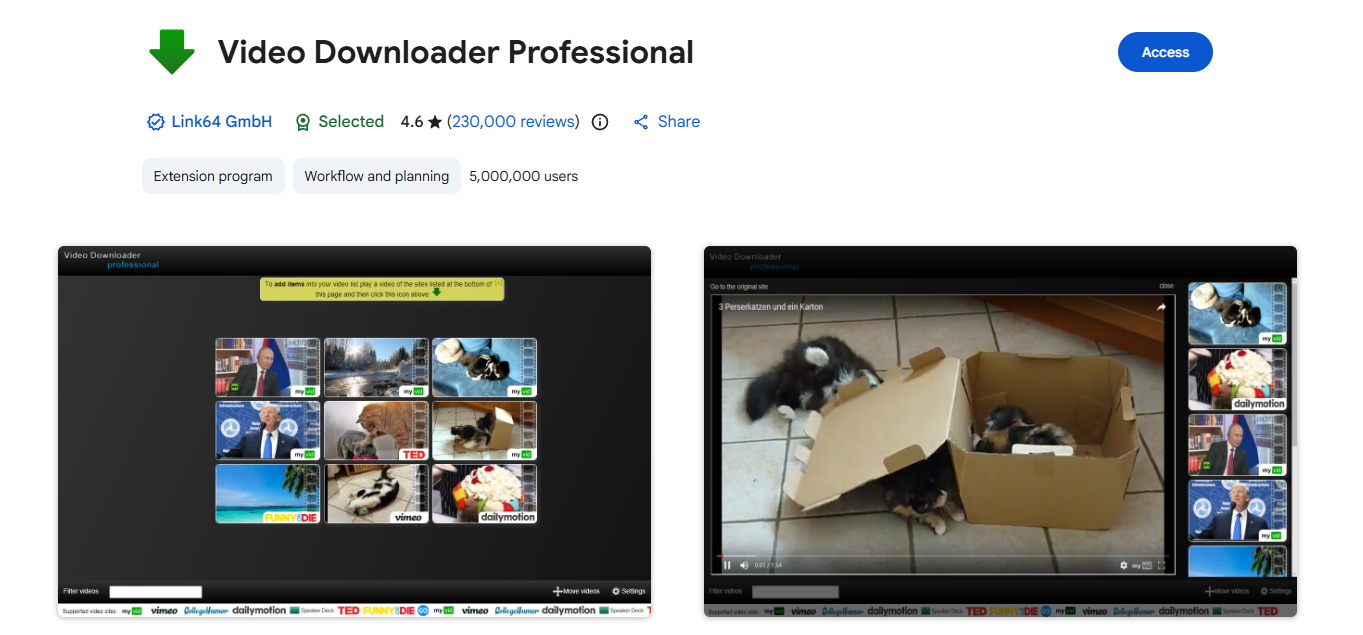
- Straightforward video detection and saving.
- Supports resolution selection for some sources.
- Offers a video list for organizing detected content.
- Has an established Chrome Web Store presence.
- Not every webpage exposes a downloadable video file.
- HLS/M3U8 extraction and audio conversion capabilities were not independently confirmed.
7. Free Download Manager
Supported Browsers: Chrome, Edge, and Firefox.
Pricing: Totally Free
Free Download Manager (FDM) is a desktop download manager with browser integration. Unlike a dedicated video downloader extension, its Chrome extension primarily connects browser downloads to the desktop application.
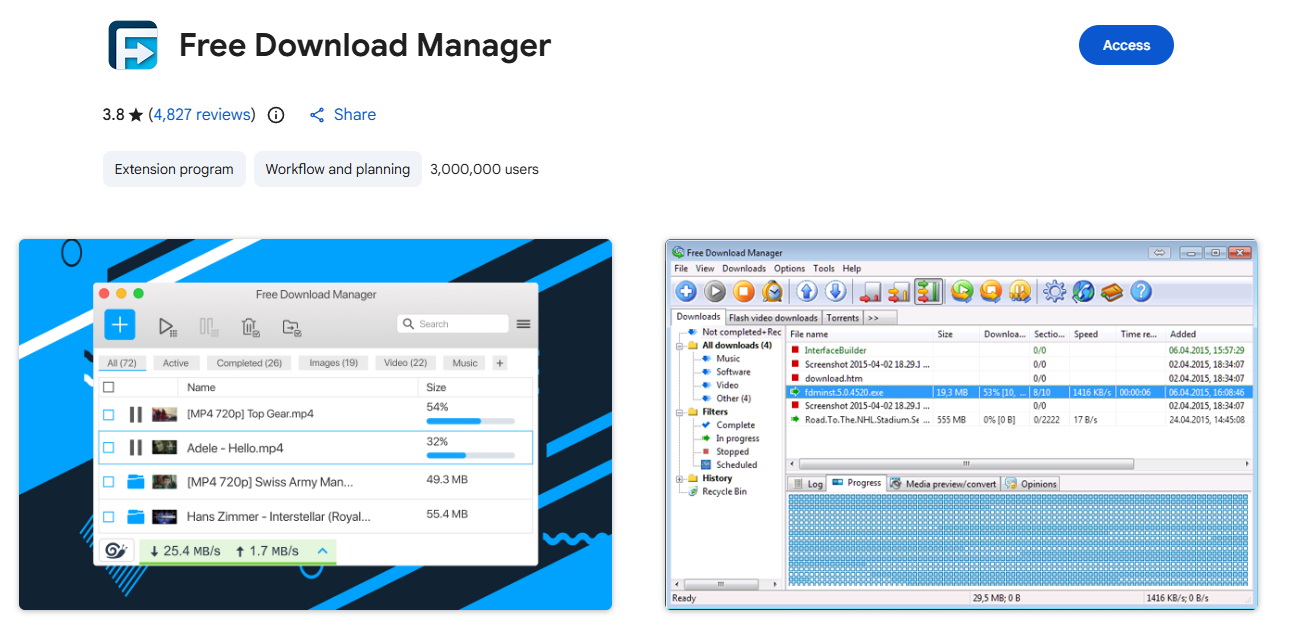
- Free desktop download management.
- Supports multiple operating systems.
- Offers download organization and resume functionality.
- Integrates with supported browsers.
- Requires installation of the desktop application.
- The browser extension is an integration component, not a standalone video downloader.
- Some streaming videos cannot be handled directly.
8. Ant Download Manager
Supported Browsers: Chrome, Firefox, and Edge
Pricing: $11.95 per year / $26.95 lifetime
Ant Download Manager is a desktop download manager with browser integration. It is intended for users who want to manage downloads through a dedicated application rather than relying exclusively on a browser extension.
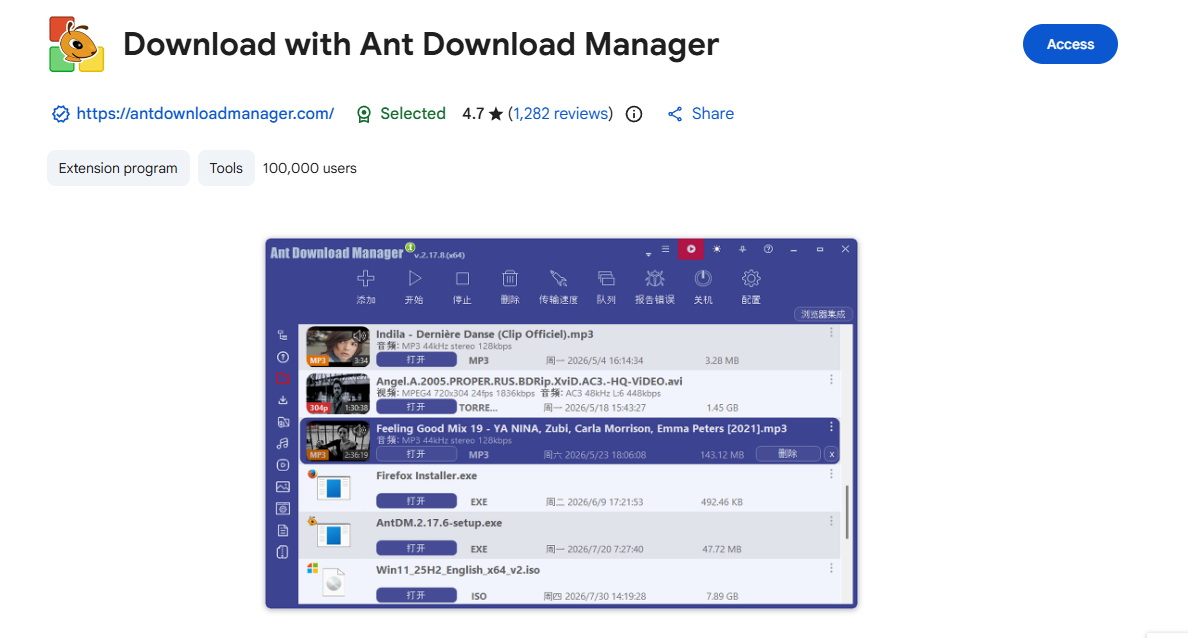
- Provides a dedicated desktop environment for download management.
- Offers browser integration.
- May be useful for users who need more control over multiple downloads.
- Requires a separate desktop application.
- Its ability to download specific streaming formats depends on the source and current software capabilities.
Part 4. What Are the Limitations of Video Downloader Chrome Extensions?
Although browser extensions are convenient, they cannot download every video on the internet. Understanding their limitations can help you choose a suitable tool and avoid wasting time troubleshooting unsupported media.
- Some Websites Block Video Downloads
Some websites expose a direct media URL that a browser extension can detect. Others use custom players, dynamically generated URLs, authentication, or other mechanisms that make the original media harder to access. - Streaming Protocols and Encrypted Media Can Be Difficult to Handle
Direct video files and segmented streams are not the same. A browser extension may be able to save an ordinary MP4 file but fail to reconstruct a segmented stream. - Browser and Extension Restrictions
Browser-store policies, changes to browser APIs, and website restrictions can affect extension functionality. Some extensions also require a companion desktop application, while others may have download limits or paid features.
Part 5. 3 Desktop Alternatives to Video Downloader Chrome Extensions
Browser extensions are convenient for occasional downloads, but some users may need more advanced features. In this case, a desktop video downloader can fit your needs. Here we list three options; all of them have their own unique pros.
1. Moyea Video Downloader – A Cost-Effective Video Downloading Solution
Pricing: $34.96 per year / $55.96 lifetime
Moyea Video Downloader is a desktop app for saving supported online videos. It supports more than 1,000 video sites and downloads up to 8K resolution when the source offers it. For users who want a dedicated video downloader without buying a large bundle of unrelated software, Moyea Video Downloader is a solid option.
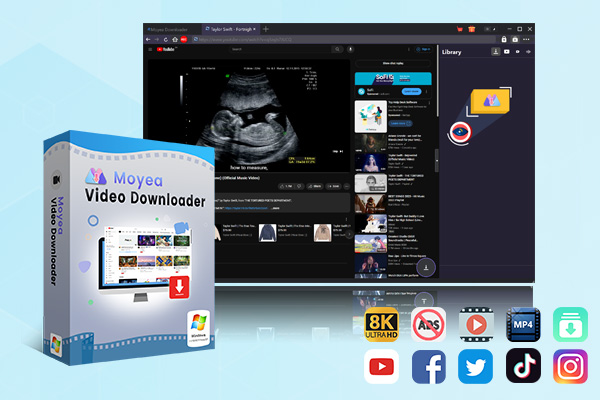
- Downloads supported videos from more than 1,000 websites, according to the product page.
- Video downloads up to 8K when supported by the source.
- Supports output formats including MP4, MKV, WebM, and 3GP.
- Supports compatible playlist and batch-download workflows.
Secure Download
Trustpilot Rating 4.7
- Offers a standalone video downloading product.
- Advertises broad website support and high-resolution downloads.
- Provides batch-download capabilities for compatible media.
- Offers both annual and lifetime license options.
- Has a limited free trial.
- Does not support certain subscription streaming services.
- Download quality and compatibility depend on the source.
- The free trial is limited to three downloads.
2. StreamFab Video Downloader – For Scheduled Downloads
Pricing: $299.99 lifetime
StreamFab is a desktop video downloading suite with separate modules for different sites and streaming services. It includes an automatic download scheduler that can watch supported services and grab new episodes on a daily or weekly schedule. This makes StreamFab especially useful for users who want to automate downloads instead of starting each task manually.
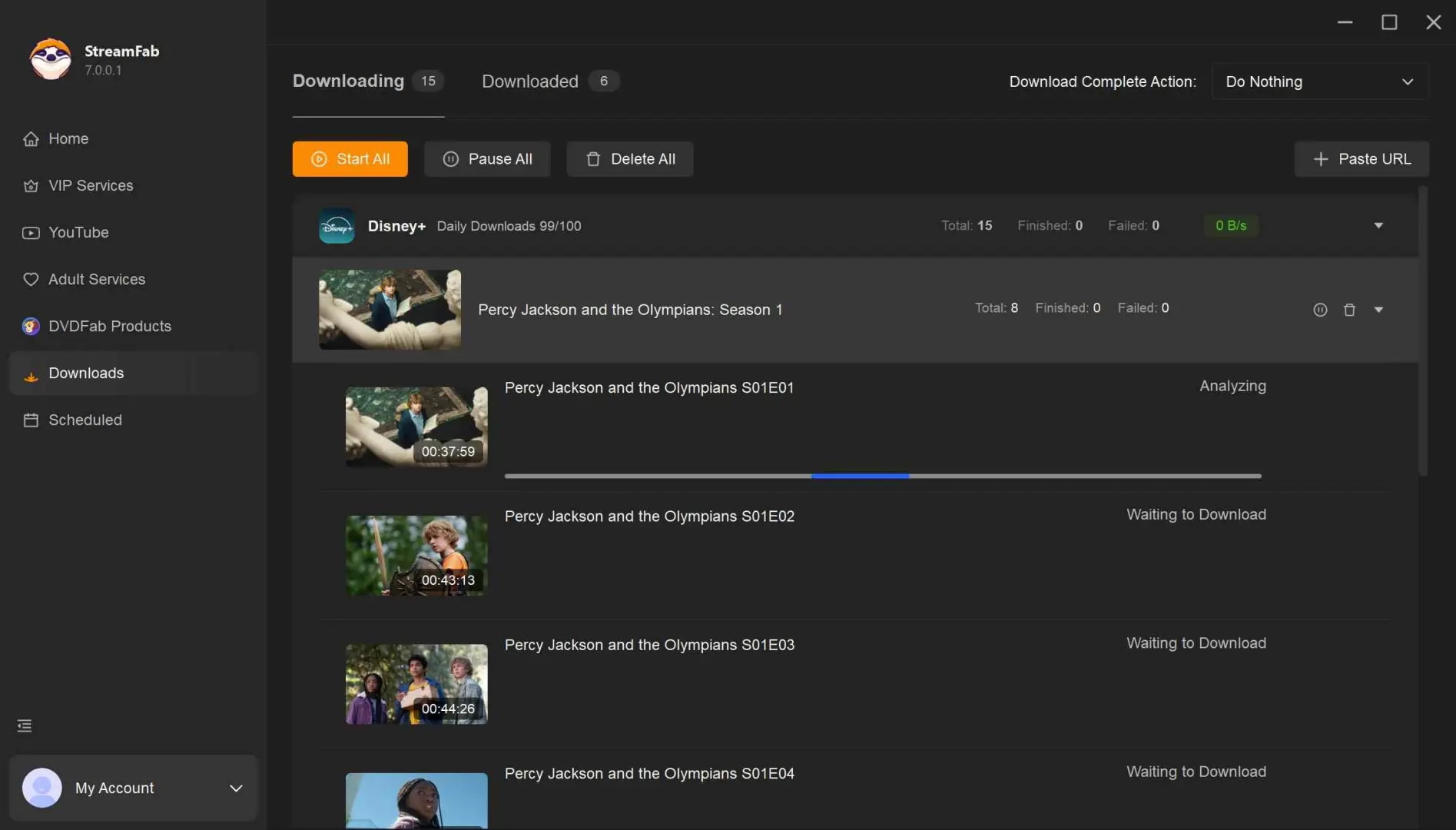
- Provides scheduled downloading for supported services.
- Can automate the process of saving new episodes.
- Offers batch downloading and subtitle options for compatible content.
- Provides separate modules and bundle options.
- Pricing can be significantly higher than that of a basic browser extension.
- Features vary by module and supported service.
- The scheduler does not mean every website or video can be downloaded.
- Users need to confirm which product includes the feature they need.
3. Audials One – For Recording Streaming Videos
Pricing: $46.74 per year / Pro: $58.44/year
Audials One takes a different approach from traditional downloaders. Rather than relying exclusively on direct media-file downloading, it records supported streaming video and saves the resulting files for offline playback.
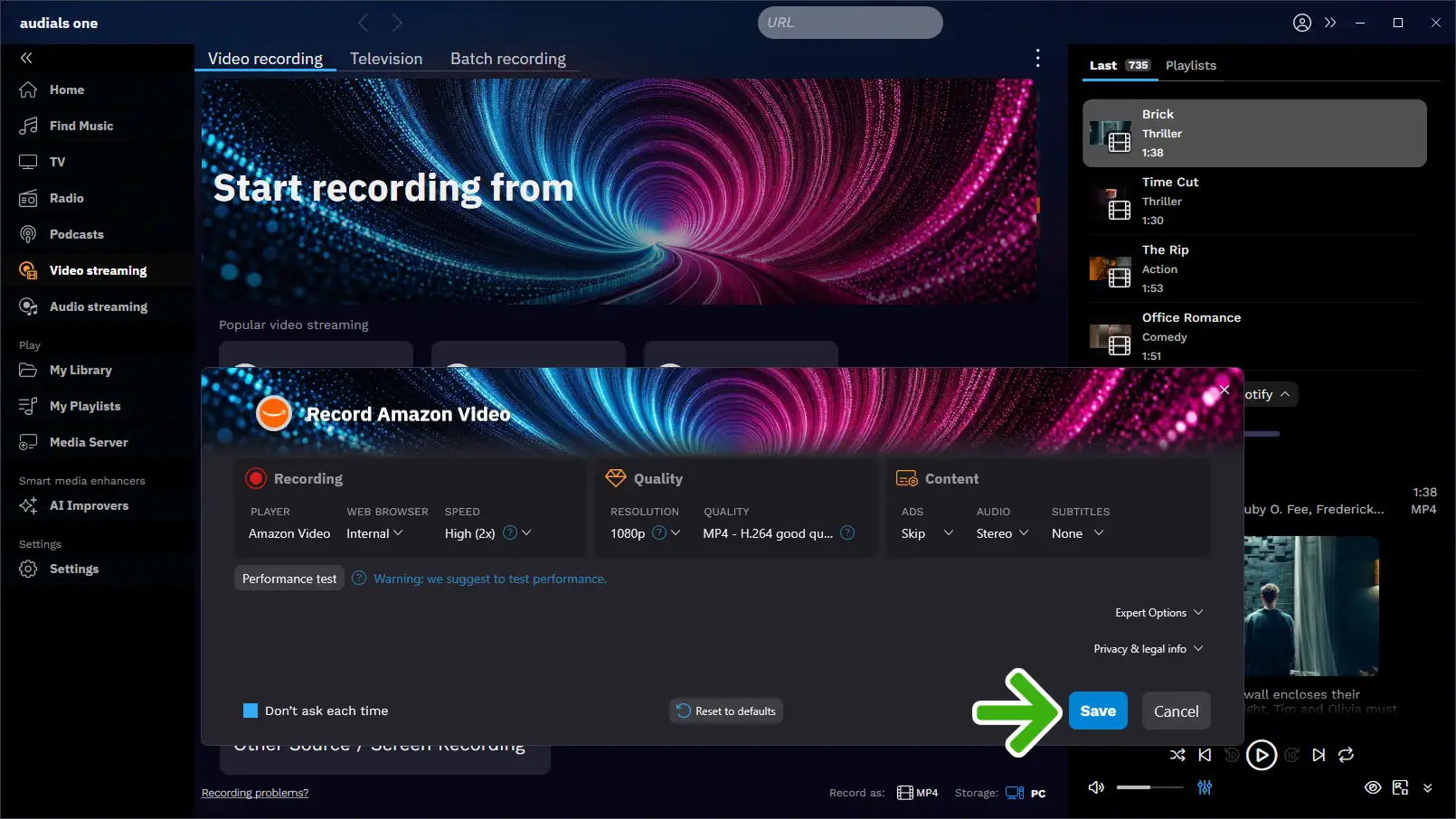
- Uses a recording-based workflow rather than relying solely on direct file downloads.
- Supports multiple common output formats.
- Offers recording scheduling for compatible content.
- Provides additional media organization and enhancement features.
- Recording may take longer than direct downloading.
- Supported services and output quality vary.
- Some features are available only in Audials One Pro or under specific license terms.
- It does not bypass effective technical protection measures.
Part 6. FAQs
-
Can Chrome Video Downloader Extensions Download YouTube Videos?
Not all Chrome Video Downloader Extensions support downloading YouTube videos, and many explicitly state that they do not support it. Fortunately, most of them come with free trials that you can try before purchasing.
-
Why Does My Video Downloader Extension Not Work?
Your video downloader extensions may have undergone significant updates or have simply ceased service. You can directly visit the official website to learn about the latest information.
-
Are Chrome Video Downloader Extensions Safe?
Any extension downloaded from the Google Extension Store, official website, or other legitimate channels is safe. If you still have concerns, you can refer to real user reviews before you actually get your hands on them.
-
Are Desktop Video Downloaders Better Than Chrome Extensions?
In terms of functionality, yes. Desktop video downloaders typically provide more comprehensive features, a more stable download experience, and higher-quality download files.
-
Is CleverGet Video Downloader for Browser Worth Trying?
Although CleverGet Video Downloader for Browser is a newly released extension and has not received many user reviews, it is an extension of CleverGet Video Downloader, which has years of experience and numerous excellent reviews. So CleverGet Video Downloader for Browser is definitely worth trying, especially since they also offer a free trial.
Conclusion
There can be so many options for video downloader browser extensions, but before making your final decision, please remember to compare their supported websites, media detection, output options, HLS/M3U8 features, browser compatibility, and pricing. If browser extensions do not meet your needs, consider a desktop alternative such as Moyea Video Downloader. No matter what tool you use, please comply with local laws, only download videos that are allowed to be downloaded, and do not spread downloaded videos.
- This article is for educational purposes only.
- Only download videos that you own, have permission to download, are licensed for downloading, or are otherwise legally permitted to save.
- Respect copyright, website terms, access restrictions, and applicable laws.
- Do not use downloading tools to bypass DRM or other technical protection measures without authorization.
 Terms of Use: Moyea is intended solely for personal, educational, and non-commercial archival purposes use. It allows users to save a local copy of videos that they have legally subscribed or purchased. Any commercial utilization, unauthorized redistribution, or online sharing is prohibited. Users assume full responsibility for complying with copyright laws.
Video Downloader

 Try for Free
 Try for Free
 Download videos from 1000+ websites.
Download live streams streaming sites.
Download videos in up to 8K resolution.
Save videos as MP4, MKV, WEBM files.
Batch download videos from playlists and channels.
Download audio tracks and subtitles.
Automatically remove ads during downloads.
Related

5 Best LinkedIn Video Downloaders to Download LinkedIn Videos

SaveFrom.net Still Banned in the US: What Are the Alternatives?

How to Watch Deleted YouTube Videos?

Twitch VOD: What It Is and How It Works
Full Review of Savethevideo: Is Savethevideo Safe?

Is Crunchyroll Free? How to Watch Anime Without Paying


 English
 日本語