Share article:


Apowersoft Streaming Video Recorder Review: Features, Pricing, and Alternatives

Updated: 2026-03-24
Related to: Streaming Video Recorder
6 Views
Summary:
A review that allows you to thoroughly understand the core features, pricing strategy, and actual user experience of Apowersoft Streaming Video Recorder. If you are wondering whether it is suitable for you, after reading this review, you will understand.
MenuCLOSE
In today’s streaming era, whether it’s saving online courses, recording game streams for offline viewing, or backing up important video conferences, we all need a stable and efficient streaming recording tool. Apowersoft Streaming Video Recorder, as an excellent streaming recording tool, has also become the choice of many users due to its powerful features and advantages. So, is it really worth choosing? What are its advantages? The answers are in this review. This review will analyze it from aspects such as its features, price, pros and cons, so that after reading, you can clearly know whether it is suitable for you. At the same time, even if you feel it is not suitable for you, it’s okay, I will also recommend a noteworthy alternative.
Part 1: What Is Apowersoft Streaming Video Recorder?
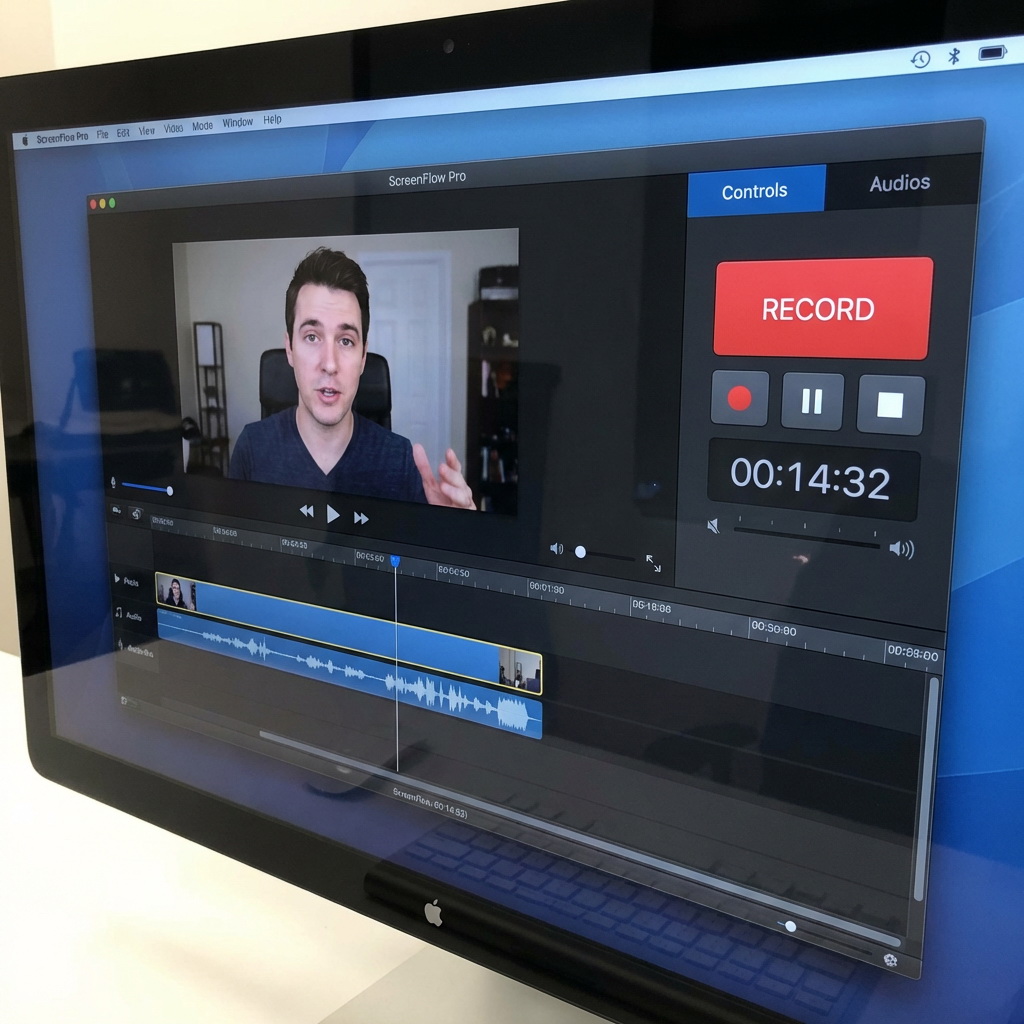
Apowersoft Streaming Video Recorder is a screen recording tool focused on capturing online streaming media. It can record video streams, TV programs, and online movies from thousands of websites, such as YouTube, Google Video, Blip TV, Justin TV, CBS, and more. The software supports both Windows and Mac platforms and is designed to provide users with a convenient workflow from recording to editing to sharing, making it suitable for users who need to preserve online video resources long-term.
Part 2: Key Features of Apowersoft Streaming Video Recorder
In order to help you have a better understanding of Apowersoft Streaming Video Recorder, I will now provide a detailed introduction to its five main functions.
1. Support for Multiple Streaming Platfroms
Apowersoft Streaming Video Recorder can automatically record streaming videos from over 1000 websites. It supports recording from Internet TV channels, social media video websites, and all available online video resources. Whether it’s the mainstream platforms like YouTube, Netflix, Hulu, or various online course platforms, the software can stably capture video streams in the background.
2. High Quality Recording
It supports recording Internet TV in its original video quality, with the highest support for a 1080p resolution. This ensures that the recorded video has clear images and complete details. For the majority of online video and conference recording scenarios, the 1080p output quality already fully meets the daily usage requirements.
3. Automatic Video Detection
It uses advanced technology to monitor your viewing situation. Just play the video you want to record, and the program will automatically detect the video stream and pop up a recording prompt. There is no need to manually select the recording area. Just click the “Record” to start capturing the content, which greatly simplifies the operation process. Even if the webpage is closed, it will continue to record.
4. Built-in Video Converter
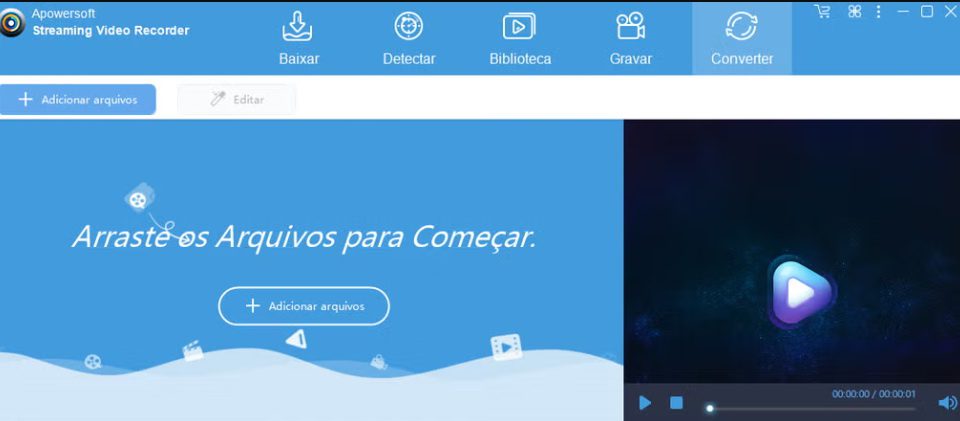
This software is equipped with a powerful video conversion module, allowing you to convert videos into specific formats to suit different devices. It supports converting recorded files and local video files into various video and audio formats, including MP4, AVI, WMV, 3GP, VOB, MOV, MPG, MP3, WMA, etc., which are the mainstream formats. It can even optimize for mobile devices such as iPhone and Android with just one click.
5. Basic Video Editing Tools
After the download is complete, many users need to do post-editing on the videos. To be objective, the video editor of this software is not very professional, but it can fully meet the needs of daily post-processing. You can perform operations such as cropping, cutting, adding special effects, removing watermarks and adding subtitles on the videos, so as to further meet your requirements for the video content, eliminating the trouble of switching to professional editing tools.
Part 3: Pros and Cons
Pros:
- Automatically detect video streams, with simple operation.
- Compatible with Windows and Mac systems.
- The output video can be without watermarks.
- Batch download and conversion.
- Simultaneously record the video footage as well as the system or microphone sounds.
Cons:
- The free online version has a one-hour recording duration limit and only offers a single export format.
- Not suitable for users who need to record 4K or ultra-high-definition content.
- Cannot record content protected by DRM.
- The advertisement cannot be skipped.
Part 4: Best Alternative to Apowersoft Streaming Video Recorder
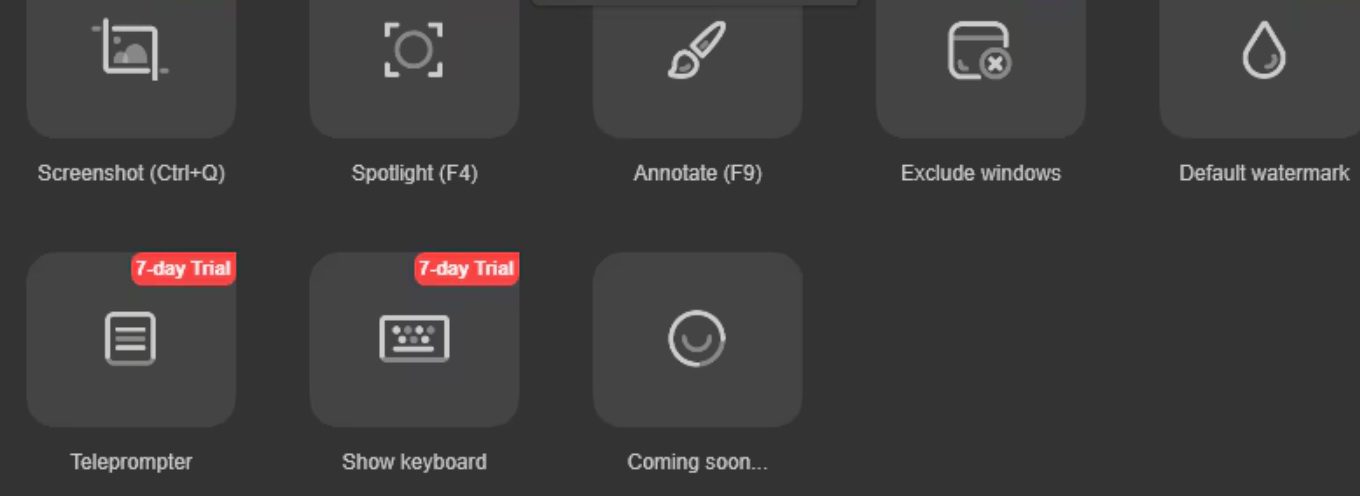
If you cannot accept the cons of Apowersoft Streaming Video Recorder or want a lower price, you can try Moyea Streaming Video Recorder. This is a tool also focused on streaming video recording, particularly good at handling DRM-protected or encrypted video streams. It supports recording live videos into MP4/MKV files, with resolutions up to 4K, perfectly complementing the cons of Apowersoft Streaming Video Recorder. This recording tool also has very powerful features, such as wide compatibility, scheduled recording, ad-free audio recording, and automatic frame positioning. It also offers a free trial, so if you are interested, you might want to give it a try.
Part 5: Final Verdict
According to this Apowersoft Streaming Video Recorder review, it is not without reason that Apowersoft Streaming Video Recorder is supported by many users. Its simple operation process and comprehensive features offer significant advantages, perfectly meeting the preferences of some users. However, if it does not satisfy you, you can definitely consider the Moyea Streaming Video Recorder that I recommend, which can also record live streams. Comparatively, it has more advantages in recording DRM-protected videos and output quality, making it more suitable for users who need to record high-bitrate material or protected content. My personal suggestion is that you can first use the free trial version to determine whether it is suitable for you to continue using. It is important to note that no matter what you choose, please pay attention to protecting content copyright and do not violate the software’s requirements.
 Terms of Use: Moyea is intended solely for personal, educational, and non-commercial archival purposes use. It allows users to save a local copy of videos that they have legally subscribed or purchased. Any commercial utilization, unauthorized redistribution, or online sharing is prohibited. Users assume full responsibility for complying with copyright laws.
Streaming Video Recorder

 Try for Free
 Try for Free
 Record live streams, videos, and clips from 1000+ websites.
Record DRM-protected streaming videos.
Save recordings as MP4 or MKV files.
Record videos in up to 4K resolution.
Record videos at up to 5× speed.
Skip commercials during recording.
Related

How to Record on Sling TV — More than DVR
How to Save YouTube Videos as MP4 Files
YouTube TV DVR: How It Works and How to Record Live TV

Crunchyroll Offline Viewing for Travel: How to Watch Anime Without Internet

How to Record Your Favorite Shows on YouTube TV
RecordFab Review: Is It Really Worth The Price?


 English
 日本語
日本語