Share article:


3 Best Options to Watch ITVX Without Ads

Updated: 2026-02-25
Related to: Moyea Downloader
9 Views
Key Takeaways:
- You can watch ITVX without ads in three main ways: upgrade to ITVX Premium, download shows using a tool like Moyea Downloader, or try a browser ad blocker.
Watching ITVX is easy. The ads aren’t. One scene breaks into multiple ads, and a movie that should flow easily ends up a complete mess with ads every now and then. All ads will stack up fast, and the whole process of watching ITVX is hectic. You can remove all these ads with ITVX premium but the problem is that not everyone wants to pay for premium. Also, buying Premium isn’t your only option. Depending on how you watch and what kind of convenience you’re after, there are a few practical ways to remove ads from ITVX. Let’s find your best option here.
Quick AccessCLOSE
Option 1. Choose the Right ITVX Plan for Ad-Free Streaming
The first option that you can try is ITVX Premium. It’s the most straightforward option you can have. No tips and tricks. You pay, the ads disappear. For £5.99 a month, you can upgrade to the ITVX no ads plan. With a simple play button, all your shows will run smoothly. No more ads between your favorite movies or your favorite shows.
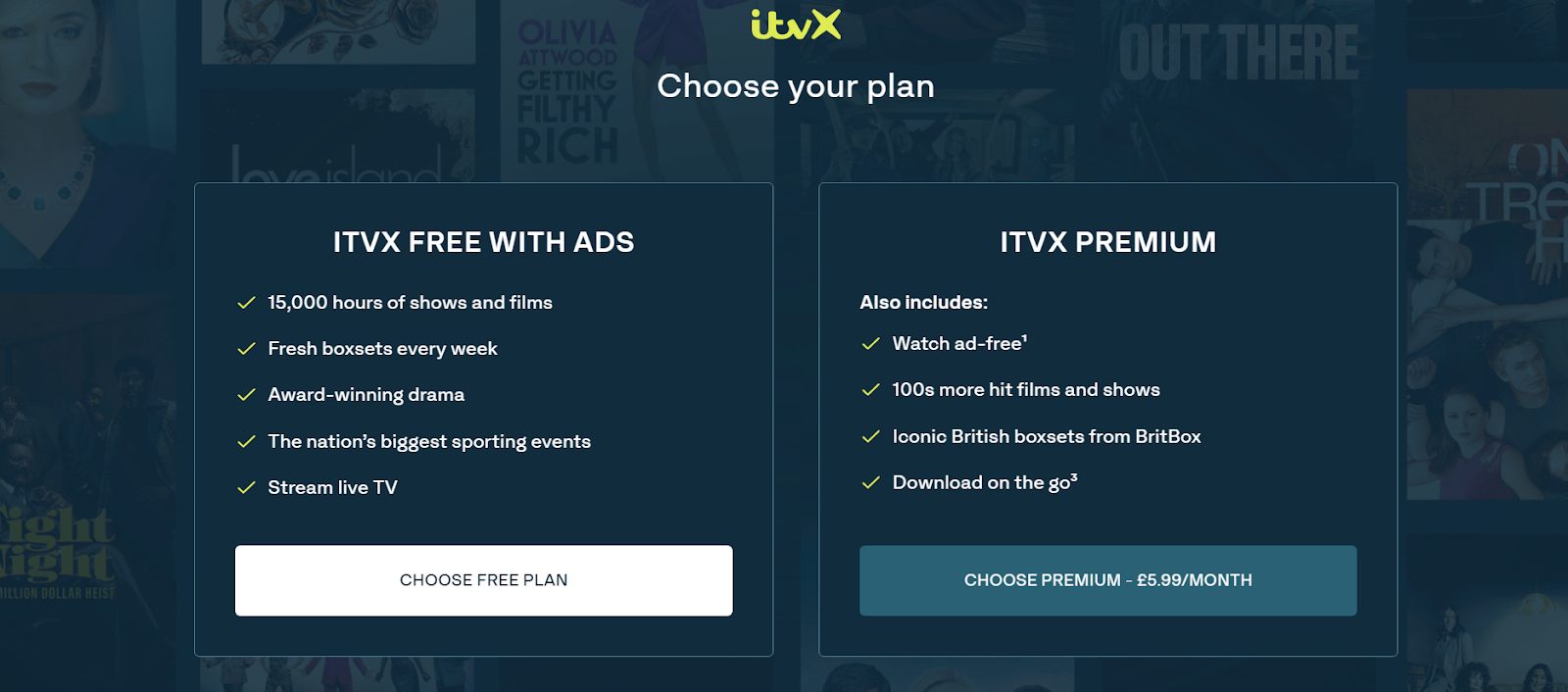
There are also many other benefits of a premium. The ITVX library will open up too. You will get extra films and series. You will not see an ad plan. On the no ads plans, you will get a variety of shows like classic British dramas, long-running series, and older titles that are hard to find anywhere.
Another thing you will enjoy by paying extra is that you can download episodes to your phone or tablet. The offline mode is best if you travel a lot. And if you already manage subscriptions through Prime Video, there’s another option. You can also add ITVX as a channel inside Amazon Prime Video and stream from there instead. This is also a good option to try if you want multiple streaming options at one place.
Option 2. Download ITVX Shows for Ad-Free Viewing
The second option you can try is download your favorite ITVX shows with a third-party downloader and keep them forever. Many times, we know upgrading to the no ads plan and paying for subscriptions every month is not pocket-friendly. So just download once and enjoy forever. No surprise breaks. No buffering. And for downloading, we recommend that you use Moyea Downloader. With this downloader, you can download from more than 1,000 platforms and record videos on various websites. It supports high-quality resolutions of 1080P Full HD Quality. The tool will automatically remove ads from your downloaded show files, even if your subscription option includes ads. So instead of relying on subscriptions, just download your shows. Downloading does not mean the tool will compromise on quality. It can download high-quality shows and movies, and let you record if the download option is not available. Now, let me quickly show you how you can use this downloader to download your shows.

-
- Download live streams, on-demand movies, TV series and other videos from 1000+ websites.
- Support to download videos in batches at up to 8K resolution without ads.
- Pack captions into output video file, or save captions as independent SRT/SUP files.
- Record online videos at up to 4K as MP4 or MKV files.
- user-friendly built-in browser and muitilingual UI settings.
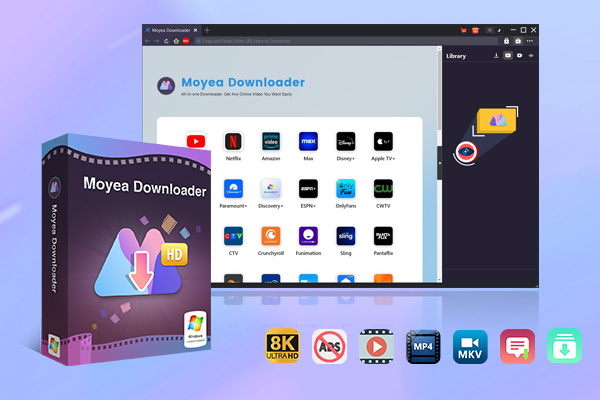
Step 1: After downloading the software, open it and load the video in the built-in browser.
Step 2: Play back the video within Moyea Downloader, and click the download icon to let it grab the streaming data.
Step 3: Next, you can choose your video’s quality format and desired video saving destination.
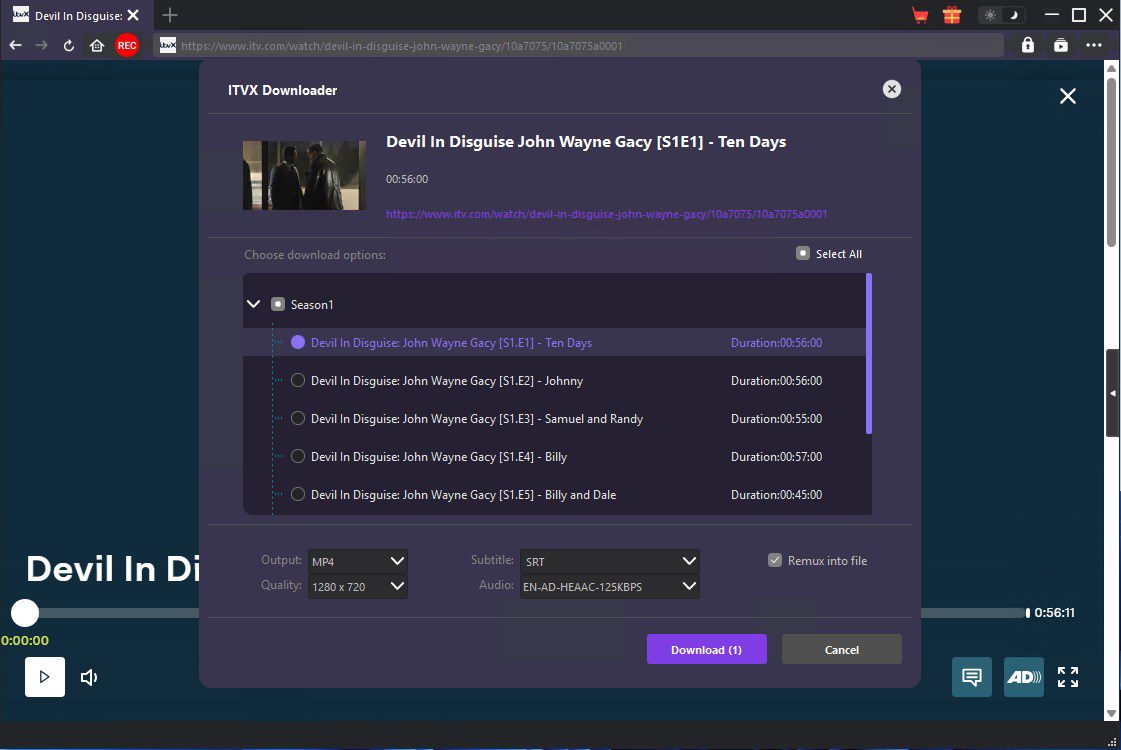
Step 4: After your selection, just tap on download and wait. That’s all. Once downloaded, you can watch without ads.
This option is best overall to avoid every month streaming subscription fees. You can download all your favorite things at once to watch without ads.
Option 3. Use Browser and App Tricks to Limit Ads
Not interested in the above 2 options, then you can try using a browser ad blocker. But remember this method does not always work. Many times, while using the ad blocker, you will still see ads, but it’s worth trying if you want a free workaround. One tool that you can use is Total Adblock. It’s available on the Chrome Web Store. It’s designed to block ad scripts while you browse and stream content. Here is how to use it.
Step 1: First, open Google Chrome and install Total Adblock from the Chrome Web Store.
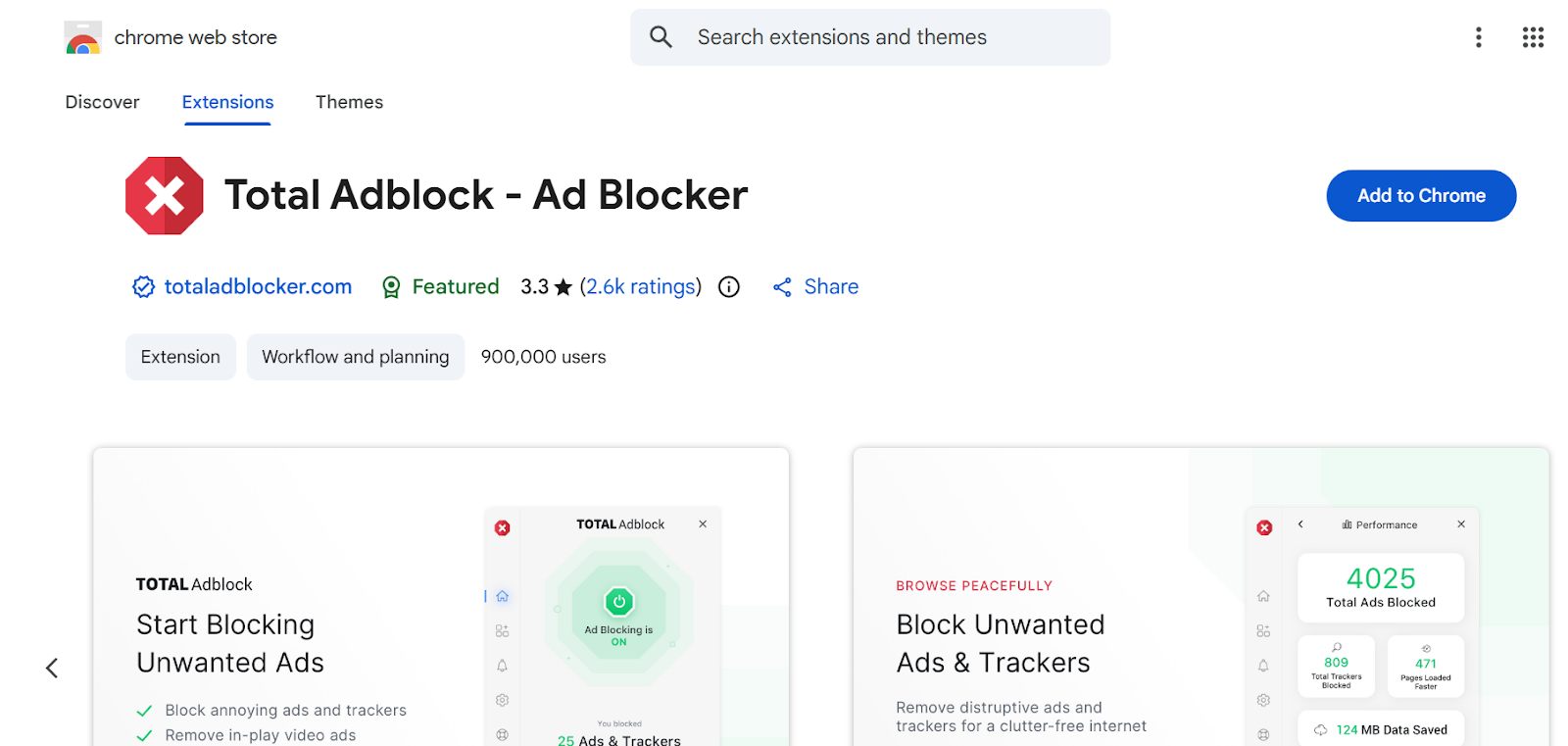
Step 2: After installation, just enable it in your browser.
Step 3: Next, open the ITVX website and start playing your chosen show.
Step 4: If still ads appear, just refresh the page.
In some cases, you will notice ads are skipped. However, other times, you will see ITVX may detect the blocker and prompt you to disable it.
Comparison of Three Methods for ITVX Ad-free Streaming
Now, as you see, we provided you with 3 options. First, you can just pay a premium every month, or if not, then download your favorite shows and movies with Moyea downloader and enjoy ultimate fun. The third is to use an ad blocker. This option does not always work, but you can give it a try. Now it’s all your choice. Below, I will quickly compare all 3 options for you to see if you can decide on your best option.
| Method | Cost | Ad Removal Reliability | Extra Benefits | Best For |
|---|---|---|---|---|
| ITVX Premium | £5.99/month | Very reliable | Extra films, BritBox boxsets, offline downloads | Users who want a simple, official solution |
| Moyea Downloader | One‑time software cost | Fully ad‑free after download | Offline playback, local file storage, long‑term access | Users who want control and permanent copies |
| Total Adblock | Free (basic version) | Inconsistent | No subscription required | Users are testing a free workaround |
FAQs
1. Does ITVX Premium remove all ads?
Yes, the premium subscription will remove ads from most on‑demand content. But remember, you will still see ads on live streams or special programming.
2. Is it legal to download ITVX shows?
It depends. Usually, if you are downloading for personal use only, then it’s fine. Remember, it’s illegal to share and redistribute ITVX content.
3. Why do ad blockers sometimes stop working on ITVX?
Streaming platforms update their ad delivery systems regularly. When that happens, blockers may fail until they update as well.
Conclusion
If you would like to watch ITVX without ads with some workarounds, your best method just depends on what you value more: simplicity, control, or cost. If you want a simple solution, then just pay a premium every month to enjoy ITVX shows without ads. But if you prefer full control and offline access, downloading episodes with Moyea Downloader is the best option. So, just pick the option that fits how you watch. Once ads are out of the way, the whole streaming experience feels better.
 Terms of Use: Moyea is intended solely for personal, educational, and non-commercial archival purposes use. It allows users to save a local copy of videos that they have legally subscribed or purchased. Any commercial utilization, unauthorized redistribution, or online sharing is prohibited. Users assume full responsibility for complying with copyright laws.
Moyea Downloader
 Try for Free
 Try for Free
 Download online videos in up to 8K resolution
Save streaming videos as MP4 or MKV files
Download videos from multiple popular streaming platforms
Batch download multiple videos at once
Support fast and stable video downloading with high compatibility
Related



 English
 日本語
日本語