Share article:


Twitch Clip Downloaders Review – Save Twitch Clips with Ease

Updated: 2026-05-22
Related to: Moyea Downloader
36 Views
Summary:
In this article, we will review the best Twitch clip downloader. There are options like online tools, browser extensions, mobile apps, and desktop software for saving clips easily. We will help you choose the right option.
Clips from Twitch is an excellent tool to save all your funny moments, gaming highlights, or your favorite streamers’ content. It can be used to create and share your clips. But many people have difficulty downloading them, since there’s no direct download button.
Therefore, many users are seeking third-party applications. These downloaders will help you in downloading Twitch clips. These downloaders are a quick way to save your clips so you can watch, edit, or share them offline. In this article, you can find a list of the best Twitch Clip Downloaders that will help you download Twitch clips. We will compare the features so you can see which is best for you.
OutlineCLOSE
1. Best Online Twitch Clip Downloader
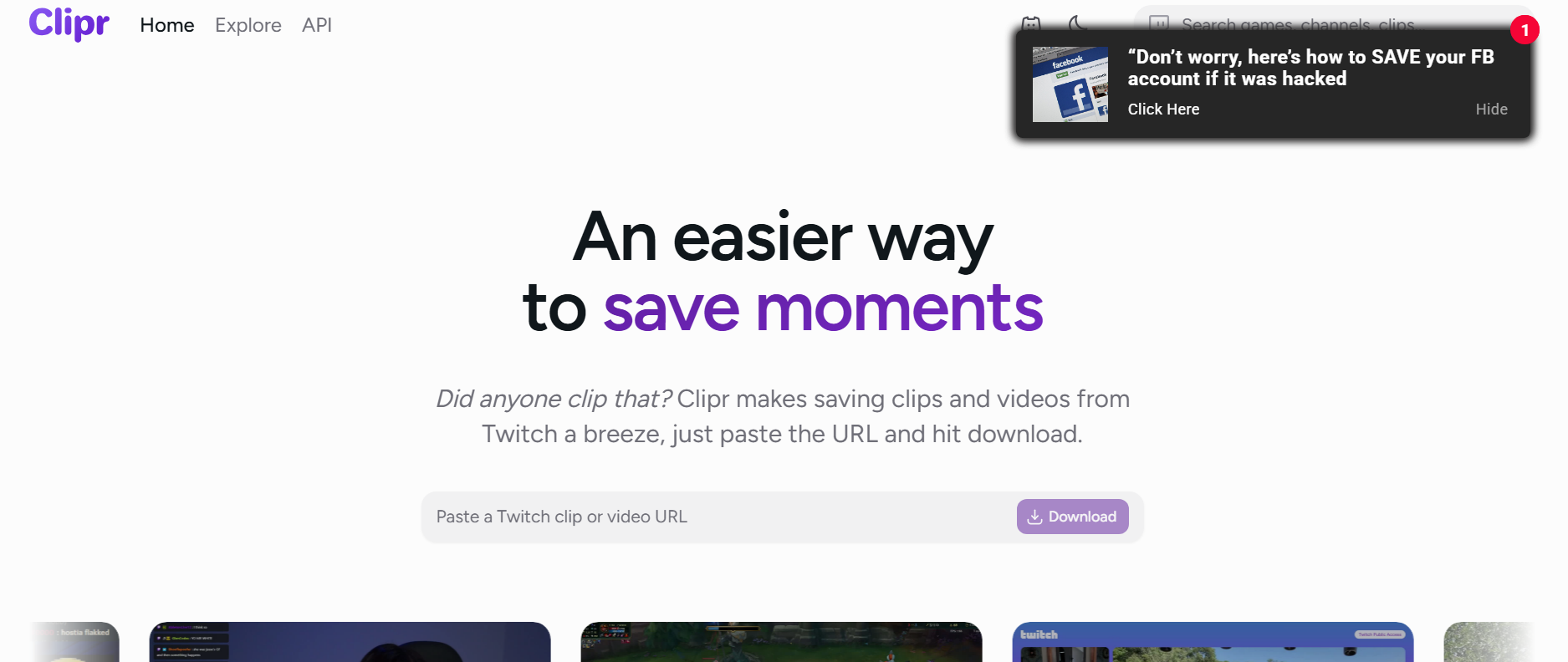
Clipr is an online tool that you can use to download Twitch clips directly from your browser. It works simply, with just a copy and paste, you can download your favourite Twitch clips. Also, there is no need to download any software to your computer. This is a very popular technique because it’s easy to use. All your favourite Twitch clips can be downloaded in just a few clicks, making it good for people who enjoy watching Twitch streams and people who make content.
Pros:
- Very easy to use
- No software installation required
- Free to use
Cons:
- Depends on a stable internet connection
- No batch download mode
- Quality could be low
- Can sometimes fail with longer or restricted clips
- Basic interface
2. Best Twitch Clip Downloader Browser Extension
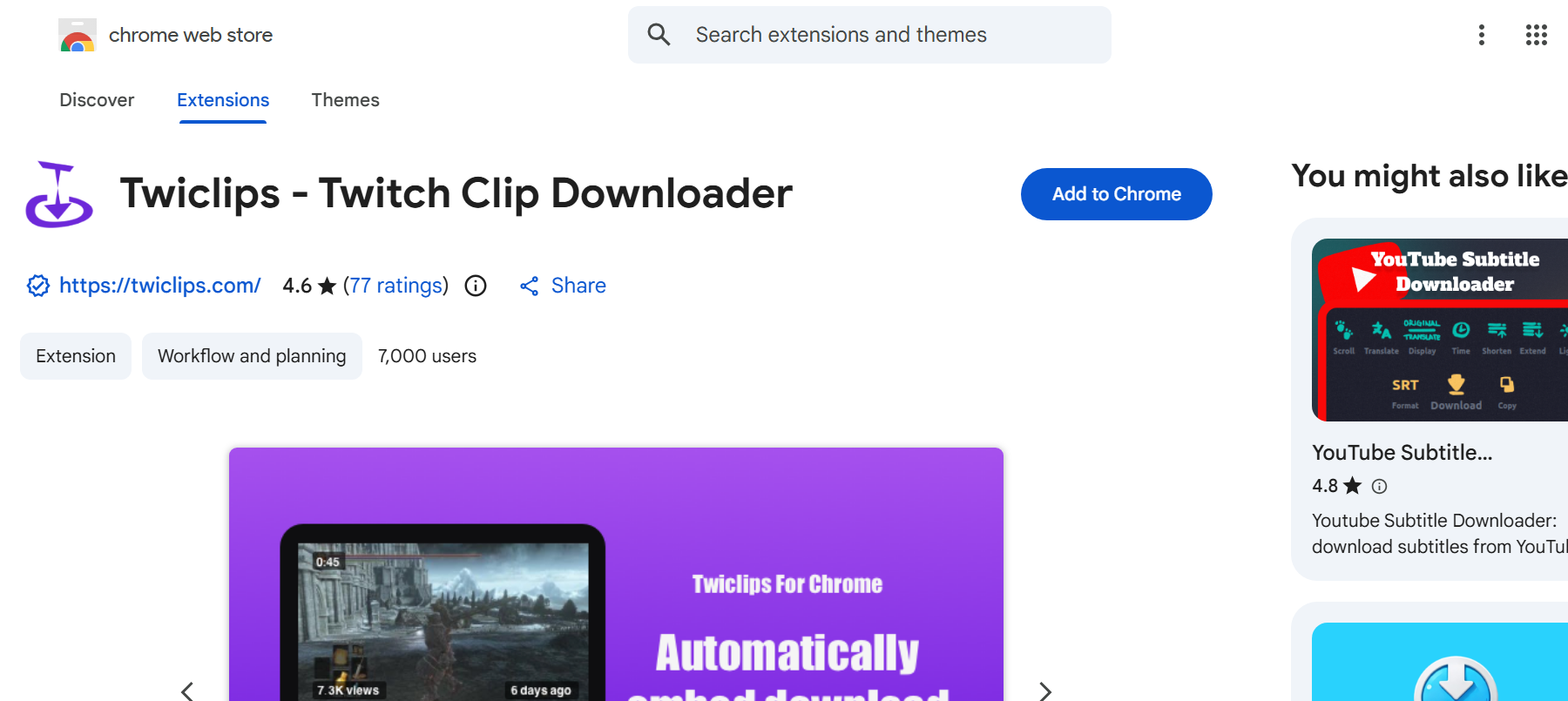
Twiclips Twitch Clip Downloader is a browser extension to download clips from Twitch without any issues. The extension will automatically identify if you’re on a Twitch page and allow you to download the video with just a click of a button. No more copying and pasting a link from an outside site. It is the method preferred by viewers or streamers who would like to quickly save their favourite moments from Twitch in MP4 format just with a click, all from within Twitch itself.
Pros:
- One-click download
- Lightweight and easy to install
- Free to use
- Automatic detection of clips and VODs
Cons:
- Works only on Chrome
- No batch downloading feature
- Low speed
- Not ideal for bulk downloading
3. Best Twitch Clip Downloader for Mobile
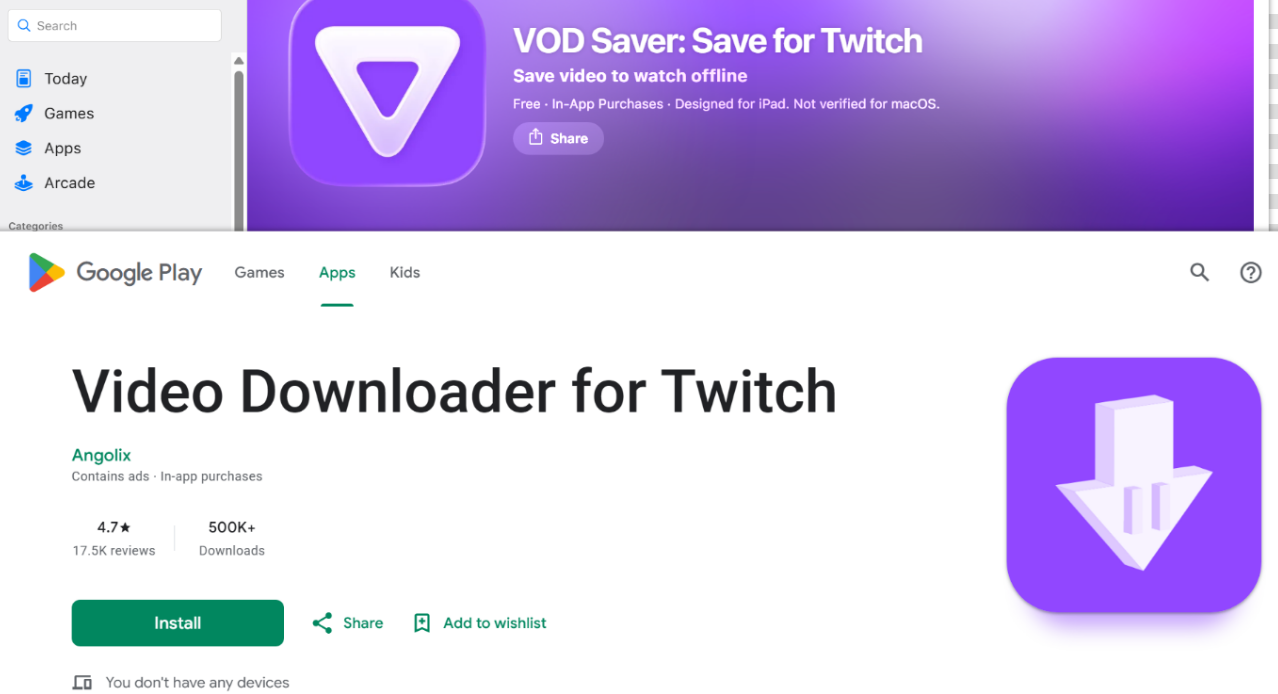
If you want to save Twitch clips to your phone, mobile applications are typically the easiest method to do so. There are two methods to download Twitch clips: you can use a free online website that allows you to download Twitch clips with your mobile browser, or you can use a dedicated app for both Android and iOS platforms. For apps, there are some popular options, such as Video Downloader for Twitch (Android) and VOD Saver (iOS). These two apps were built to rapidly search and download the clip from Twitch, convert it to a downloadable file, and save the downloaded video directly to the phone’s gallery, which can be played later offline.
Pros:
- Easy to use
- Quick download of Twitch clips
- Good for saving clips on the go
Cons:
- Limited features compared to desktop tools
- Some apps may show ads
- Quality options can vary
- iOS versions may have restrictions
- Requires a stable internet connection
4. FAQs
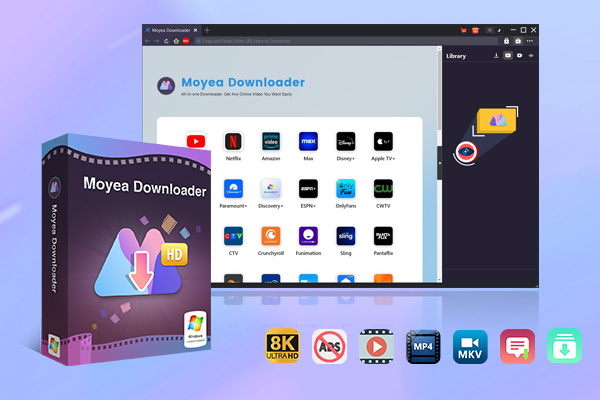
Moyea Twitch Downloader is a great and all-in-one program that saves Twitch clips but performs much more than that. It lets users download Twitch clips, VODs, and even live streams in high-quality. It’s a reliable option that offers control, quality, and the option to batch download instead of just using a basic browser or mobile app. Moyea Twitch Clip Downloader can output several video formats (MP4 and MKV), and save videos from various sources in up to 1080P Resolution and 60fps. Moyea Twitch Downloader is capable of downloading multiple Twitch videos simultaneously, which speeds up the download process to give all Twitch users an excellent downloading tool for saving content for later use.

-
– Download videos from 1000+ websites.
– Support to download videos in batches at up to 8K resolution without ads.
– Pack captions into output video file, or save captions as independent SRT/SUP files.
– Record any online video as high-quality 1080P MP4 or MKV files.
– user-friendly and multilingual settings.
Pros:
- Downloads Twitch clips, VODs, and live streams
- Supports MP4 and MKV formats
- High quality up to 1080p and 60fps
- Batch download support
- Fast performance with hardware acceleration
- Can remove ads from downloaded clips
Cons:
- Desktop software required
5. Conclusion
The Twitch clip downloaders can help you save your favourite stream moments for viewing or sharing offline, or even editing. There are multiple tools from which you can choose, depending on your requirements. There are various options such as online tools, simple browser extensions, or mobile applications. The best and most reliable choice is a tool such as Moyea Twitch Downloader. r. It not only supports Twitch clips but also enables downloading of VODs and live streams of higher quality, speed, and multiple downloads at once. However, it really depends on what you need, but for most people, Moyea Twitch Downloader is a really good choice for downloading.
6. Conclusion
Q1. Can I download Twitch clips directly from Twitch?
Twitch doesn’t have an obvious download button. Clips can only be saved from an existing broadcast if the broadcast owner has set it up for downloading.
Q2. Are Twitch clip downloaders free to use?
Yes, there are some free tools on the internet and browser extensions. However, note that there are no advanced features for free. If you’re looking for something more advanced on your desktop, then Moyea Twitch Downloader is the better option.
Q3. Can I download Twitch clips without installing software?
Yes, you can use online Twitch clip downloaders. No installation is required; these tools are installed directly in your browser..
Q4. Is it legal to download Twitch clips?
It depends on how you use them. You can download Twitch clips for personal use. It’s advised not to re-upload or use content for commercial use.
Q5. Why does a Twitch clip downloader fail to download clips?
This may be caused by unstable internet, broken links, private clips, or changes within Twitch’s platform that impact the downloader compatibility.
 Terms of Use: Moyea is intended solely for personal, educational, and non-commercial archival purposes use. It allows users to save a local copy of videos that they have legally subscribed or purchased. Any commercial utilization, unauthorized redistribution, or online sharing is prohibited. Users assume full responsibility for complying with copyright laws.
Moyea Downloader
 Try for Free
 Try for Free
 Download online videos in up to 8K resolution
Save streaming videos as MP4 or MKV files
Download videos from multiple popular streaming platforms
Batch download multiple videos at once
Support fast and stable video downloading with high compatibility



 English
 日本語
日本語