Share article:


KeepStream Review: Is It Worth Trying or Should You Pass for Something Better?

Updated: 2026-01-23
Related to: Moyea Downloader
74 Views
Summary:
In this Keepstream review, we will look at its key features, its safety, and how it works. We will also share some best KeepStream alternatives.
KeepStream is a very popular all, in, One video downloader among people who save videos, live shows, or full playlists from sites like YouTube, Twitch, and Facebook. The KeepStream developers have made the tool in such a way that it gives a seamless experience for offline access. There is no need to install any extra software when you want to use the tool. However, there are things that you perhaps should know, like whether the tool can really do what it says, and whether the price is reasonable. Is it also safe to use? Here we do a little digging on the performance, tools, pricing, and shortcomings of the app. Lets begin;
OutlineCLOSE
1. What Is KeepStreams?
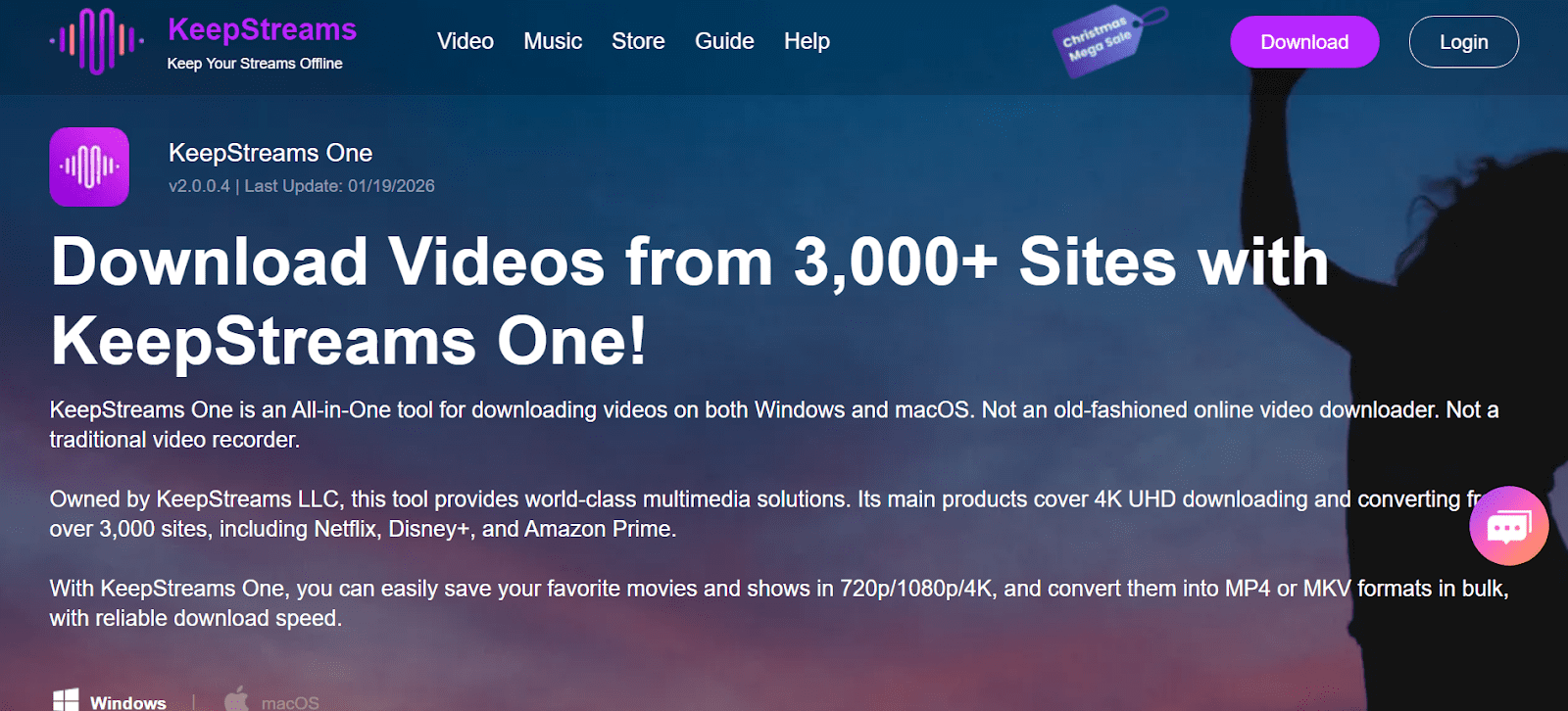
KeepStreams is a versatile streaming video downloader packed with a variety of features. After downloading it, the users can watch their most loved movies offline. It supports multiple websites for streaming. It is possible to download from more than 3000 platforms, including such leading platforms as Netflix, Amazon Prime Video, Disney+, Hulu, YouTube, and others. Both Windows and macOS versions are available, which means that the desktop users can take advantage of it.
You can download videos in 720p, 1080p, and 4K UHD from 3000+ streaming sites using it. You can download the files as MP4 or MKV and also queue up a batch for downloading to make handling larger files easier. The program is fast and reliable for me to download longer movies, whole series, families or a big playlist.
When it launched in 2018, it did so as a basic online video downloader. In 2021, it was renamed to KeepStreams All-in-One Video Downloader and grew its feature set. Now it does have multiple website support. It remains the people’s choice for title/organization changes, and tens of millions rely on it to keep up-to-date every day. KeepStreams has a 3.6-star Trustpilot rating. But it remains a useful tool to use for downloading.
2. Key Features of KeepStreams
What makes KeepStreams different? Its flexibility and straightforward features. Below are some of its main features.
2.1 Wide Platform Support
The first thing is a wide platform support, the software supports over 3000 websites. Streaming services and websites, big and small, and everything from Netflix, Amazon Prime Video, and Hulu to HBO Max and ESPN, are all compatible. It is ideal for customers who prefer to have a single tool to download videos across a number of different sites.
2.2 High-Quality Download Options
The software has the ability to save videos in varying high resolutions. Video resolutions can be from 720p and 1080p to 4K UHD, and in some instances, if the source is compatible, it can be 8k. You can also opt for different formats and save your downloads in the common formats of MP4 and MKV
2.3 Batch and Scheduled Downloads
Besides downloading entire series with batch downloading feature, with KeepStreams you can schedule download multiple videos for download at a single time. This function is particularly handy for people wanting to download large collections of content without having to watch each individual download.
2.4 Subtitles and Metadata
Your data catalog containing downloads and subtitles will remain as is. KeepStreams downloads videos along with subtitle files that users can choose from different languages. It also retains ID3 tags, cover art, and cast info with descriptions. These features aid users in having an organized offline media library.
2.5 Ad Removal and Audio Options
Another best feature is that the tool automatically removes ads from downloaded content. You will get a smooth watching experience without ads and buffering. It also gives users control over audio tracks. You can select your preferred languages or streams when multiple options are available.
3. Is KeepStreams Safe to Use?
Overall, we can honestly say that Keepstream is a decent option if you’re on the hunt for a way to download videos from various platforms to watch offline. We put Keepstream to the test by downloading a couple of videos from Netflix and Amazon Prime Video – and the experience was basically flawless. The end result was a video file that was the same quality as what you’d get from downloading direct from Netflix, with full-on 1080p and some seriously high bitrates (anywhere from 5500 kbps onwards) plus real surround sound in 5.1 EAC3 format.
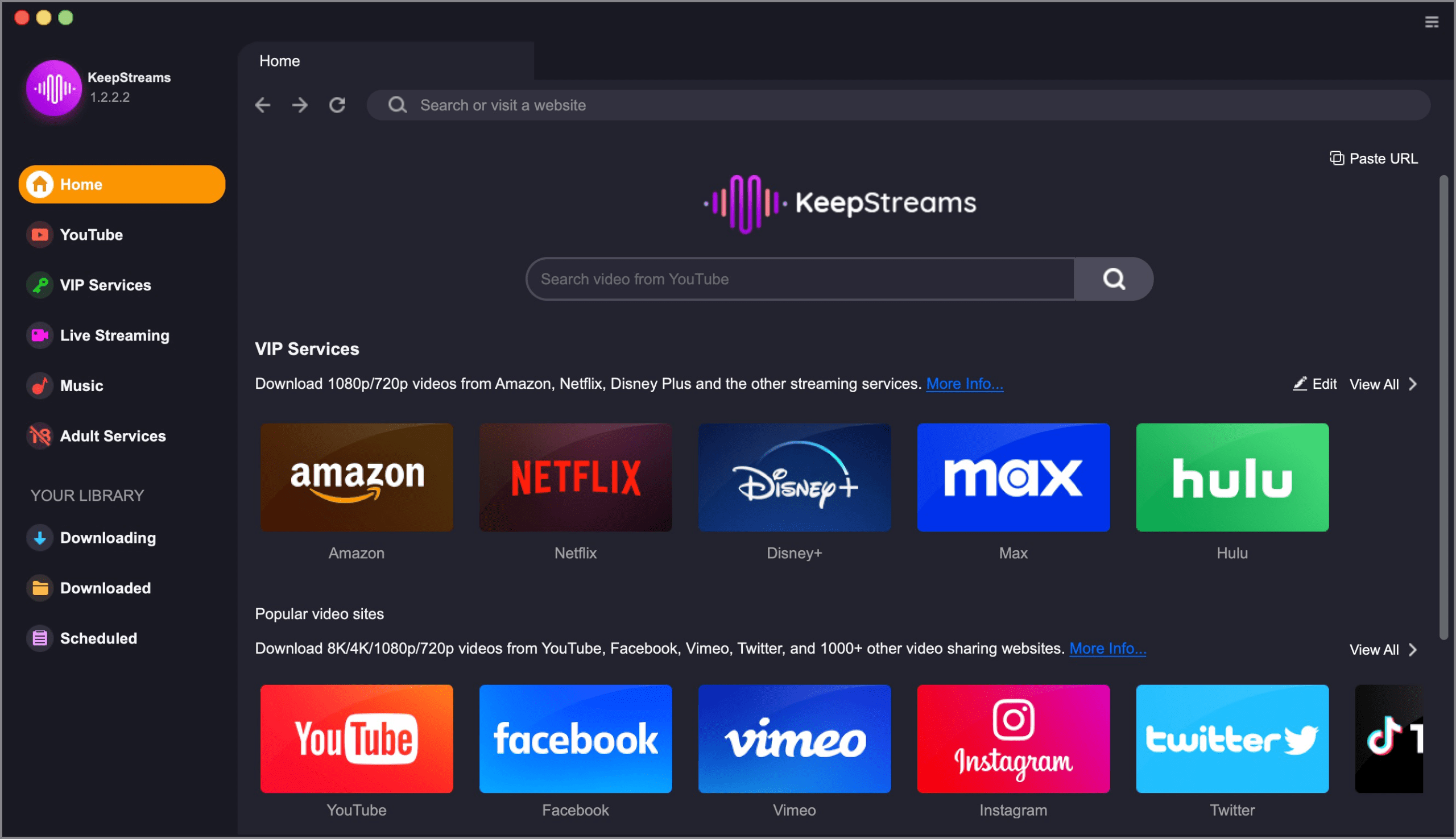
It’s also worth noting that the tool runs smoothly on both Windows and mac without any issues at all and no nasty surprises waiting in the background – no unwanted software or other junk getting installed. That being said, make sure you only get Keepstream from their official website rather than taking a risk and downloading some dodgy version from a third-party site.
4. How About the Pros & Cons?
Pros:
- You can download videos 1080p quality with high bitrate and quality audio
- Works for both Window and Mac users
- Good and Fast download speeds
- Batch download to download multiple videos at once
- Preserves subtitles and metadata like cover art and cast info
- Removes ads automatically
Cons:
- Many times you will see errors like “Analysis Failed” when streaming services update DRM keys. Usually, it take 2–5 days to fix
- The macOS version often lags behind Windows in updates and bug fixes
- Temporary download failures on certain platforms, like HBO Max
- Very slow customer support response
- You will face minor interface issues on older systems
No doubt, KeepStreams performs very well for users who want offline access to high-quality streaming content, but it isn’t a perfect option. The main issues are DRM updates and platform-specific lags. These issues are common across all similar downloading tools.
5. Best Alternative to KeepStreams You Can’t Miss
If KeepStream is not working for you, and if you want a reliable alternative, then you can use Moyea All-In-One Downloader. It’s a reliable tool that works across more than 1,000+ streaming websites, including Netflix, Amazon Prime Video, Disney+, Hulu, and YouTube, among others. It works on both Windows and macOS. You can download up to 8k videos. Also, you can download multiple videos at once with its batch downloading feature.

-
– Download videos from 1000+ websites.
– Support to download videos in batches at up to 8K resolution without ads.
– Pack captions into output video file, or save captions as independent SRT/SUP files.
– Record any online video as high-quality 1080P MP4 or MKV files.
– user-friendly and muitilingual settings.
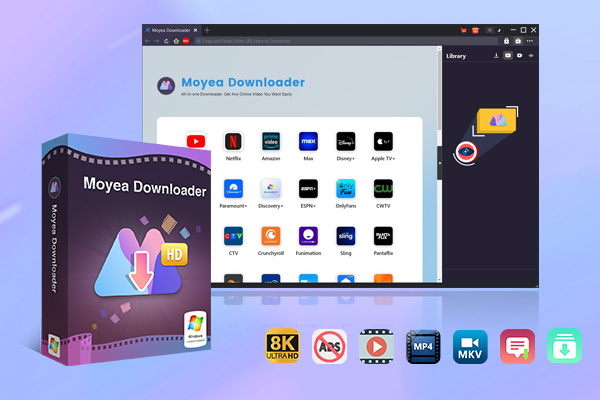
Even the batch downloading speed of downloading is very fast. With batch downloading, you can save whole playlists, channels, or TV shows that take only a few taps. Audio stays intact, subtitles remain, plus metadata is kept, and ads vanish without extra steps. Output works smoothly in MP4 or MKV, fitting neatly into any personal collection. Those who want something stronger than KeepStreams often find Moyea All-in-One downloader fast, sharp, and ready for anything.
Final Verdict
In short, KeepStreams is worth trying if you want a single tool with broad platform support and excellent output quality, and you’re willing to tolerate occasional hiccups. However, if stability, faster updates, and more consistent performance are your top priorities, alternatives like Moyea All-in-One Downloader may offer a smoother and more dependable experience for the long run.
 Terms of Use: Moyea is intended solely for personal, educational, and non-commercial archival purposes use. It allows users to save a local copy of videos that they have legally subscribed or purchased. Any commercial utilization, unauthorized redistribution, or online sharing is prohibited. Users assume full responsibility for complying with copyright laws.
Moyea Downloader

 Try for Free
 Try for Free
 Download online videos in up to 8K resolution
Save streaming videos as MP4 or MKV files
Download videos from multiple popular streaming platforms
Batch download multiple videos at once
Support fast and stable video downloading with high compatibility
Related







 English
 日本語
日本語