Last updated on 2025-12-19, by
Top Video Downloader Chrome Extensions & Better Alternatives
Summary:
Chrome add-ons for video saving? Sure, they’re quick plus easy at first glance. Yet most fail today’s streaming sites – due to DRM locks, missing sound, or limits baked into browsers. A standalone tool like Moyea Video Downloader makes it easier to grab videos over time without hassle.
We all like downloading videos to watch them later. Sometimes, it is our favorite funny video, a short tutorial, or an old show or movie. The offline downloading option has great flexibility and greater freedom. Chrome extensions are one of the ways to download videos. You can download the video easily through the Chrome extensions since they are right in your browser. But the issue is that not all of them work well. Most extensions come with limitations, and most will report numerous download problems. Therefore, there is a need to locate some better alternatives to Chrome extensions. In this article, we will cover all this in detail. Let’s get started.
OutlineCLOSE
Part 1. Top 7 Chrome Video Downloader Extensions
By keeping the functionality and reliability in mind, we have curated a list of the 7 best Chrome video downloader extensions below. We will discuss each in detail.
1. Video DownloadHelper
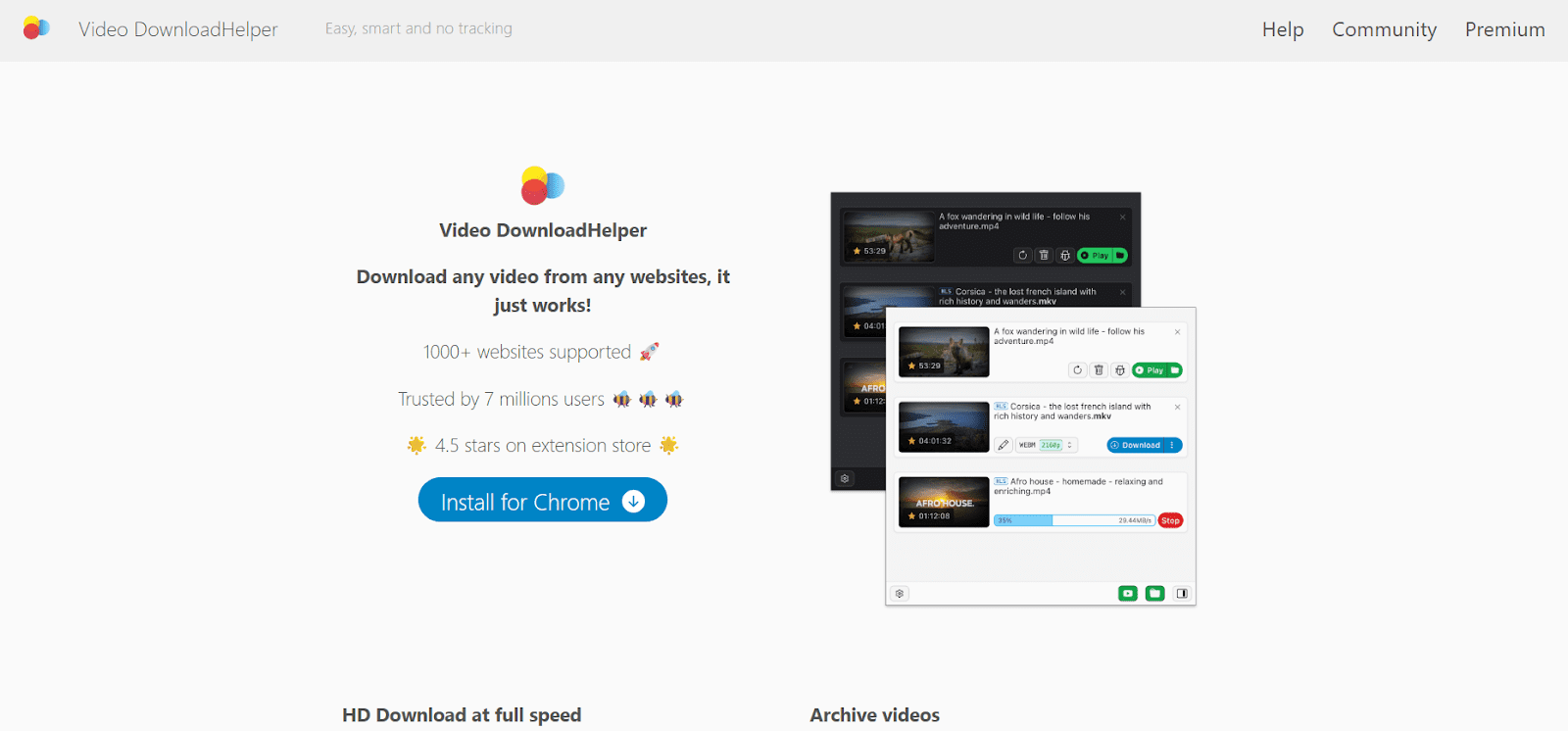
Video DownloadHelper’s been around forever. Still, it’s the top choice for grabbing videos on Chrome. The tool spots media right away when you’re browsing. Once it finds a clip, hit download – get it in MP4 or WebM without hassle. It works fine on typical news pages, personal blogs, or social platforms when video protection isn’t strong. Still, it struggles whenever you hit today’s major streaming platforms. Quite often, users get asked to set up an extra app on their computer just to finish grabbing a file. Because of that demand, what should be a quick fix right inside your browser turns into more hassle than help.
2. Free Download Manager
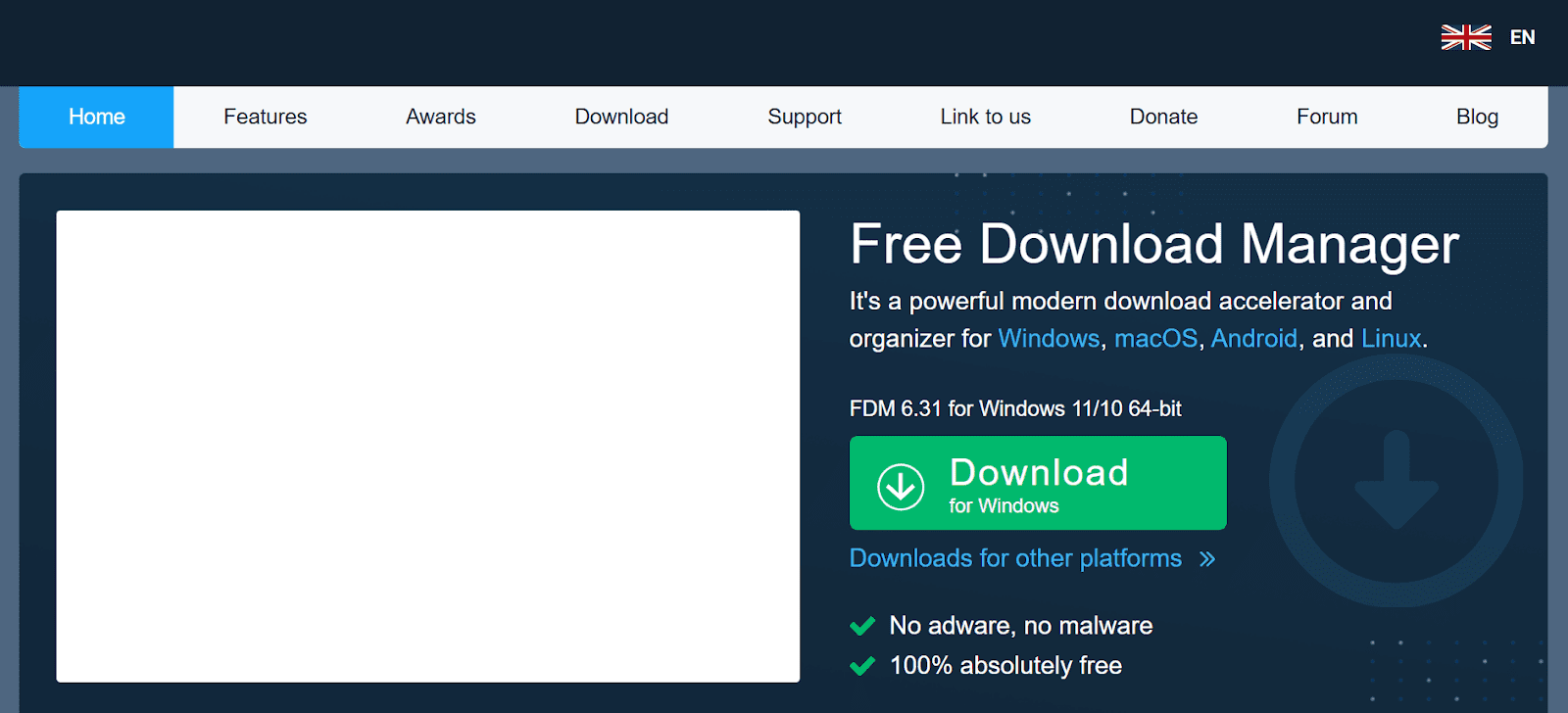
Free Download Manager is another popular option. This extension is a kind of bridge between your browser and desktop. These two collaborate to offer video links. You can easily download videos at a decent speed and it can automatically resume files which have been interrupted. It is suitable with big video files and in overall file management. But here you must keep in mind that the extension alone is limited. It will rely on the desktop software to operate effectively.
3. Flash Video Downloader
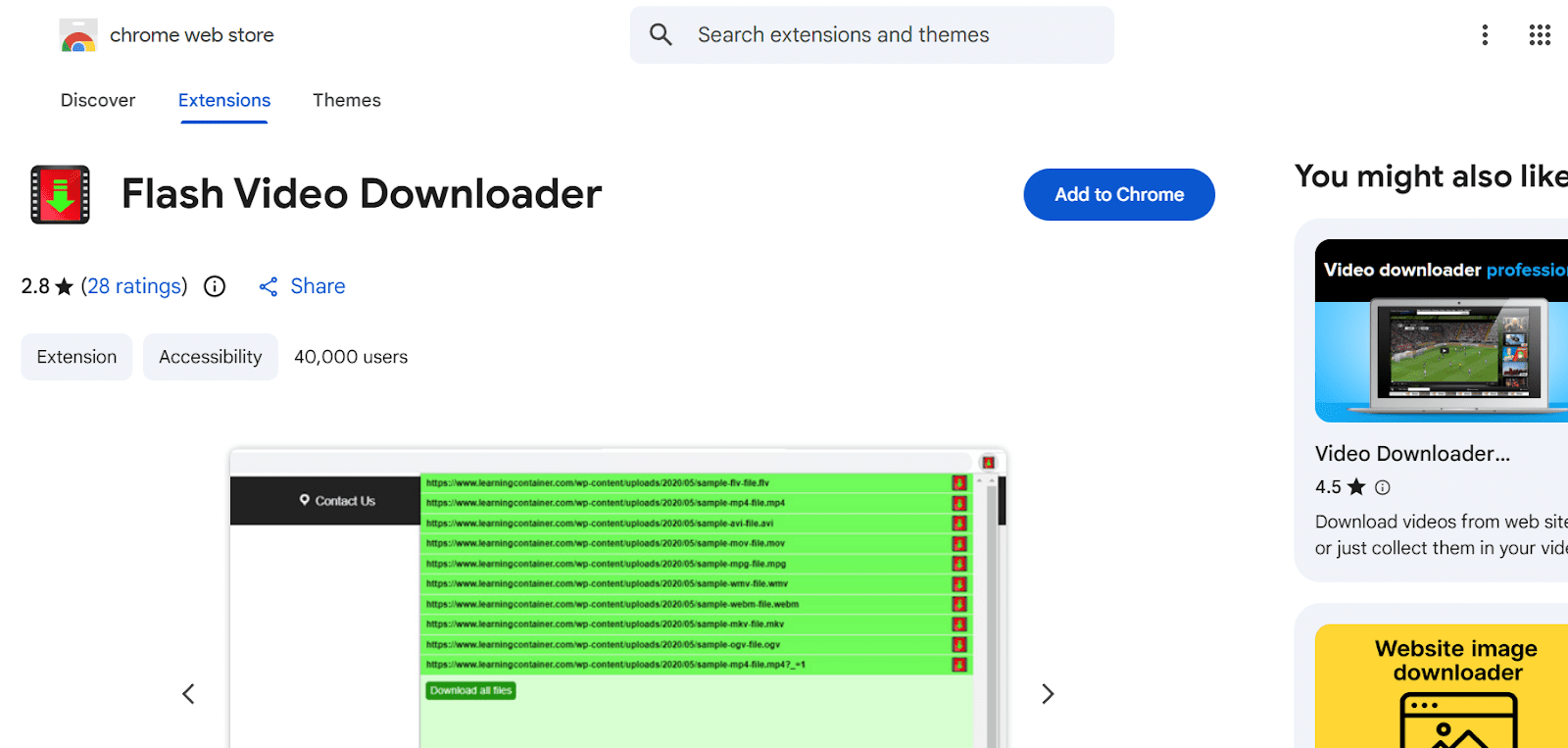
Flash Video Downloader is another lightweight extension. That tool works like a link from browser to PC. They team up when grabbing video URLs. Grab clips fast, no sweat, plus broken downloads restart on their own. Handles large videos well while keeping things tidy behind the scenes. Still, remember this – on its own, the add-on isn’t much. It needs the app on your computer to actually work right.
4. Easy Video Downloader
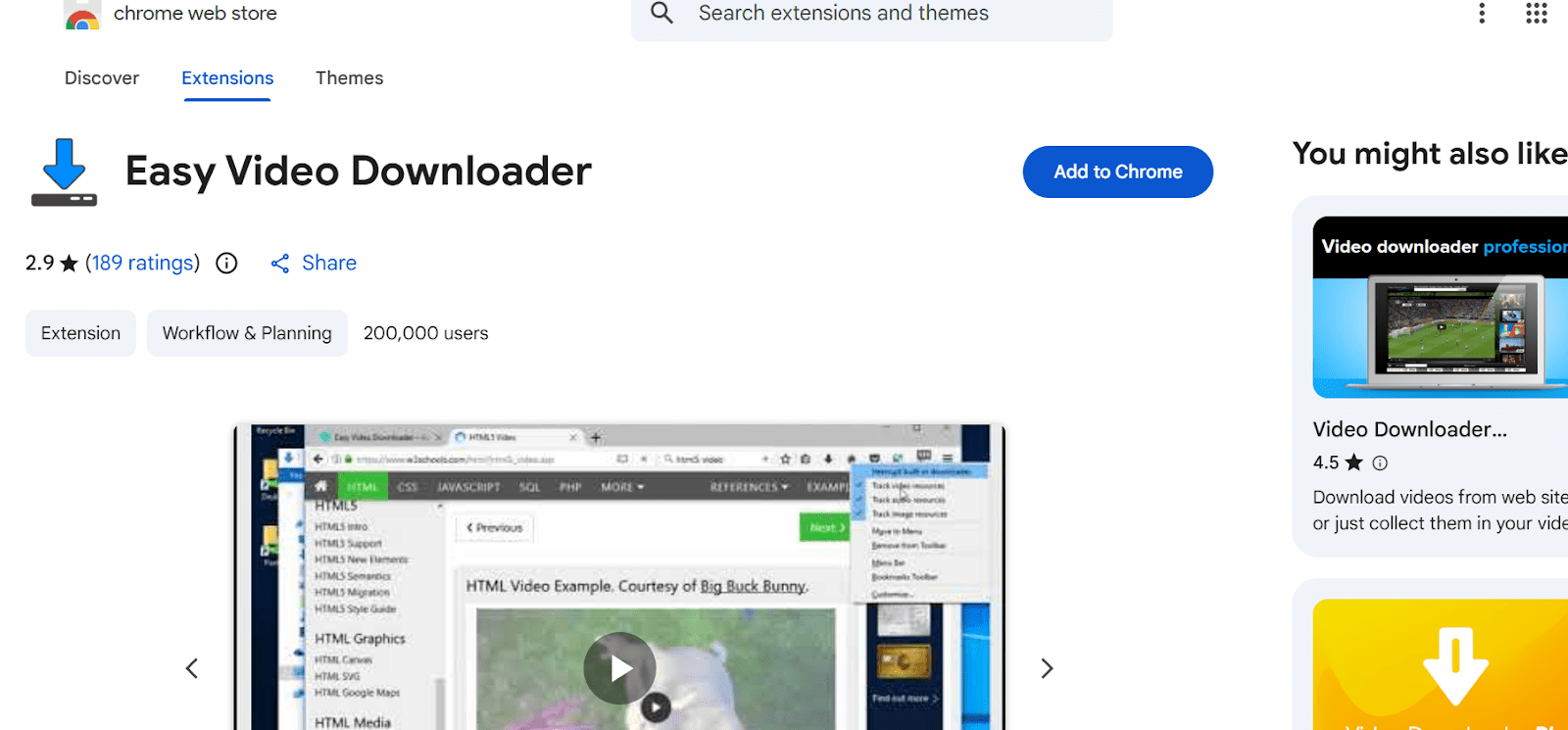
Easy Video Downloader’s a simple tool that doesn’t need much setup. Once you’re on a site with a video, the download button shows up right away. Just hit it – no extra steps needed. This works well for shorter or average clips found on regular websites. Still, it doesn’t work well with many formats. You’ll see it misses high-res streams, lists, or locked videos.
5. Video Downloader Pro
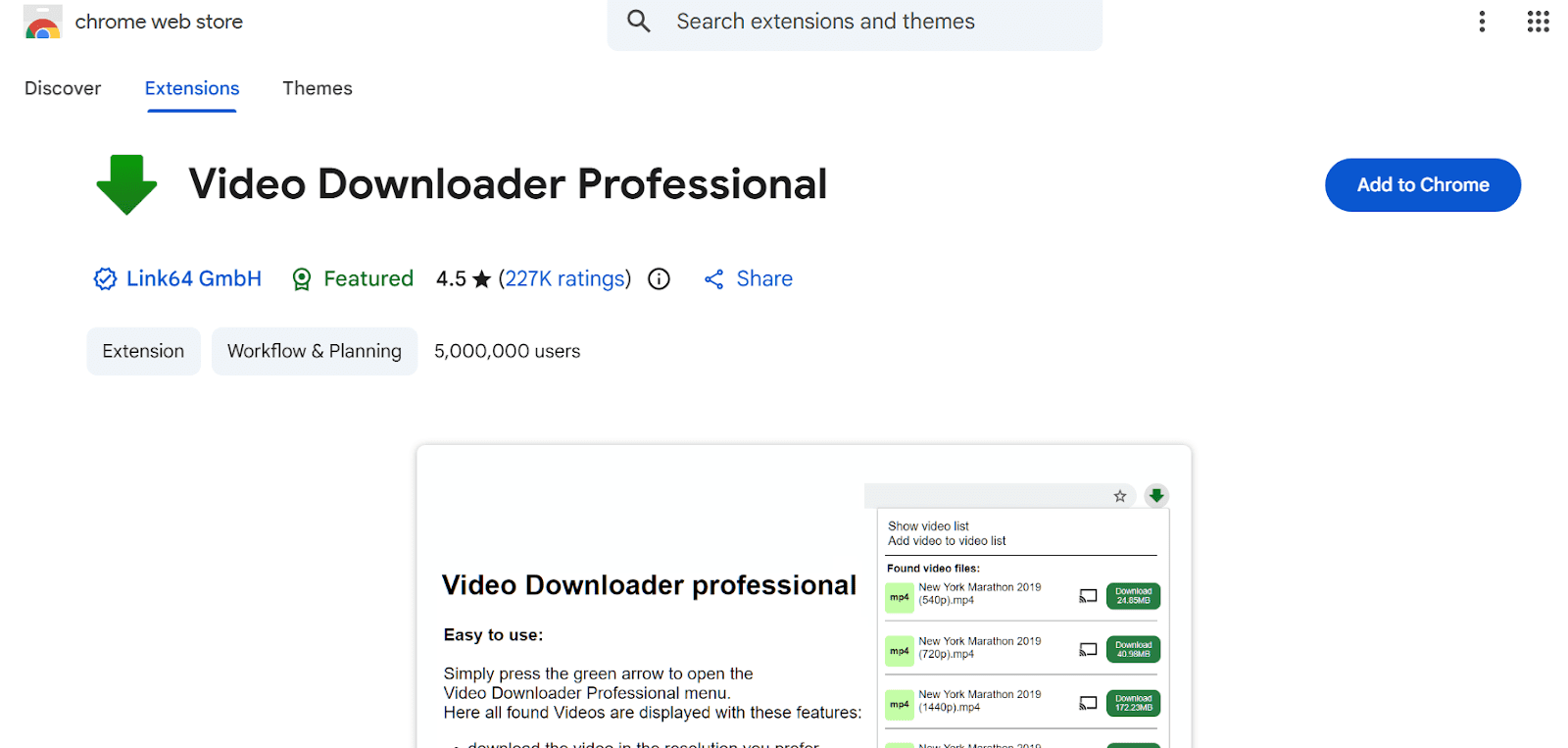
Video Downloader Pro runs just like other add-ons. Instead it kicks in when you’re on a live page, scanning for video links. Hit the button up top and boom – download choices pop up. Usually, there’s more than one format ready to go. So if you’re picky about quality or file type, this thing fits your vibe. Still, it doesn’t catch things right most times. You’ll see it often misses high-quality streams instead.
6. Ant Download Manager

Ant Download Manager comes with a Chrome extension and a powerful desktop download manager. It handles videos, music, along with general file grabs. Enjoy extras like pace adjustment plus restart ability. Runs solid when dealing with media straight up. Handles those files smoothly – outperforms many web-limited add-ons. Still, how well it works depends on the video type you’re using. Like most options out there, it struggles with locked-down streams while needing extra payments to unlock everything.
7. Video Downloader Professional
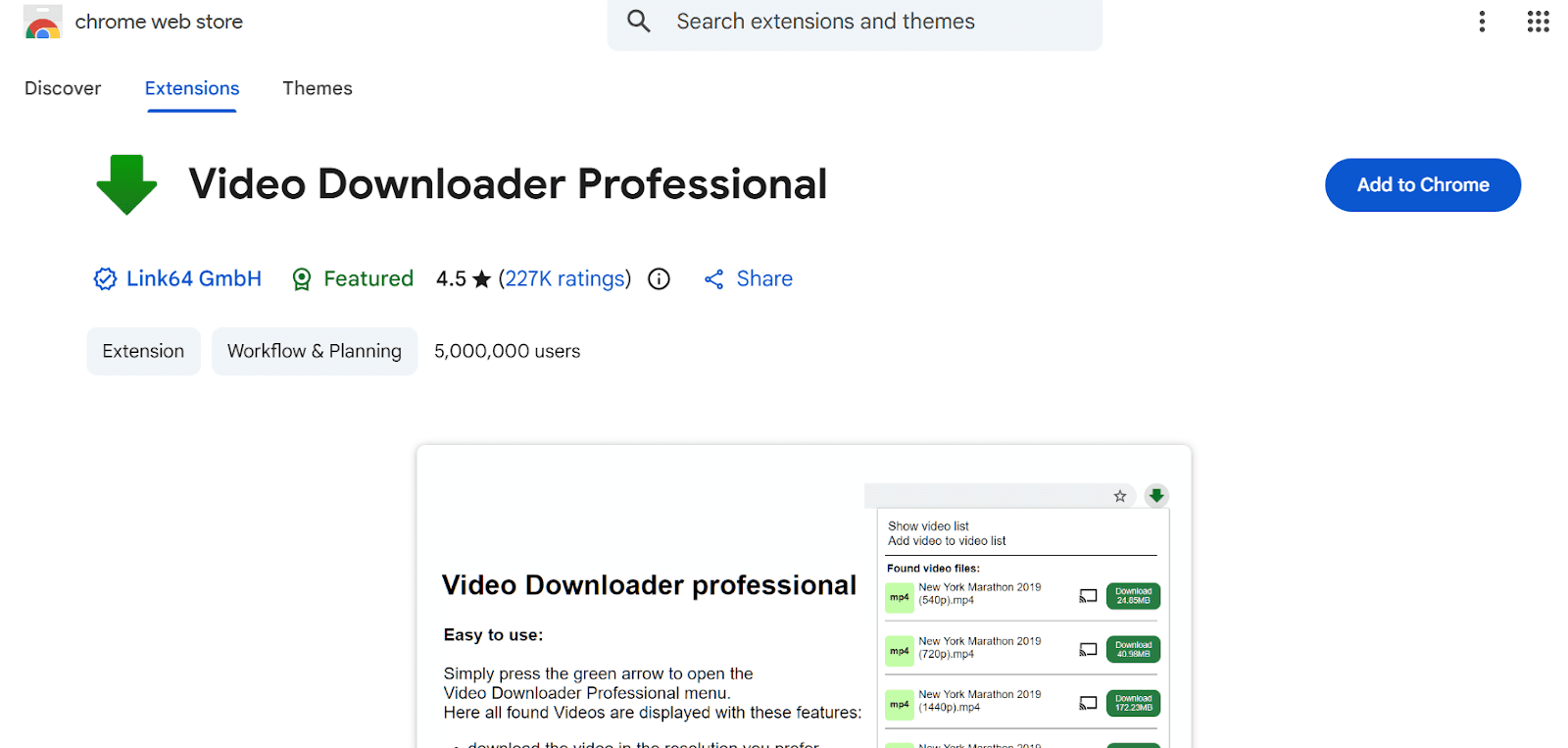
Video Downloader Professional offers a straightforward way to grab clips quickly. Instead, it scans web pages for downloadable videos so users can store them easily. The layout feels clear, yet it only handles basic, unencrypted video types. On the downside, there’s no support for downloading multiple files at once or changing formats. Besides that, it won’t work with streaming methods or protected material.
Part 2: Challenges with Chrome Extensions for Video Downloading
Chrome video downloader extensions may appear very convenient at first. However, after frequent usage, there are a number of limitations that appear. The inability to download videos is one of the most widespread issues. The extension shows a download button on a video, which most of the time does not work when clicked by the user. This problem is common on modern streaming websites where the streaming technology is segmented or adaptive rather than a single video file.
Missing audio is another issue that is common. Some extensions download only the video track, leaving it a silent file, which must be fixed with additional tools. Browser updates are also very problematic in regard to reliability. Updates to Chrome can break extensions suddenly, forcing users to wait until they are fixed (and the extensions may never be released).
Moreover, the majority of video downloader extensions in Chrome cannot deal with DRM-protected content. As a result, they do not support premium streaming platforms, so they cannot be used in the long term or professionally.
Better Alternative: Moyea Video Downloader
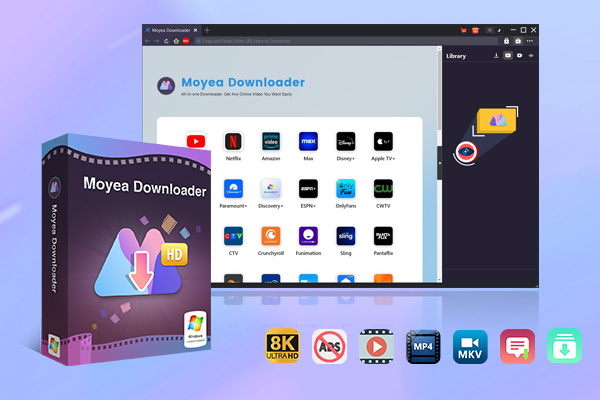
In every such situation, it is clear that the Chrome video downloader extensions can have a hard time with modern streaming technology. In that case, a specific desktop tool is more reasonable. Moyea Video Downloader is one of these tools. This tool is a more powerful alternative to Chrome downloader extensions due to its impressive features.

-
– Download videos from 1000+ websites.
– Support to download videos in batches at up to 8K resolution without ads.
– Pack captions into output video file, or save captions as independent SRT/SUP files.
– Record any online video as high-quality 1080P MP4 or MKV files.
– user-friendly and muitilingual settings.
Comparison: Moyea Video Downloader vs. Chrome Extensions
|
Feature |
Moyea Video Downloader |
Chrome Video Downloader Extensions |
|
Stability |
Very Stable |
Low Stability |
|
Max Video Quality |
Supports HD up to 8K |
Usually limited to SD or basic HD |
|
Batch Download |
Yes, supports playlists, channels, and bulk downloads |
No |
|
Live Stream Support |
Can download live streams via M3U8 detection |
Often fails or doesn’t support live streams |
|
Audio & Subtitles |
Allows selection of audio tracks and subtitles |
Commonly misses audio or subtitle options |
|
Ads Removal |
Yes, removes ads during download |
No |
|
Long Downloads |
Stable for large files and long sessions |
Prone to errors or incomplete downloads |
|
Ease of Use |
Built-in browser with one-click detection |
Simple but limited detection accuracy |
If you rely on video downloads regularly, a desktop downloader offers far fewer limits and much better consistency than browser extensions.
Part 3. FAQs
What’s behind most Chrome add-ons crashing on places such as YouTube?
This happens mostly since YouTube keeps changing how it protects its videos. Also, everyone knows Chrome add-ons rely on basic scanning methods that break once YouTube tweaks anything. Because of this, nearly all those add-ons can’t grab YouTube clips anymore.
Do download add-ons break any laws?
It really comes down to your approach. If it’s just for personal use, things tend to be fine. Just make sure you avoid sharing, posting again, or passing around anything you’ve grabbed – those moves can get risky legally.
What should you do if an extension downloads a video without audio?
This happens a lot. Lots of websites split sound from picture into separate parts. Instead of grabbing both, some tools take just the video while leaving audio behind. When that occurs, try using a program like Moyea Video Downloader on your computer – it handles merging them correctly.
-
StreamFab Netflix Downloader Review: Features, Pros & ConsCassie J./2026-03-31
-
5 Hulu Family Sharing Tips for Smooth ViewingCassie J./2026-03-30
-
Netflix Not Working on Roku? Solve It NowCassie J./2026-03-27
-
3 Proven Ways to Watch Netflix Without AdsCassie J./2026-03-25
-
Apowersoft Streaming Video Recorder Review: Features, Pricing, and AlternativesSunny Wen/2026-03-24
-
Best Amazon Prime Video Recorders: Record with the BestPatrick Murray/2026-03-19
-
How to Download Amazon Prime Videos to iPhone/iPadPatrick Murray/2026-03-18
-
YouTube TV DVR: How It Works and How to Record Live TVSunny Wen/2026-03-17
-
How to Record Twitch Streams? All Methods ExplainedPatrick Murray/2026-03-17
-
Download PBS Videos Easily: From Public Clips to Passport ShowsPatrick Murray/2026-03-17








-
Top 5 Udemy Downloaders to Download Udemy Courses on PCPatrick Murray/2025-07-03
-
Best 9 Anime Download Sites to Download Anime [Free & Paid]Patrick Murray/2024-07-12
-
4 Best DRM MPD Downloaders in 2026Leia Liu/2025-05-29
-
HBO Max with Ads VS. No Ads: What Are the DifferencesLumi/2025-05-13
-
6 Best M3U8 Downloaders to Download M3U8 PlaylistsLumi/2025-05-22
-
[2024] How to Download DRM-Protected M3U8 VideosLumi/2024-10-29
-
How to Stream Prime Video on Nintendo Switch?Patrick Murray/2024-09-14
-
How to Activate Tubi on Different Devices? [LG, FireStick, Roku, PS5…]Cassie J./2024-09-24
-
[2026 Latest Review] Best Amazon Prime Video DownloadersPatrick Murray/2025-05-16
-
How to Download an MPD Video with DRMLeia Liu/2024-09-20








Related

YouTube TV DVR: How It Works and How to Record Live TV
Download PBS Videos Easily: From Public Clips to Passport Shows

How to Mute or Unmute Someone on Instagram

How to Update Instagram App to Get the Latest Features

Crunchyroll Offline Viewing for Travel: How to Watch Anime Without Internet

What Is Sling FreeStream and What You Get for Free


 English
 日本語
日本語