Last updated on 2026-03-19, by
Best Amazon Prime Video Recorders: Record with the Best
Summary:
This blog will introduce the 3 best tools to help you record Prime Video easily.
I’ve been a Prime Video addict for years, and there’s one pretty frustrating thing: I can not save my favorite shows and movies forever. Recently, I have been trying to record Amazon content, and guess what, each free screen recorder I tried on my laptop gave me nothing but a black screen. In this blog, I will share my experience of recording Amazon Prime Video, and I actually found 3 best tools that work. Just read on to learn how to record Prime Video easily.
OutlineCLOSE
1. Can I Just Record Prime Video Simply with a Screen Recorder?
I honestly believed I could record Prime Video at first. Here are the tools I have tried: Windows Xbox Game Bar, OBS Studio on my desktop, and the native screen recorder on my MacBook. And you know what happened? They simply turn out a black screen. The audio played perfectly, but the video feed vanished completely.
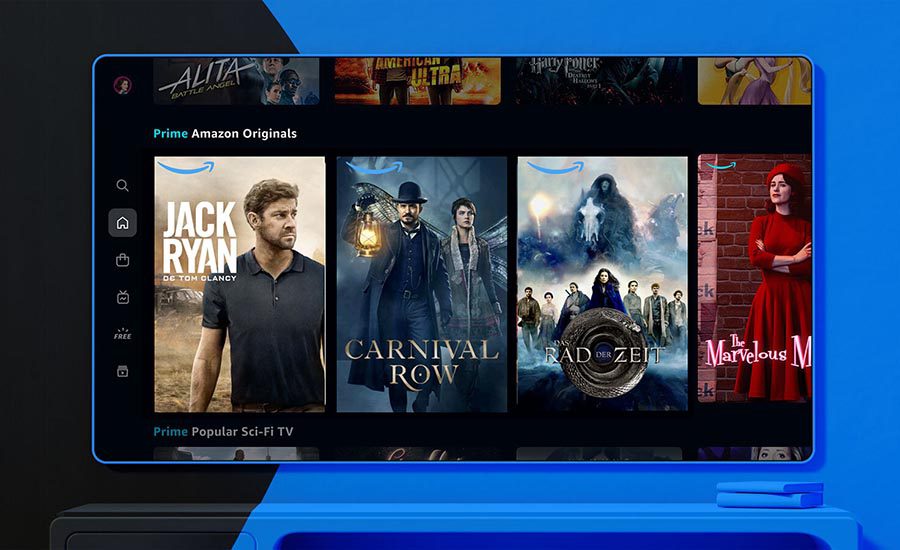
After those frustrating nights, I gave up on generic screen recorders completely because I know they won’t work. So, how to record Amazon Prime Video without a black screen? You need a dedicated Prime Video recorder designed to beat Prime’s protections. Let’s check them out soon!
2. Top 3 Amazon Prime Video Recorders
After testing more than a dozen tools over several weeks on my computers, I have eventually spotted three prime video recorders that actually work. Here are the top choices on my list.
Audials
The first recorder I installed is Audials One 2026. I found that the software can successfully detect the Prime Video player and export videos without a black screen. It also automatically cuts out the ads during recording, which is a big plus. It’s not just Prime Video. I can use it to record movies, music, TV shows, and even livestreams from various streaming services on my Windows PC.
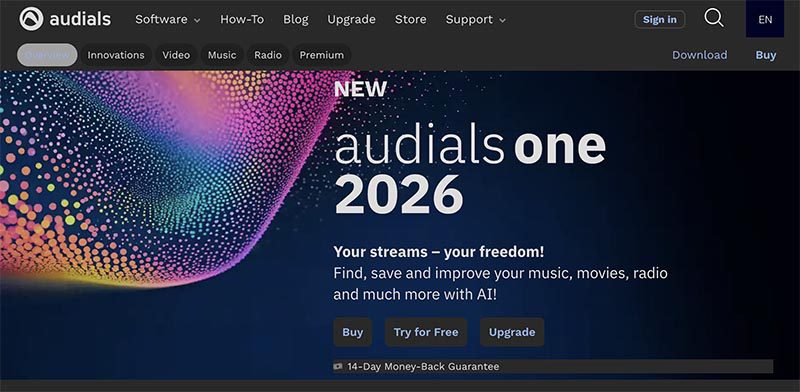
It also gave me flexibility with output formats, so I can save videos as MP4, MKV, AVI, or WebM. In terms of quality, I found the recordings quite sharp with vibrant colors. One feature that stands out to me is the speed; I can record at up to 4× faster than real time, so a two-hour movie only took about 30 minutes.
What I loved in my tests: AI-driven enhancements made older or lower-quality videos look sharper and more vibrant. I also like the AI frame interpolation, which smooths out motion perfectly and eliminates blur in fast scenes.
What disappointed me: It can’t seem to work for a few newer high-DRM movies on my list; sometimes it can drop to 720p no matter what settings I use. Once my internet dipped slightly, I lost audio-video sync during an entire episode.
PlayOn
Since I already used PlayOn for Netflix and Hulu, I thought I might as well test it for Amazon Prime Video. So I checked out the PlayOn Cloud version. It records everything on a virtual PC in the cloud (just like a DVR) and delivers clean MP4 files. I can even cast straight recorded videos to my TV or sync across all my devices.
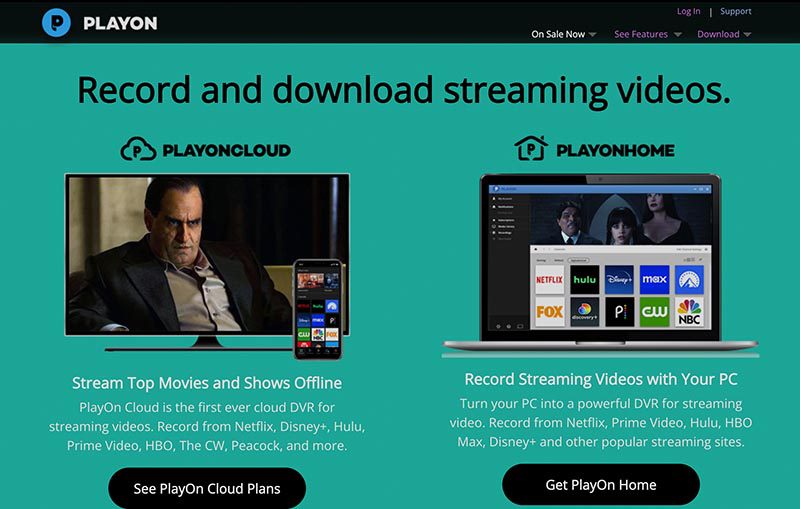
What worked well: It can truly record clean MP4 files with ads skipped and subtitles included. I also like its auto recording of new episodes, and I can store videos in the cloud for easy access.
What let me down: I find that some files might have a lower resolution than what I saw on the screen. When I ran into a small glitch, customer support was quite unresponsive.My personal verdict: It’s decent if you record multiple streaming services. However, I have to wait for real-time recording, and occasional quality issues made it only my second choice.
CleverGet Recorder
I have to say: CleverGet Recorder is my go-to choice to record videos because it completely changed my experience. It truly delivers far more than I expected. I can record in MP4 and MKV in true 4K at 60 FPS, with speeds reaching up to 5× faster than real time on many titles. I can even record a full 4K movie in under 30 minutes while doing other things around the house.
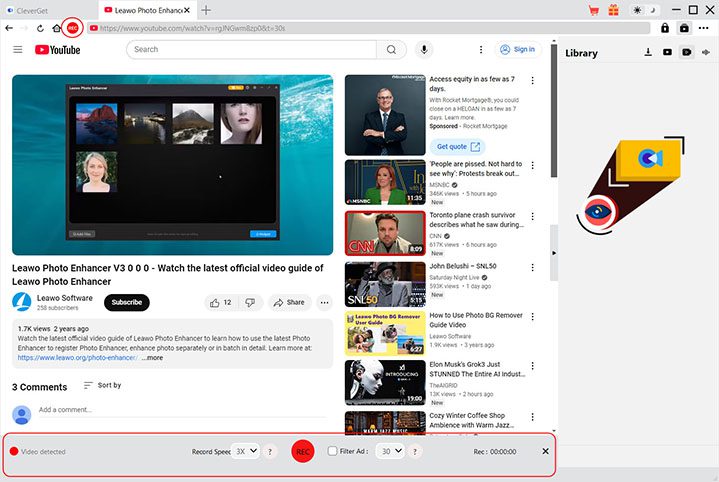
Meanwhile, the video quality looks identical to the original stream. Its beta ad removal feature managed to catch almost every commercial. So, how to record on Prime Video with it? Just play the video with its built-in browser and click the REC button, and that’s it.
What I find outstanding: I really like its fast and simple process. The background recording and scheduling features are quite convenient. The built-in ad removal was also a big plus.
What’s a bit off: The only downside for me is that it still relies on real-time recording, but it’s faster than other options. So this is not a dealbreaker for me.
My personal verdict: If you want a reliable recorder that just works every time, CleverGet is the best tool I recommend. I’ve already saved more than 70 titles with it!
3. Don’t want to wait for the recording process? Try Downloading
While the previous tools are good enough, I still don’t quite like recording. It does take patience, especially for longer movies. Therefore, I switched to Moyea Amazon Downloader, a completely different yet excellent workaround.

-
Batch download Amazon Prime Video movies and full or selected seasons of shows at up to 1080p resolution with preferred subtitles and audio tracks. Download Amazon Prime Movies as MP4 or MKV file for offline viewing without expiration, and remove ads for offline ad-free watching.
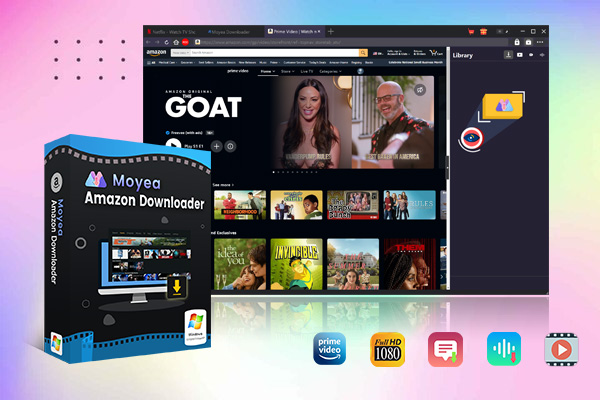
There is no need to record Prime Video and wait for it. I can download a two-hour 1080p movie in just 10-15 minutes instead of waiting for the recording. This is a huge upgrade! I can save my favorite Amazon videos into MP4/MKV with up to 1080p resolution and no quality loss at all.
What impressed me even more was the flexibility. I could easily download multiple audio tracks and subtitles along with the videos. The batch download feature was also a big time-saver because I could queue entire seasons and let everything download automatically. It completely transformed my experience, from a slow, time-consuming recording to a faster, smoother direct download.
Conclusion
After testing everything myself, I will recommend CleverGet Recorder and Moyea Amazon Downloader as the most reliable solutions. CleverGet is a great place to record Prime Video hassle-free. And Moyea is the better choice if speed and convenience matter more to you!
-
How to Use Hulu Picture-in-Picture Mode on Any Supported Device?Patrick Murray/2026-04-29
-
How to Watch Deleted YouTube Videos?Patrick Murray/2026-04-29
-
Twitch VOD: What It Is and How It WorksSunny Wen/2026-04-24
-
Full Review of Savethevideo: Is Savethevideo Safe?Patrick Murray/2026-04-21
-
Fix Guide: Prime Video Download Not WorkingPatrick Murray/2026-04-21
-
Is Crunchyroll Free? How to Watch Anime Without PayingSunny Wen/2026-04-20
-
StreamFab Netflix Downloader Review: Features, Pros & ConsCassie J./2026-03-31
-
5 Hulu Family Sharing Tips for Smooth ViewingCassie J./2026-03-30
-
Netflix Not Working on Roku? Solve It NowCassie J./2026-03-27
-
3 Proven Ways to Watch Netflix Without AdsCassie J./2026-03-25



-
Top 5 Udemy Downloaders to Download Udemy Courses on PCPatrick Murray/2025-07-03
-
Best 9 Anime Download Sites to Download Anime [Free & Paid]Patrick Murray/2024-07-12
-
4 Best DRM MPD Downloaders in 2026Leia Liu/2025-05-29
-
HBO Max with Ads VS. No Ads: What Are the DifferencesLumi/2025-05-13
-
6 Best M3U8 Downloaders to Download M3U8 PlaylistsLumi/2025-05-22
-
[2024] How to Download DRM-Protected M3U8 VideosLumi/2024-10-29
-
How to Stream Prime Video on Nintendo Switch?Patrick Murray/2024-09-14
-
How to Activate Tubi on Different Devices? [LG, FireStick, Roku, PS5…]Cassie J./2024-09-24
-
[2026 Latest Review] Best Amazon Prime Video DownloadersPatrick Murray/2025-05-16
-
How to Download an MPD Video with DRMLeia Liu/2024-09-20



Related
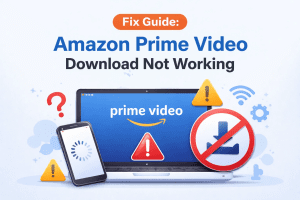
Fix Guide: Prime Video Download Not Working
How to Download Amazon Prime Videos to iPhone/iPad
Where Are Prime Video Downloads Stored on PC/Mobile?

How to Contact Amazon Prime Video Customer Service for Help/Support?
Quick Guide: How Long Do Prime Video Downloads Last?

Easy Guide: How to Burn Amazon Videos to DVDs?


 English
 日本語
日本語